12 Best Marketing Automation Software for Small Business in 2026

Discover the top 12 marketing automation software for small business. Compare features, pricing, and find the right tool to grow your brand.
Managing every moving part of your small business is a monumental task. From lead generation and customer nurturing to social media engagement, the daily workload can quickly become overwhelming, leaving little time for strategic growth. This is precisely the problem that marketing automation software for small business is designed to solve. These platforms act as a digital extension of your team, handling repetitive, time-consuming marketing tasks so you can focus on what you do best: running your business.
By automating workflows like email sequences, lead scoring, and social media content creation, you can deliver personalized experiences at scale without draining your resources. This not only saves you countless hours but also ensures consistent communication with your audience, which is crucial for building lasting customer relationships and driving revenue. Think of it as putting your most critical marketing functions on a smart, efficient autopilot.
This comprehensive guide is built to help you navigate the crowded market and find the perfect tool for your specific needs. We will analyze the top marketing automation platforms, detailing their key features, pricing, and ideal use cases. Each entry includes screenshots and direct links to give you a clear, practical overview. We’ll cover everything from all-in-one solutions like HubSpot to specialized tools like Postbae for automated social media graphic creation. To further explore specific automation tools that can transform your operations, consider reading our comprehensive guide to a chatbot for small business to see how you can drive growth, save time, and improve customer service. Let’s find the right software to fuel your growth.
1. Postbae
Postbae stands out as a unique choice in marketing automation software for small business by tackling one of the most time-consuming aspects of modern marketing: the consistent creation of professional visual content. It functions as an AI-powered content agent that completely automates the production of high-quality social media graphics for platforms like Instagram, Facebook, and LinkedIn. It’s important to note that Postbae creates the actual visual posts (text-on-image graphics), not just captions or written text.
The platform’s core strength is producing authority-building content that establishes expertise. Instead of generic posts, it autonomously generates sophisticated visual assets like multi-slide carousels, educational infographics, and industry-specific tips tailored to the user's business. This process helps small businesses engage their audience and build credibility without dedicating hours to research, writing, and manual design work.
Key Strengths and Use Cases
What truly sets Postbae apart is its prompt-free automation. The AI agent works in the background to research, write, and design industry-specific visual posts autonomously. For a small business owner, this means receiving a steady stream of ready-to-post graphics that feel authentically created, freeing up valuable time. Despite the automation, users retain full creative control and can fully edit and customize every element of the generated posts.
Practical Considerations
Ideal For: Small business owners, social media managers, marketing agencies, and startups who need consistent, professional visual content but lack the time or design resources.
Content Focus: Best for creating authority-building educational content such as industry insights, tips and tricks, and educational carousels.
Workflow: Postbae generates the visual assets. Users must then post them manually or use a separate social media scheduler (like Buffer or Hootsuite) to publish the content.
Our Takeaway: Postbae provides a powerful form of automation focused on the creation of visual content. It gives small businesses an affordable way to achieve a professional social media presence, comparable to having a dedicated social media manager for a fraction of the cost.
Pros:
Complete automation of visual content creation without needing prompts.
Generates high-value formats like multi-slide carousels and infographics.
Produces industry-specific, professional graphics for Instagram, Facebook, and LinkedIn.
Users maintain full editing control over all generated posts.
Cons:
Does not currently publish posts directly to social media (on roadmap).
Does not create video content like Reels at this time (on roadmap).
Learn more at Postbae.com.
2. HubSpot Marketing Hub
HubSpot Marketing Hub is a comprehensive, all-in-one marketing automation platform built on top of a powerful, free CRM. This integration is its core strength, allowing small businesses to manage customer relationships and marketing activities from a single dashboard. It's an excellent choice for businesses that want to align sales and marketing data, creating seamless customer journeys from the first touchpoint to the final sale.
Key Features and Use Cases
The platform's standout feature is its visual workflow builder, which makes creating complex, multi-step automation sequences intuitive. Businesses can automate email campaigns, manage social media, create landing pages, and track ad performance, all tied directly to contact records in the CRM.
Ideal Use Case: A small e-commerce business can use HubSpot to create an abandoned cart workflow. The system can automatically send a series of follow-up emails to customers who leave items in their cart, directly increasing conversions.
Advanced Analytics: Higher tiers provide sophisticated attribution reporting, showing exactly which marketing efforts are driving revenue.
Integration Power: The large ecosystem of available HubSpot integrations allows businesses to connect specialized tools for analytics or advertising, creating a customized and powerful marketing stack.
Pros, Cons, and Pricing
HubSpot offers a robust set of free tools, making it accessible for startups. As a business grows, it can scale up to more advanced features. However, costs can escalate quickly, as pricing is based on the number of marketing contacts.
Pros: Deep integration between marketing tools and a world-class CRM. Excellent free-tier to start with.
Cons: Higher-tier plans (Professional/Enterprise) often require mandatory, paid onboarding. The cost can become substantial as your contact list grows. For a closer look at how it compares to other options, you can find more information about small business marketing automation tools here.
Website: https://www.hubspot.com/
3. Mailchimp
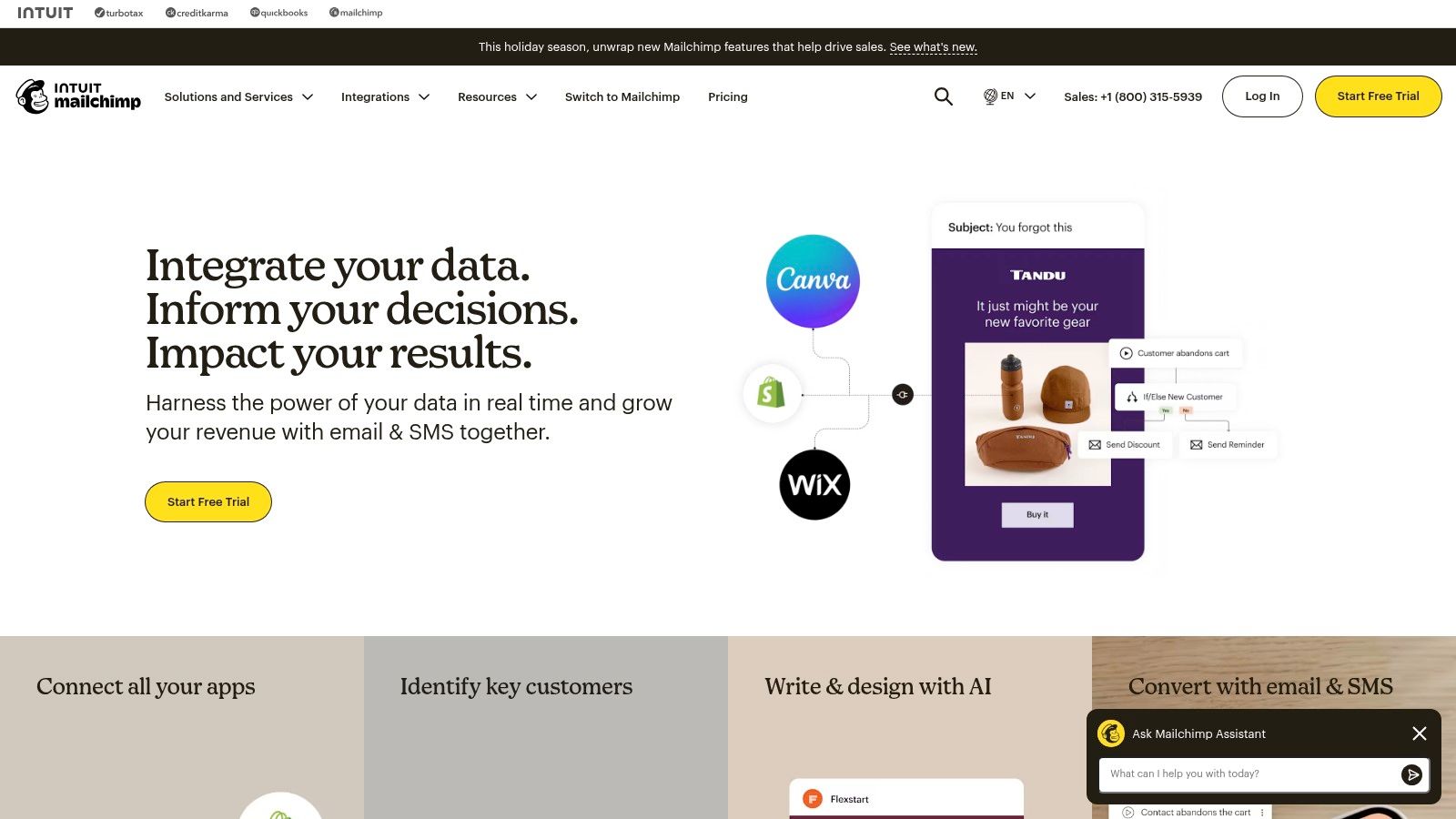
Mailchimp is one of the most recognized names in email marketing, offering a beginner-friendly platform that excels at email campaigns and foundational automation. Its intuitive interface and vast template library make it an ideal starting point for small businesses looking to professionalize their email communications. The platform has since expanded to include features like landing pages and social ads, positioning itself as a more integrated marketing solution.
Key Features and Use Cases
Mailchimp’s core strength lies in its user-friendly email builder and pre-built customer journey templates. This allows businesses to quickly set up automated welcome series, happy birthday emails, or re-engagement campaigns without a steep learning curve. Higher tiers unlock more advanced features like multivariate testing and sophisticated segmentation.
Ideal Use Case: A local service business can use Mailchimp to create a simple automated workflow that sends a "thank you" email after an appointment, followed by a request for a review a week later.
E-commerce Integration: Strong connections with platforms like Shopify and WooCommerce enable powerful e-commerce automations, such as abandoned cart reminders and product recommendations.
Multi-Channel Options: Businesses can supplement their email efforts with an optional SMS add-on for a more direct line of communication with customers in certain regions.
Pros, Cons, and Pricing
Mailchimp’s clear pricing tiers, including a free plan and a pay-as-you-go option, make it highly accessible for businesses with small lists or infrequent sending needs. However, as your contact list grows, the cost can increase significantly, and many of the more powerful marketing automation software features are reserved for pricier plans.
Pros: Extremely easy-to-use interface with an extensive library of templates. A large number of third-party integrations and a flexible pay-as-you-go option.
Cons: The free plan is quite limited in contacts and sends. Costs scale quickly based on contact count, and advanced automation is locked behind higher-tier plans.
Website: https://mailchimp.com/
4. ActiveCampaign
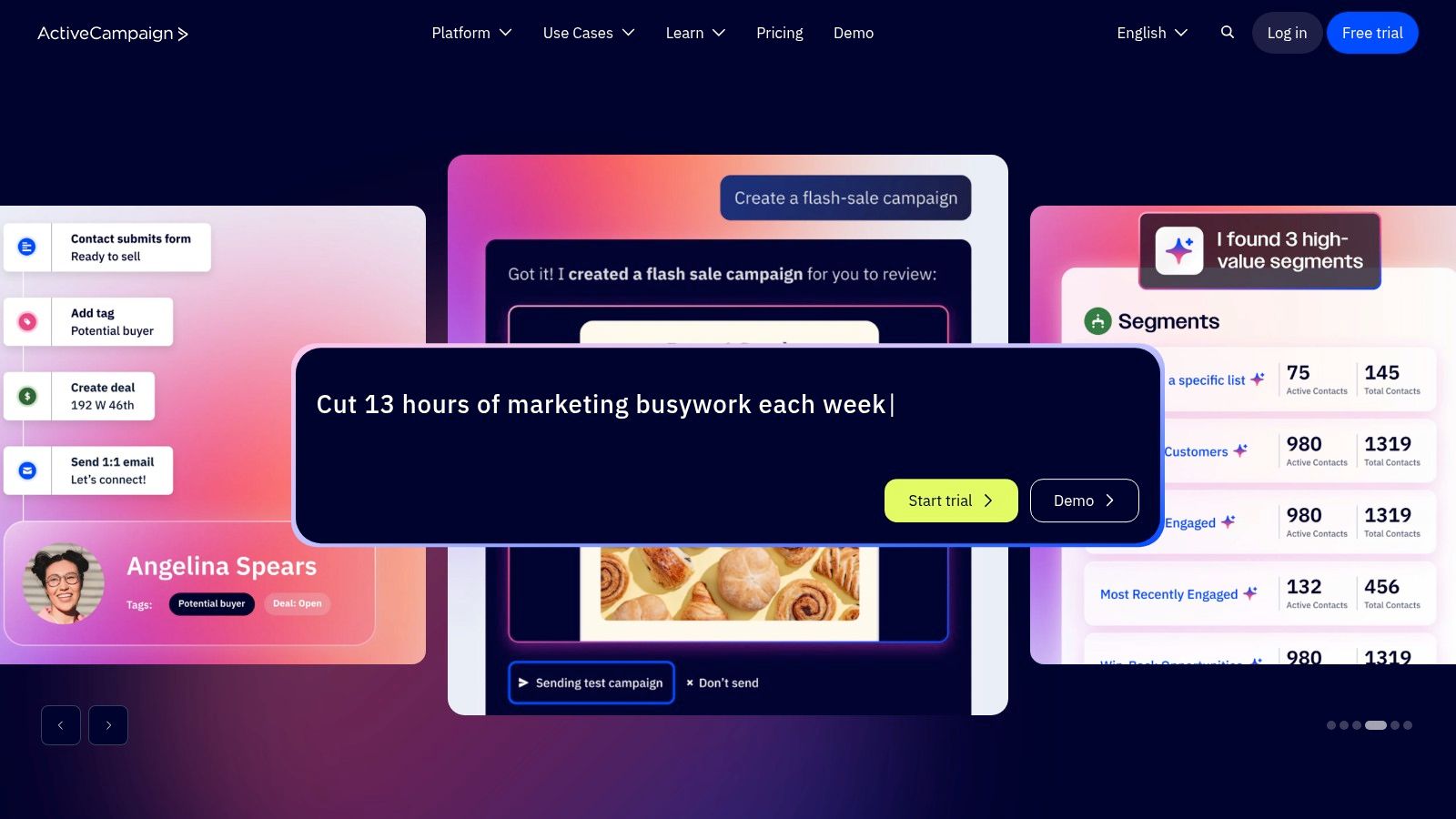
ActiveCampaign is renowned for its sophisticated email marketing and automation capabilities, making it a powerful choice for small businesses that are ready to move beyond basic campaigns. It combines a powerful automation builder with an optional, integrated sales CRM, allowing businesses to create highly personalized customer journeys across multiple channels from a single platform. Its strength lies in advanced segmentation and conditional logic.
Key Features and Use Cases
The platform’s core is its visual workflow builder, which enables users to design intricate automation sequences based on customer behavior, engagement, and custom data. ActiveCampaign supports messaging across email, SMS, site messages, and even WhatsApp, providing a true multi-channel approach to marketing automation software for small business. Dynamic content allows for hyper-personalized messages within a single email campaign.
Ideal Use Case: A B2B service provider can use ActiveCampaign to create a lead nurturing sequence. When a potential client downloads a whitepaper, they enter a workflow that sends educational emails, assigns a lead score based on engagement, and notifies the sales team once a certain threshold is met.
Advanced Segmentation: You can segment contacts based on virtually any data point, from website visits and purchase history to custom field information.
Integration Ecosystem: With over 1,000 integrations, it connects seamlessly with popular e-commerce platforms, CRMs, and other business tools.
Pros, Cons, and Pricing
ActiveCampaign offers a 14-day free trial and has no setup fees, making it accessible to test. Its reputation for strong email deliverability is a significant asset. However, pricing can be complex, scaling not only with contact volume but also with the features and channels you use, often requiring a conversation with sales for a clear quote.
Pros: Mature and highly flexible automation builder. Excellent email deliverability and reputation.
Cons: Pricing tables on the website can be less detailed for higher tiers. Costs increase as you add more contacts and channels. To ensure you're using these powerful features effectively, you can learn more about marketing automation best practices.
Website: https://www.activecampaign.com/
5. Klaviyo
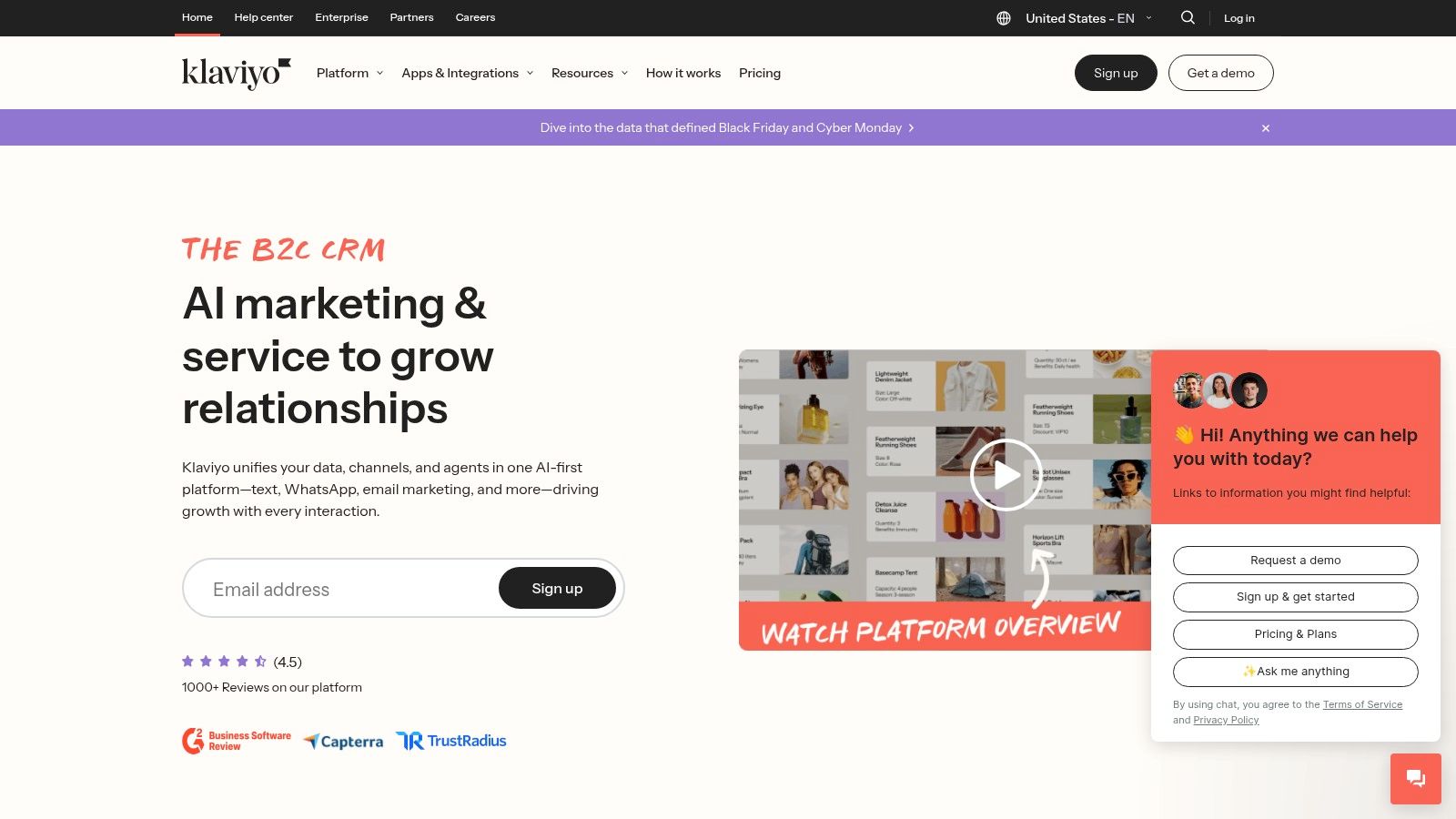
Klaviyo is a powerful, e-commerce-first marketing automation platform designed specifically for online stores. Its primary strength lies in its deep integrations with storefronts like Shopify, BigCommerce, and WooCommerce, making it a top choice for small businesses focused on maximizing customer lifetime value and driving revenue through email and SMS. It excels at leveraging real-time customer data to create highly personalized and timely marketing messages.
Key Features and Use Cases
Klaviyo’s standout capability is its granular, event-driven segmentation. It allows businesses to trigger automations based on real-time actions, such as viewing a product, starting a checkout, or making a purchase. The platform combines email and SMS marketing in a unified interface, complete with predictive analytics to forecast customer behavior.
Ideal Use Case: An online apparel store can use Klaviyo to create a "post-purchase" automation flow. After a customer buys a shirt, the system can automatically send a follow-up email a week later with style tips and complementary products, driving repeat business.
Predictive Analytics: The platform can predict a customer's next order date or churn risk, enabling businesses to proactively send targeted offers or re-engagement campaigns.
Deep E-commerce Integration: With over 350 integrations, it connects seamlessly with your entire e-commerce stack, pulling in rich data for precise segmentation and attribution. The platform's use of predictive analytics is a great example of how you can learn more about AI for small business marketing.
Pros, Cons, and Pricing
Klaviyo offers a free plan for businesses to get started, though it includes Klaviyo branding. As your list of profiles grows, the pricing scales accordingly, which can become a significant cost for rapidly growing stores.
Pros: Exceptional e-commerce revenue attribution and reporting. An extensive library of pre-built automation flows and templates for abandoned carts, browse abandonment, and welcome series.
Cons: Pricing can become expensive as your contact (profile) count increases. The platform is heavily focused on e-commerce, so it may be less suitable for B2B or service-based businesses.
Website: https://www.klaviyo.com/
6. Brevo (formerly Sendinblue)
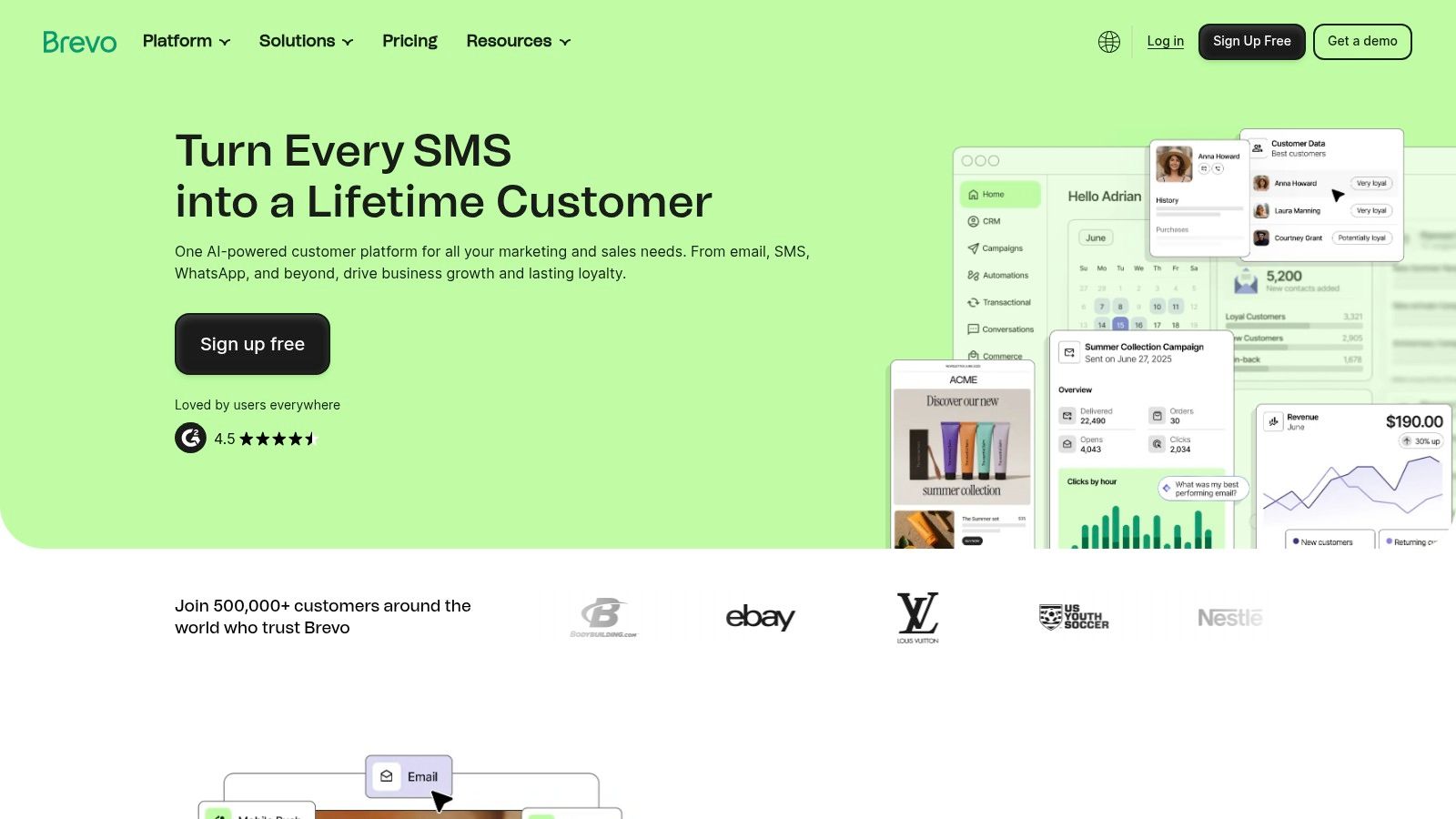
Brevo, formerly known as Sendinblue, stands out as a highly accessible marketing automation software for small business owners who are budget-conscious. It has successfully carved a niche by combining email marketing, SMS campaigns, and essential CRM functionalities into a single, affordable package. This platform is an excellent entry point for businesses needing to manage both their marketing communications and critical transactional messages without a hefty price tag.
Key Features and Use Cases
Brevo's strength lies in its multi-channel approach, all managed through a straightforward visual automation builder. The platform allows small businesses to create automated workflows for email, SMS, and even WhatsApp messages. Its API support for transactional emails is a significant benefit, allowing companies to send receipts, password resets, and shipping notifications reliably.
Ideal Use Case: A local service business can use Brevo to set up an appointment reminder workflow. The system can automatically send an email confirmation upon booking, followed by an SMS reminder 24 hours before the appointment, reducing no-shows.
Transactional and Marketing Harmony: Unlike many platforms that separate these functions, Brevo allows businesses to manage both promotional campaigns and essential transactional sends from one place.
AI-Powered Timing: On its Standard and higher plans, Brevo offers send-time optimization, using AI to deliver emails at the moment each contact is most likely to engage.
Pros, Cons, and Pricing
Brevo’s pricing model is particularly appealing, with a free plan and flexible, volume-based tiers that make it easy to start small and scale. While the core platform is robust, some features like removing the Brevo logo or adding dedicated landing pages require add-ons, which can incrementally increase the cost.
Pros: Very competitive starting price and generous free tier. A unified solution for both marketing and transactional messaging.
Cons: The interface, while user-friendly, has less depth than top-tier enterprise tools. The cost can creep up as you purchase add-ons for extra features or users.
Website: https://www.brevo.com/
7. Constant Contact
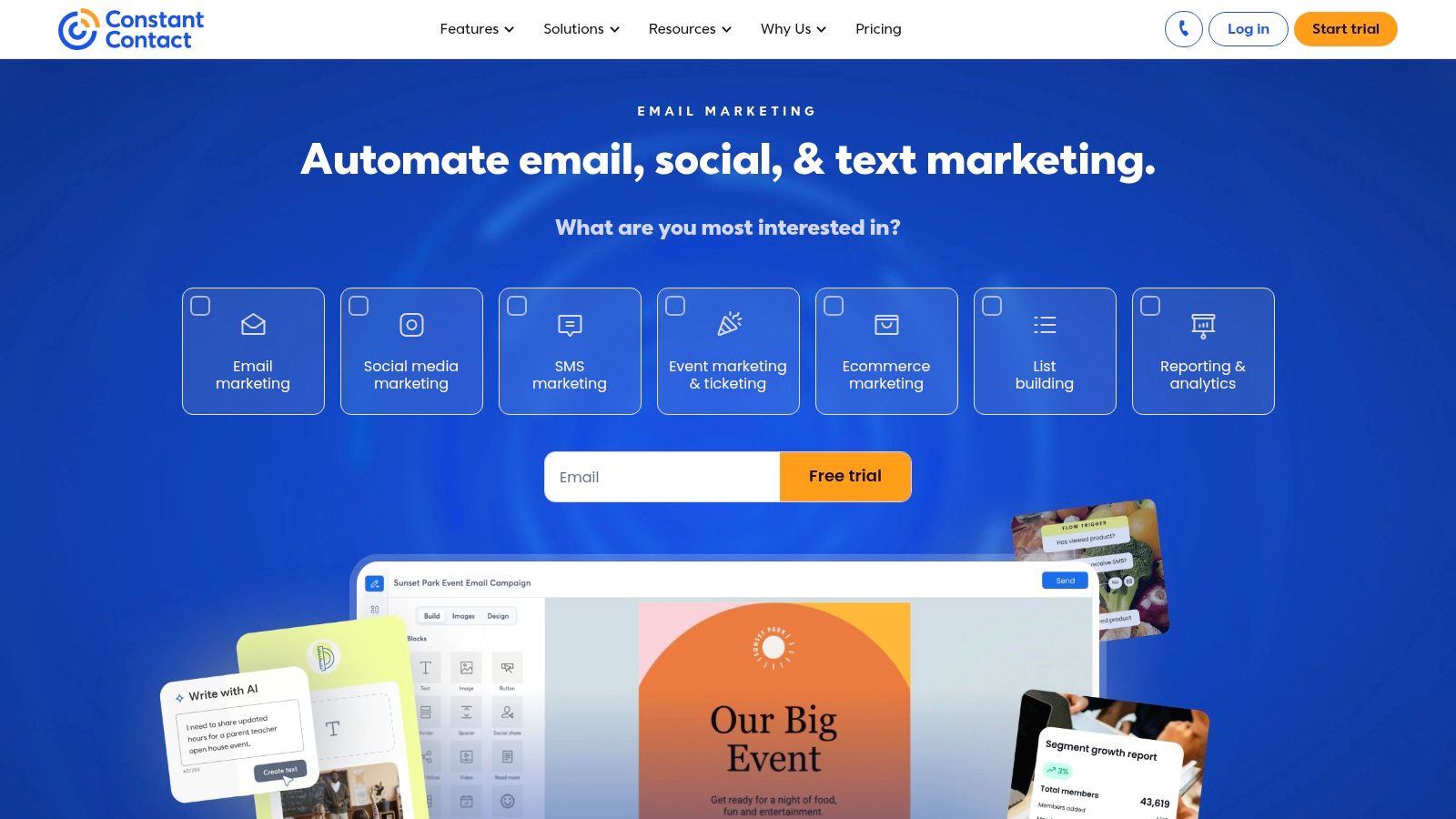
Constant Contact is a well-established marketing platform specifically designed with the needs of small businesses in mind. It excels at providing a user-friendly entry point into marketing automation, focusing heavily on email, social media, and event management. Its core strength lies in its accessibility and robust customer support, making it an excellent choice for entrepreneurs who want powerful tools without a steep learning curve or technical overhead.
Key Features and Use Cases
The platform's standout feature is its collection of pre-built automation templates, which allows users to quickly launch campaigns for welcoming new subscribers, nurturing leads, or re-engaging inactive contacts. With its intuitive drag-and-drop email builder and AI-powered content assistant, creating professional communications is straightforward, even for complete beginners.
Ideal Use Case: A local service business can use Constant Contact to automatically send appointment reminders via email or SMS. They can also create automated birthday campaigns that send a special offer to clients, fostering loyalty and driving repeat business.
Simple Segmentation: The basic CRM functionality allows for easy contact segmentation. This means you can send targeted messages to specific customer groups based on their engagement or purchase history.
Integrated Social Tools: Users can manage social media posting and advertising directly within the platform, helping to create a cohesive marketing message across multiple channels.
Pros, Cons, and Pricing
Constant Contact is known for its strong support options, including live onboarding assistance, which is a significant benefit for small teams. It offers a 30-day money-back guarantee on its paid plans, giving businesses a chance to test the full feature set. However, accessing more advanced automation features requires upgrading to higher-tier plans.
Pros: Excellent live support and onboarding. Very user-friendly interface with great templates.
Cons: Advanced automation and segmentation are locked behind pricier plans. Overage fees can apply if you exceed your contact limit, so cost management is important.
Website: https://www.constantcontact.com/
8. Keap (formerly Infusionsoft)
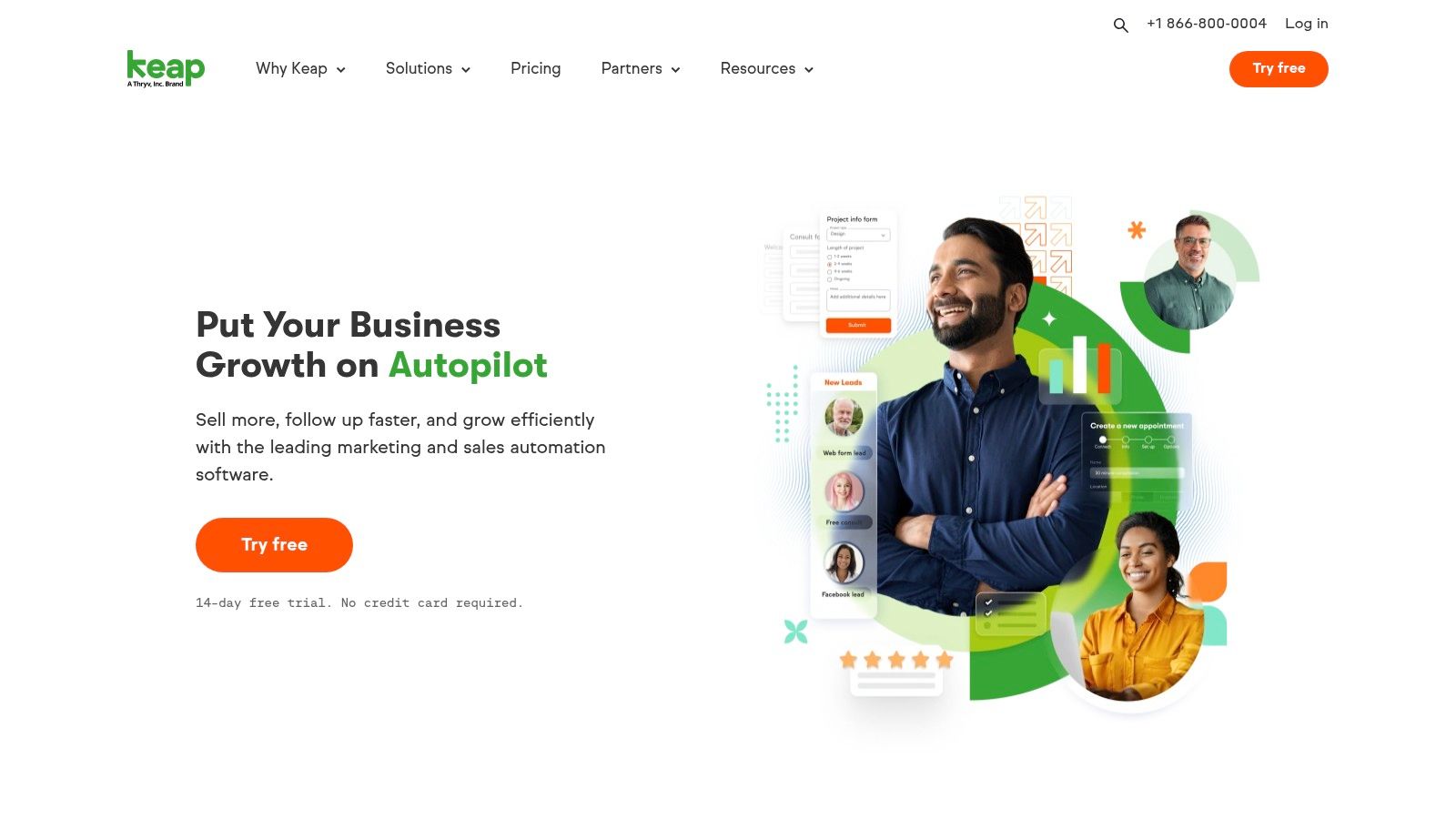
Keap, formerly known as Infusionsoft, is an all-in-one platform that combines CRM with sales and marketing automation. It is specifically designed for service-based small businesses that need to manage leads, client communication, and operations from a single system. Its strength lies in consolidating marketing automation with practical business tools like invoicing, payments, and appointment scheduling, making it a robust central hub for business management.
Key Features and Use Cases
Keap’s visual campaign builder is a powerful tool for creating sophisticated, multi-channel automations that span the entire customer lifecycle. The platform integrates sales pipelines directly with marketing campaigns, ensuring a smooth handoff between attracting a lead and closing a sale. Built-in invoicing and payment processing (Keap Pay) allow businesses to trigger automations based on financial events, like a paid invoice.
Ideal Use Case: A consulting business can use Keap to create an automated follow-up sequence for new leads from their website. The workflow can send introductory emails, schedule a consultation call, and move the lead through the sales pipeline, all without manual intervention.
End-to-End Management: The system handles everything from lead capture and email marketing to appointment setting and final payment collection.
Mobile Functionality: The Keap mobile app allows business owners to manage contacts, send messages, and check their pipeline on the go.
Pros, Cons, and Pricing
Keap is a powerful toolkit for businesses that want more than just email marketing, but this extended functionality comes at a higher starting price. The platform is best suited for businesses ready to invest in a comprehensive system and potentially utilize implementation services to get started quickly and effectively.
Pros: A complete end-to-end small business toolkit that goes beyond pure marketing automation. Professional services and concierge support are available for implementation.
Cons: Higher starting price compared to simpler email-focused tools. Getting the most value often requires or is greatly helped by their implementation services.
Website: https://keap.com/
9. Omnisend
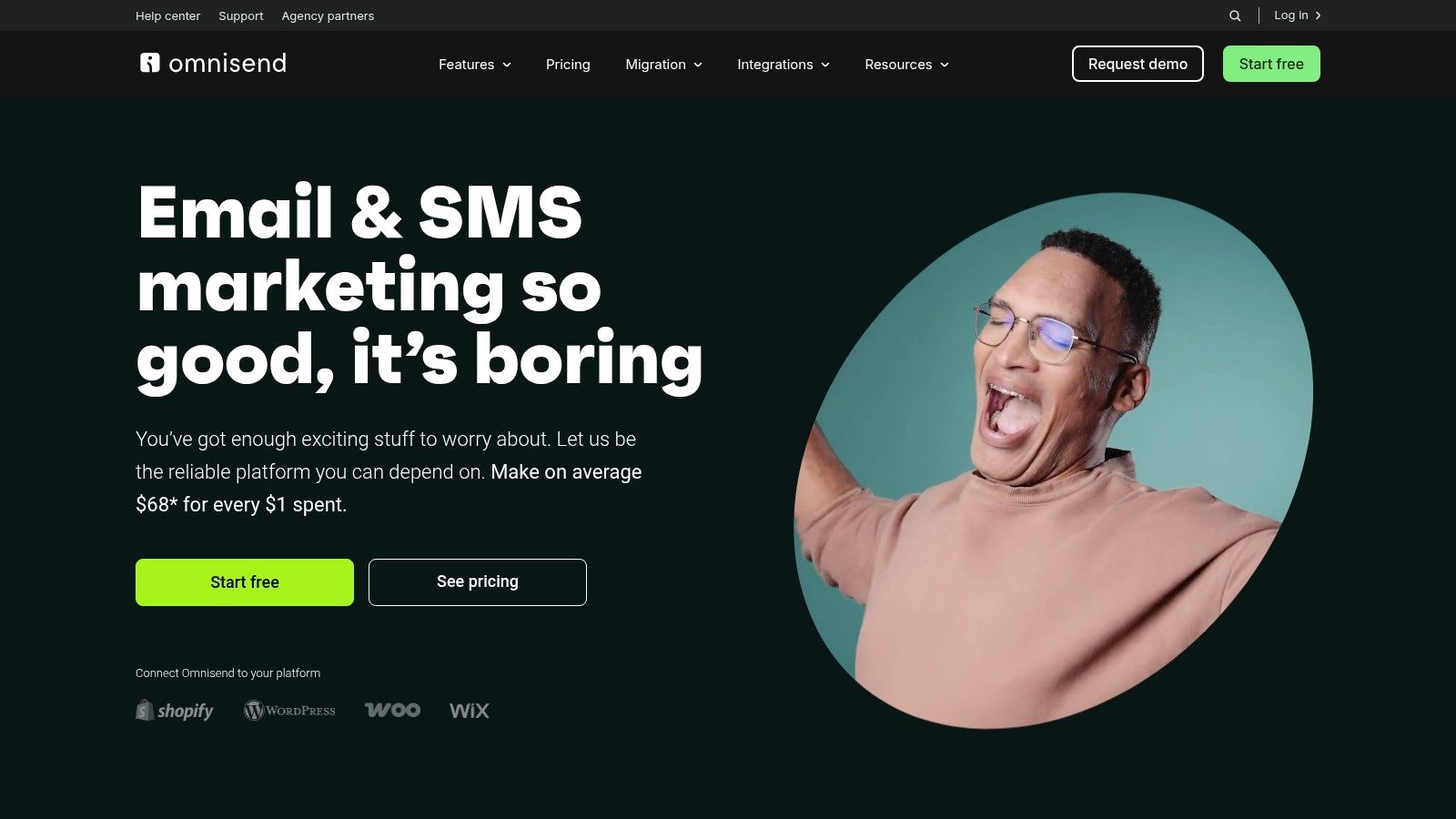
Omnisend is a marketing automation platform built specifically for e-commerce businesses. Its core strength lies in its deep integration with platforms like Shopify, BigCommerce, and WooCommerce, allowing for highly targeted email, SMS, and push notification campaigns based on customer shopping behavior. It is an ideal solution for direct-to-consumer (DTC) brands that want to deploy revenue-focused automations quickly and efficiently.
Key Features and Use Cases
The platform excels with its pre-built e-commerce workflows and advanced segmentation capabilities. Omnisend makes it simple to combine multiple channels into a single automation sequence, engaging customers on their preferred platform, whether it's email, SMS, or a push notification. The focus is always on driving sales and increasing customer lifetime value.
Ideal Use Case: A Shopify store owner can use Omnisend’s pre-built workflows to set up an automated welcome series, a cart abandonment campaign, and post-purchase follow-ups in a matter of minutes. These campaigns can include SMS messages offering a discount to entice immediate purchases.
Advanced Segmentation: Users can create customer segments based on shopping behavior (e.g., placed order, abandoned cart), campaign activity, and profile data to send highly relevant and personalized messages.
Combined Channels: The ability to add SMS and push notifications to any email automation workflow allows businesses to create powerful, multi-channel customer journeys that increase engagement and conversions.
Pros, Cons, and Pricing
Omnisend offers a free plan that allows businesses to test the core features, making it accessible for startups. As a business scales, the paid tiers unlock more powerful features, including unlimited emails and monthly SMS credits. Higher-tier plans also provide dedicated 24/7 support and an account expert.
Pros: Extremely fast to deploy for DTC stores with a strong ROI focus. Deep integrations with major e-commerce platforms. Frequent promotions and discounts often reduce the initial cost.
Cons: The platform's full value is unlocked on paid tiers. Some advanced features and add-ons are tied to specific spending thresholds or higher-priced plans.
Website: https://www.omnisend.com/
10. Drip
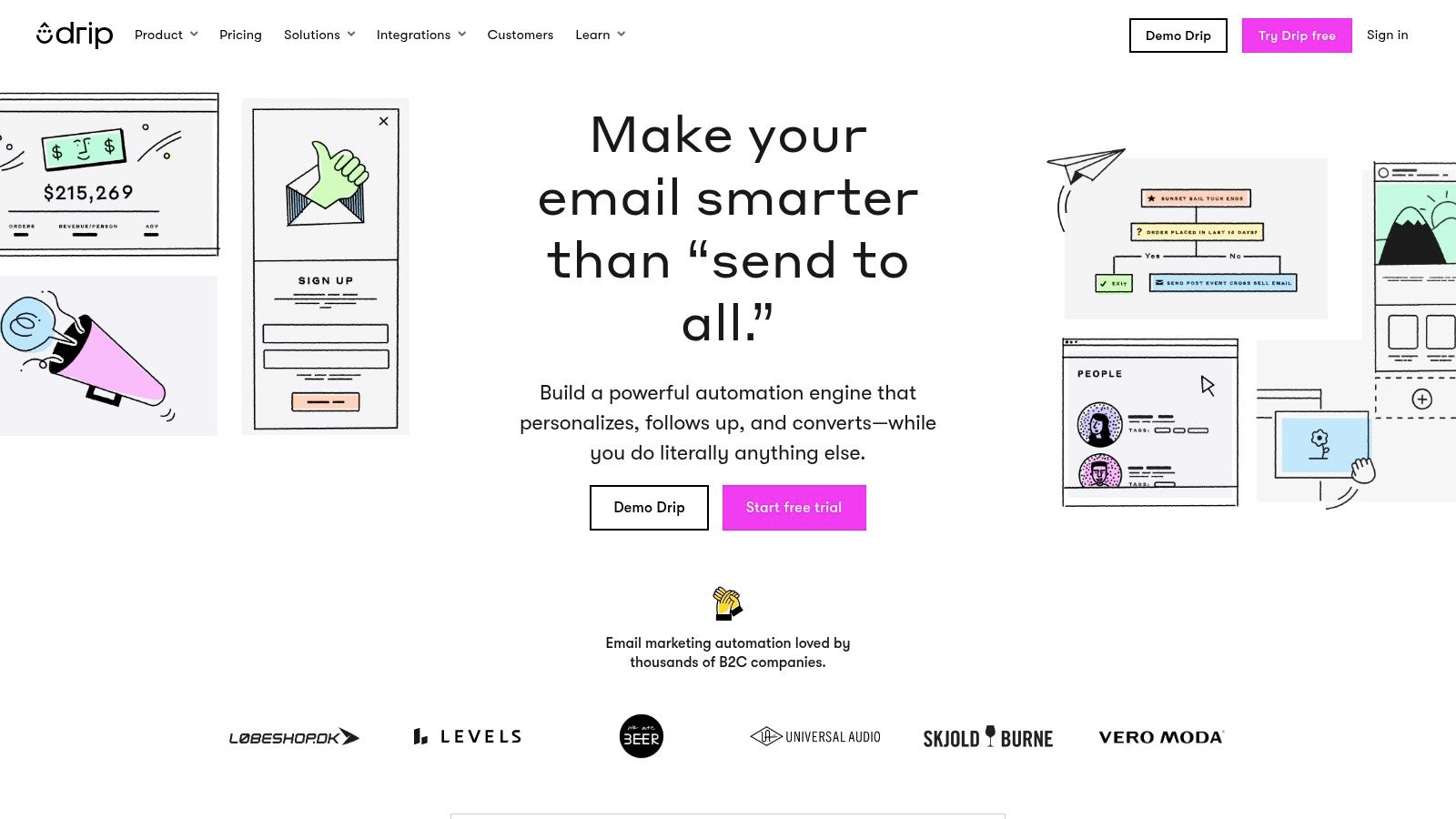
Drip is a powerful marketing automation platform built specifically for ecommerce brands. Its core strength lies in its deep integration with major online store platforms like Shopify, BigCommerce, and WooCommerce, making it a go-to choice for businesses that want to leverage customer behavior to drive sales. It excels at turning store data into personalized marketing campaigns that engage customers at every stage of their journey.
Key Features and Use Cases
The platform is designed around event-based workflows, allowing businesses to trigger automated sequences based on specific customer actions such as cart abandonment, browsing history, or post-purchase behavior. With pre-built templates and over 90 integrations, getting started is straightforward. Drip’s revenue-focused analytics provide clear insights into how marketing efforts directly impact sales.
Ideal Use Case: An online clothing store can use Drip to create a "browse abandonment" workflow. If a known contact views a product but doesn't add it to their cart, Drip can automatically send a follow-up email showcasing that product, along with related items, a few hours later.
Revenue Attribution: Drip's dashboards clearly show how much revenue each email and automation workflow generates, helping businesses optimize for profitability.
Strong Segmentation: Create highly specific customer segments based on purchase history, on-site behavior, and email engagement to deliver hyper-relevant content.
Pros, Cons, and Pricing
Drip offers a straightforward pricing model tied to the number of active people in your account, which is ideal for ecommerce businesses. A full-featured 14-day trial is available without requiring a credit card, allowing for a thorough evaluation.
Pros: Purpose-built for ecommerce with excellent integrations. Powerful segmentation and revenue-focused analytics.
Cons: Less suitable for non-ecommerce businesses like B2B services or bloggers. Live chat support is restricted to higher-tier plans or specific hours.
Website: https://www.drip.com/
11. GetResponse
GetResponse positions itself as a comprehensive and affordable marketing automation platform designed for small and medium-sized businesses. Its core appeal lies in bundling a wide array of tools into a single subscription, making it a strong contender for businesses that want more than just email. The platform extends from email marketing into conversion funnels, landing pages, and even webinar hosting, offering a full-stack solution.

Key Features and Use Cases
The platform features a visual automation builder that allows users to create workflows based on user behavior, such as clicks, opens, and website visits. Its standout feature for many small businesses is the unlimited email sends included in paid plans, which removes a common cost barrier. Additionally, its integrated conversion funnel builder helps guide customers from a landing page through to a sale.
Ideal Use Case: A content creator or coach can use GetResponse to build a complete sales funnel. They can host a webinar to attract leads, use landing pages to capture sign-ups, and automate follow-up email sequences to sell a digital course, all within one system.
Ecommerce Tools: The platform includes abandoned cart triggers and promo code functionality, making it a viable piece of marketing automation software for small business owners in the e-commerce space.
All-in-One Campaigns: Businesses can build and launch entire campaigns, complete with paid ad management, popups, and automated follow-ups, from a unified dashboard.
Pros, Cons, and Pricing
GetResponse offers competitive, value-focused pricing, especially considering its broad feature set and a generous free-forever plan. The cost-effectiveness makes it an attractive option for startups and solo entrepreneurs. However, some of its most powerful tools, like the webinar functionality, are reserved for higher-tier plans.
Pros: Excellent value with a wide range of tools. Unlimited email sends on paid plans is a major benefit.
Cons: The user interface can feel less polished than more expensive enterprise suites. Some of the most advanced automation features are gated behind the costlier plans.
Website: https://www.getresponse.com/
12. Zoho Marketing Automation
Zoho Marketing Automation is a powerful platform that excels for businesses already invested in the Zoho ecosystem. It offers a comprehensive suite of tools designed to manage and automate marketing efforts across multiple channels, making it a strong contender for small businesses looking for an integrated solution. Its main appeal lies in its tight integration with Zoho CRM and other Zoho products, creating a unified data environment.
This platform is a fantastic choice for companies that want to leverage site behavior tracking, lead scoring, and multi-channel campaigns (email, SMS, social) from one central hub. It provides an affordable yet robust set of features that can scale with a growing business.
Key Features and Use Cases
The standout feature is Zoho's visual journey builder, which comes with pre-built templates to help businesses map out customer interactions quickly. This makes it easy to set up sophisticated workflows without a steep learning curve. The platform also offers unlimited emails and up to 10 users across its plans, providing excellent value.
Ideal Use Case: A B2B service provider using Zoho CRM can leverage Marketing Automation to track a prospect's website visits. Based on pages viewed, the system can automatically score the lead and enroll them in a targeted email nurture sequence, alerting the sales team when the lead becomes marketing-qualified.
Multi-Channel Engagement: Go beyond email with integrated SMS, WhatsApp, and social media marketing options, allowing you to reach customers on their preferred platforms.
Web Behavior Tracking: Gain deep insights into how leads interact with your website and use that data to build highly targeted segments for your campaigns.
Pros, Cons, and Pricing
Zoho Marketing Automation offers great value, especially when compared to competitors. The inclusion of free onboarding and a 14-day free trial makes it accessible for small teams to test its capabilities. Pricing is primarily based on the number of contacts, which is a common model for this type of marketing automation software for small business.
Pros: Excellent value for the price. Seamless integration with the extensive Zoho suite of business apps. Includes free onboarding support.
Cons: The user interface can feel less intuitive than some mainstream alternatives. There are fewer third-party tutorials and community resources available compared to larger platforms.
Website: https://www.zoho.com/marketingautomation/
Small-Business Marketing Automation: 12-Tool Comparison
| Platform | Core features | UX & quality (★) | Value & pricing (💰) | Target audience (👥) | Unique selling points (✨ / 🏆) |
|---|---|---|---|---|---|
| Postbae 🏆 | Autonomous AI visual posts: carousels, infographics, listicles; full editing control | ★★★★☆ authentic, industry-specific quality | 💰 Affordable monthly plan ($30/month) | 👥 Small businesses, social media managers, agencies, creators | ✨ Complete automation, no prompts needed; 🏆 creates visual graphics, not just text |
| HubSpot Marketing Hub | CRM + marketing: email, landing pages, ads, social scheduling, visual automations | ★★★★☆ enterprise-grade | 💰 Scales with contacts & tiers; can be costly at higher tiers | 👥 Scaling SMBs, marketing teams, enterprises | ✨ Deep CRM integration; visual journey builder; large ecosystem |
| Mailchimp | Email builder, basic automations, templates, integrations | ★★★☆☆ beginner-friendly | 💰 Free tier (limits); pay-as-you-go for infrequent senders | 👥 Small teams, beginners, infrequent senders | ✨ Extensive template library; fast setup |
| ActiveCampaign | Advanced visual automations, segmentation, optional CRM, multi-channel | ★★★★☆ powerful automation | 💰 No setup fees; pricing scales with contacts/channels | 👥 SMBs needing sophisticated workflows | ✨ Mature automation builder; strong deliverability |
| Klaviyo | Ecommerce-first email & SMS, product/event segmentation, predictive analytics | ★★★★☆ ecommerce-optimized | 💰 Pricing rises with profile count; free tier shows branding | 👥 Ecommerce/DTC stores, marketers focused on revenue | ✨ Deep storefront integrations; revenue attribution |
| Brevo (Sendinblue) | Email, SMS, transactional email, visual automation, API | ★★★☆☆ budget-friendly & practical | 💰 Low starting price; flexible email-volume tiers | 👥 Small businesses needing marketing + transactional | ✨ Transactional API + marketing in one; cost-effective |
| Constant Contact | Email, social, events, SMS (US), automation templates, live support | ★★★☆☆ easy + supportive | 💰 Tiered pricing; support-focused value | 👥 SMBs, event-driven businesses, beginners | ✨ Live onboarding & strong customer support |
| Keap (Infusionsoft) | CRM + marketing & sales automations, invoicing, appointments, payments | ★★★☆☆ all-in-one SMB operations | 💰 Higher starting price; implementation services available | 👥 Small businesses needing sales + operations | ✨ Built-in invoicing/payments and appointment tools |
| Omnisend | Email, SMS, push, ecommerce workflows, Shopify/BigCommerce support | ★★★★☆ ROI-focused for stores | 💰 Promotions & competitive pricing; paid tiers unlock value | 👥 DTC ecommerce stores, Shopify merchants | ✨ Ecommerce workflows + push/SMS for revenue growth |
| Drip | Ecommerce email automation, event-based workflows, revenue dashboards | ★★★★☆ ecommerce-centric | 💰 Simple pricing by active people; 14-day trial | 👥 Ecommerce marketers focused on attribution | ✨ Revenue attribution + event-driven automations |
| GetResponse | Marketing automation, funnels, webinars, unlimited sends (paid) | ★★★☆☆ full-stack value | 💰 Value pricing; unlimited sends on paid plans | 👥 Content creators, SMBs, webinar hosts | ✨ Funnels + webinar/course tools in one platform |
| Zoho Marketing Automation | Journey builder, email/SMS/WhatsApp, web behavior tracking, segmentation | ★★★☆☆ SMB-friendly | 💰 Competitive SMB pricing; free trial & onboarding | 👥 Zoho suite users, budget-conscious SMBs | ✨ Tight Zoho integrations; unlimited emails across plans |
Making Your Final Decision and Taking the Next Step
We've explored a comprehensive landscape of the best marketing automation software for small business, from all-in-one powerhouses like HubSpot to specialized e-commerce experts like Klaviyo and Omnisend. The key takeaway is clear: automation is no longer a luxury reserved for large enterprises. It's an accessible, scalable, and essential strategy for any small business aiming to grow efficiently, nurture leads, and build lasting customer relationships.
The journey from manual marketing to an automated system can seem daunting, but the potential rewards are immense. Imagine reclaiming hours spent on repetitive tasks, engaging customers with perfectly timed messages, and gaining deep insights into what truly drives your audience. This is the power that the right tool unlocks.
How to Choose the Right Software for Your Business
Your final decision shouldn't be based on which platform has the most features, but which one has the right features for your specific goals. To narrow down your choice from the options we've covered, ask yourself these critical questions:
What is my primary business goal? Are you focused on lead generation (consider HubSpot or Keap), e-commerce sales (look at Klaviyo or Drip), or building an engaged audience through multiple channels (ActiveCampaign or Brevo might be a fit)? Aligning the tool with your core objective is paramount.
What is my budget, both now and in the future? Many tools offer attractive entry-level plans but can become expensive as your contact list grows. Map out your projected growth over the next 12-24 months and evaluate the pricing tiers of your top contenders to avoid costly surprises.
How much technical skill does my team have? Some platforms, like Mailchimp and Constant Contact, are celebrated for their user-friendliness and are great for beginners. Others, like ActiveCampaign or Drip, offer more advanced capabilities that may require a steeper learning curve. Be realistic about the time you can invest in learning and implementation.
What tools do I already use? The best marketing automation software for your small business will integrate seamlessly with your existing tech stack, like your CRM, e-commerce platform, or website builder. Check for native integrations to ensure a smooth flow of data and a unified workflow.
Beyond Emails and Workflows: Automating Your Visual Content
While most of the platforms discussed excel at automating communication through email and SMS, a critical piece of modern marketing is consistent, high-quality visual content for social media. This is where a specialized tool can complement your broader automation strategy. Platforms like Postbae focus specifically on automating the creation of visual social media graphics, generating authority-building content like carousels and infographics that establish your expertise.
By combining a marketing automation platform for distribution with a visual creation tool, you build a truly comprehensive automated marketing engine. One system handles the logic of when and how to communicate, while the other ensures you always have a library of professional, engaging visual assets ready to deploy. This two-pronged approach allows you to automate both the delivery and the content itself, maximizing your efficiency and impact.
The perfect marketing automation setup is out there. By carefully evaluating your unique needs and understanding how different tools can work together, you can build a system that not only saves you time but actively fuels your business's growth. The next step is to choose a tool, start a trial, and begin your journey toward a more efficient and effective marketing strategy.
Ready to automate the most time-consuming part of your social media strategy? While the tools above manage your campaigns, Postbae automates the creation of the visual content itself. Get an AI-powered agent that autonomously generates professional, authority-building graphics for your social media channels, saving you countless hours of design work. Visit Postbae to see how you can put your visual content creation on autopilot.