The 12 Best AI Content Creation Tools for Marketers in 2026

Discover the top 12 ai content creation tools to automate your workflow. Compare features, pricing, and find the perfect fit for your business needs.
The demand for high-quality, consistent content has never been greater, yet resources for small businesses, agencies, and creators remain stretched. This is where artificial intelligence steps in, transforming content workflows from a manual grind into an efficient, scalable process. The right ai content creation tools can automate everything from writing blog posts and generating ad copy to designing entire social media campaigns.
However, the market is crowded with options, each serving a different purpose. Some excel at text, others at video, and a select few focus on the critical-and often time-consuming-task of creating professional visual graphics. This guide will navigate the landscape, breaking down the best tools across different categories to help you identify the right solution to amplify your brand, engage your audience, and reclaim your time.
We've compiled a comprehensive list to cut through the noise, offering a direct comparison of platforms designed for specific needs. Whether you're a startup founder needing to build authority, a social media manager juggling multiple accounts, or a creator looking to scale production, the answer is here. Each tool profile includes a concise breakdown of its core features, ideal use cases, pricing, and honest pros and cons, complete with screenshots and direct links. For an expanded overview of leading platforms and different perspectives, you might also explore other comprehensive lists, such as the "12 Best AI Content Creation Tools for 2025". Our goal is simple: to provide a clear, practical resource that helps you choose the perfect AI tool to move beyond the blank page and start producing content that drives results.
1. Postbae: The Autonomous Agent for Visual Social Media
Postbae distinguishes itself among AI content creation tools by functioning as an autonomous AI agent dedicated to producing professional visual social media graphics. While many platforms require user prompts and manual design work, Postbae operates on autopilot. It intelligently researches, writes, and designs industry-specific graphics for platforms like Instagram, Facebook, and LinkedIn, completely automating the production of visual content without needing a single prompt.
This tool excels at creating authority-building content that is traditionally difficult and time-consuming. It handles the entire multidisciplinary process from research and ideation to copywriting and designing visual assets like multi-slide carousels, educational infographics, and industry insight posts. The result is a consistent stream of professional, ready-to-post visual content that establishes expertise and engages audiences. This makes it an invaluable asset for small business owners, marketing agencies, and social media managers who need consistent, high-quality visual content but lack the time or design resources. To understand more about this approach, explore the specifics of AI content creation for social media.
Key Features and Strengths
Postbae’s core strength lies in its ability to automate a complex, multi-step workflow. It doesn't just generate text; it delivers ready-to-publish visual graphics.
- Fully Autonomous AI Agent: Generates complete visual social media posts tailored to your industry without requiring user prompts.
- Specializes in Visual Graphics: Creates compelling multi-slide carousels, TikTok slideshows, infographics, and listicles designed for high engagement.
- Authority-Building Content: Produces educational, industry-specific posts that establish your brand as an expert.
- Full Creative Control: Despite the automation, every generated post is fully editable, allowing users to customize and align content with their brand.
Pricing and Access
Postbae offers straightforward subscription plans, starting at $30 per month. This positions it as an affordable solution for businesses seeking the benefits of a dedicated social media manager for a fraction of the cost.
- Pros: Complete automation of visual content production saves significant time and effort. Creates high-quality, professional graphics that don't feel AI-generated. An affordable solution for maintaining a consistent, professional social media presence.
- Cons: Focuses specifically on visual content generation and does not currently include video creation or direct social media publishing (features on the roadmap).
Website: https://postbae.com
2. Canva
Canva has evolved from a simple design tool into a comprehensive visual creation suite powered by its AI-driven Magic Studio. This makes it an indispensable asset for solo creators, marketing teams, and businesses needing to produce a wide array of visual content quickly. It excels at transforming simple text prompts into polished designs, presentations, and even short videos in minutes.
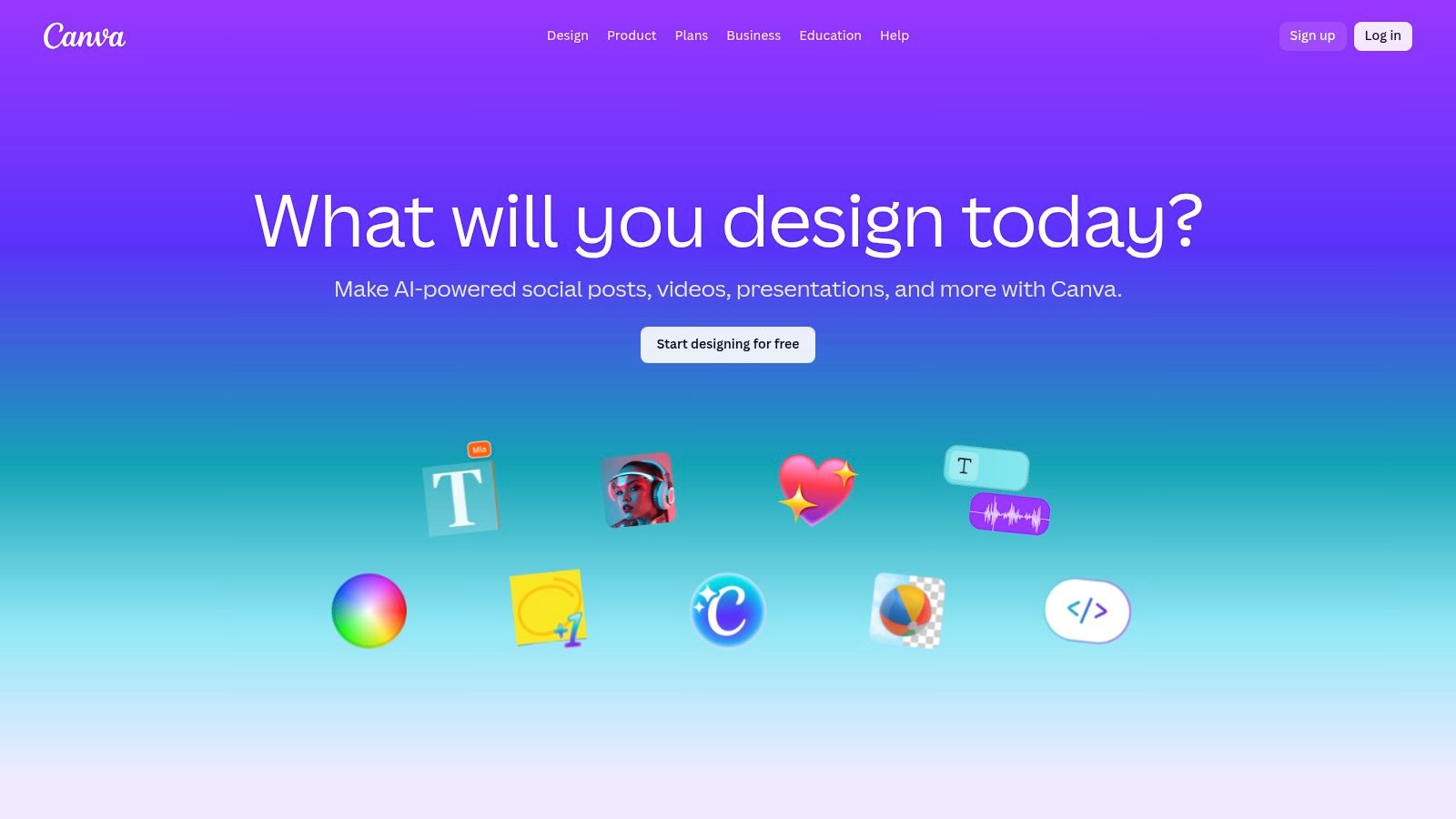
The platform’s strength lies in its massive template and asset library, combined with user-friendly AI features. Magic Design, for instance, can generate on-brand social graphics or full slide decks from a brief description. Magic Switch intelligently reformats a single design for various channels, like an Instagram post into a LinkedIn banner, and can even translate or rewrite the copy. This suite of ai content creation tools within a familiar interface significantly speeds up the workflow from initial idea to a publish-ready final creative.
Key Features and Use Cases
- Magic Design: Generate custom, on-brand visuals and presentations from a short text prompt. Ideal for social media managers needing to quickly create daily posts or carousels.
- Magic Switch: Repurpose content effortlessly. Transform a presentation into a blog summary or resize a graphic for multiple platforms, saving hours of manual adjustments.
- Brand Kits & Collaboration: The Canva Business tier allows for robust brand management with template locking, shared libraries, and no seat minimums, making it perfect for small teams and solo professionals managing multiple brands. If you're looking for more inspiration, you can find great tools for creating infographics here.
| Pros | Cons |
|---|---|
| Extremely fast idea-to-asset workflow | Advanced brand governance is better on enterprise plans |
| Huge template and stock asset library | Past pricing changes for team tiers caused user frustration |
| Business plan has no seat minimum | AI generation can sometimes be generic without refinement |
Website: https://www.canva.com
3. Adobe Express + Firefly
Adobe has integrated its powerful Firefly generative AI directly into Adobe Express, its user-friendly, browser-based design platform. This combination positions it as a formidable competitor for creating social content, flyers, and short videos, especially for users already within the Adobe ecosystem. It excels at generating high-quality, commercially safe images and text effects from simple prompts, backed by Adobe's massive asset library.
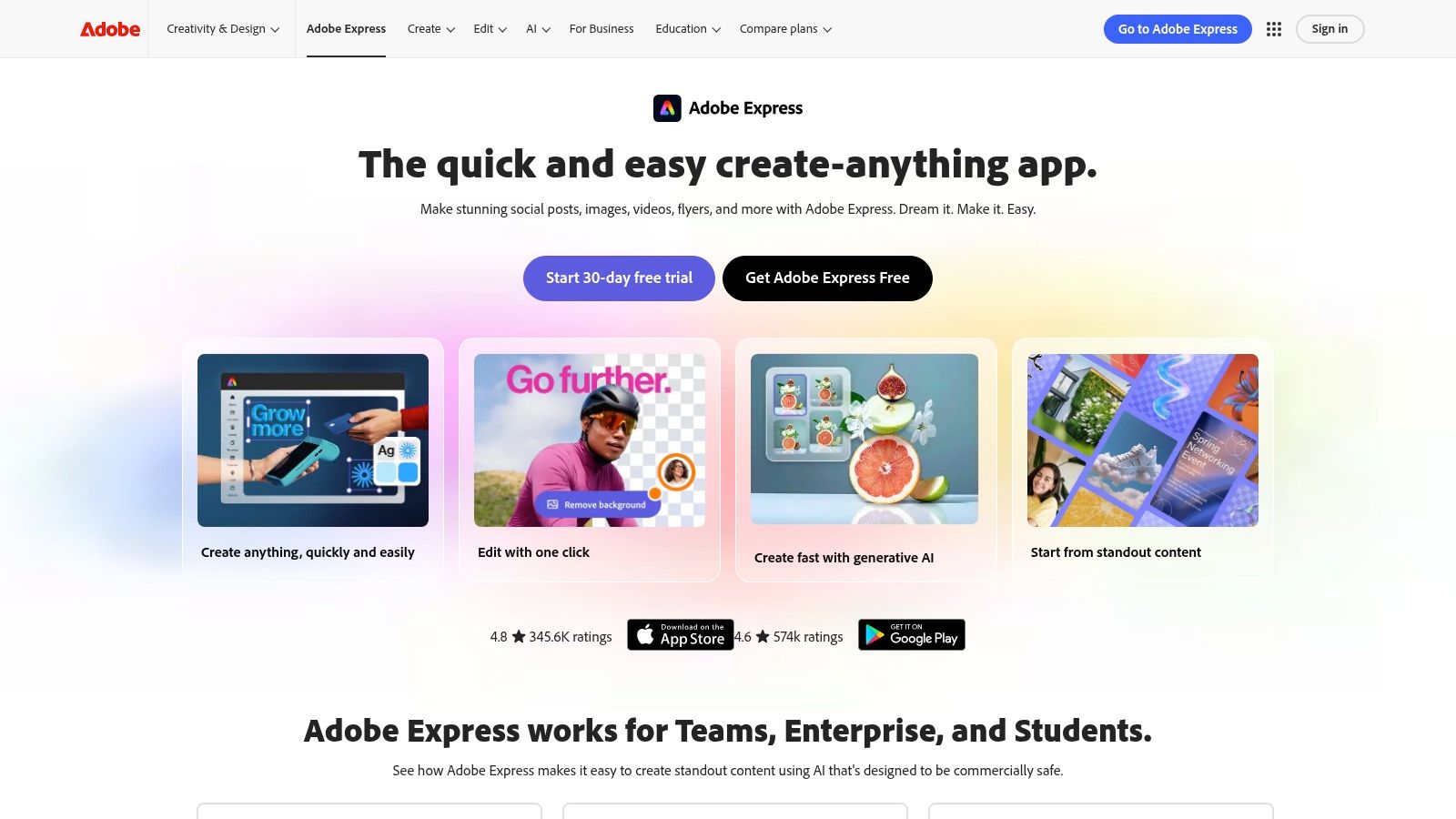
The platform's main advantage is Firefly's focus on commercially safe content, trained on Adobe Stock and openly licensed work. This provides a clearer IP and indemnification posture, a critical consideration for businesses. The suite of ai content creation tools includes text-to-image, generative fill, and unique text effects, all managed through a monthly generative credit system. For those exploring advanced image creation capabilities, platforms offering a variety of Text-to-Image generation models can provide further insight into the technology.
Key Features and Use Cases
- Firefly Generative Tools: Use text-to-image to create unique visuals, apply text effects for eye-catching headlines, or use generative fill to seamlessly add or remove objects. Perfect for marketers needing custom ad creative.
- Brand Kits & Templates: Maintain brand consistency with stored logos, colors, and fonts. Access thousands of templates to jumpstart social posts, one-pagers, or short videos.
- One-Click Resize & Scheduler: Instantly adapt a design for different social media channels and schedule posts directly from the platform, streamlining the content workflow for social media managers.
| Pros | Cons |
|---|---|
| Simple workflow that integrates well with Photoshop/Premiere | Credits model can throttle heavy AI users |
| Clearer IP posture for commercial use due to Firefly training | Broader Creative Cloud pricing shifts have caused confusion |
| Extensive library of premium templates and stock assets | Some advanced features remain exclusive to desktop apps |
Website: https://www.adobe.com/express
4. Jasper
Jasper has positioned itself as an AI marketing co-pilot designed for teams that need to create on-brand content at scale. It moves beyond simple text generation by incorporating Brand Voice and knowledge assets, ensuring that everything from blog posts and social media updates to ad copy and emails aligns with a company’s specific messaging and tone. This makes it a powerful tool for marketing departments aiming for consistency across all channels.
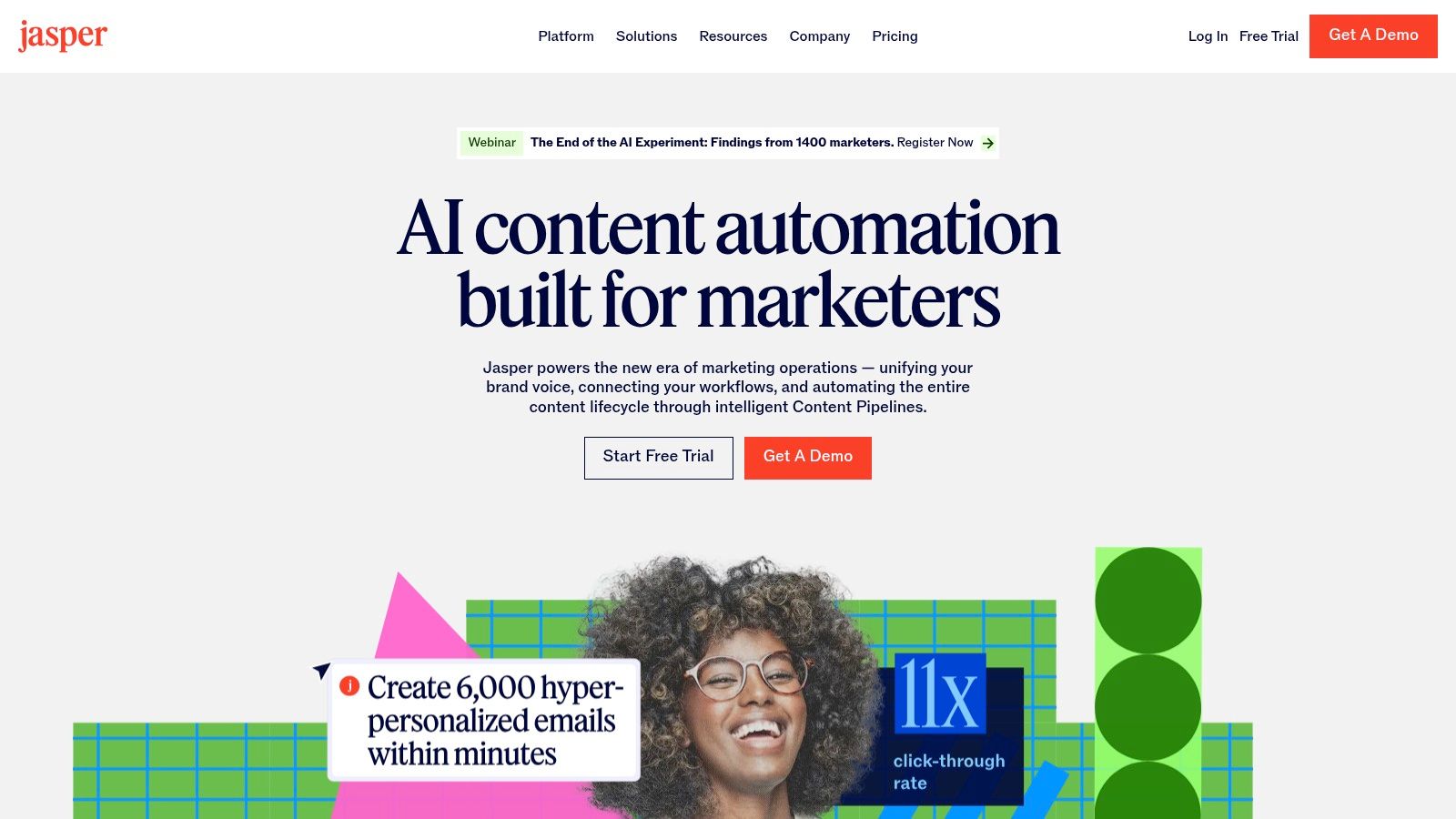
The platform is built around end-to-end content operations, featuring a "Canvas" workspace for collaborative projects and campaign-specific apps. Jasper’s strength lies in its governance and workflow automation capabilities. By centralizing brand guidelines and integrating with other marketing tools, it helps reduce endless editing cycles. This suite of ai content creation tools is engineered to streamline content production from initial brief to final publication, making it ideal for teams with established processes. For businesses looking to implement such systems, you can learn more about utilizing AI for small business marketing to enhance your operations.
Key Features and Use Cases
- Brand Voice & Knowledge Assets: Upload style guides, product catalogs, and company facts to train the AI. This is perfect for marketing teams needing to produce accurate and consistently toned content across multiple writers.
- Campaign Workflows & Canvas: Plan and execute entire marketing campaigns from a single workspace. Use it to generate a cohesive set of assets, such as blog posts, social media announcements, and email newsletters for a product launch.
- Agents & Automation: Build no-code workflows and custom agents to automate repetitive content tasks. A great use case is creating an agent that automatically generates weekly social media updates based on recent blog articles.
| Pros | Cons |
|---|---|
| Strong brand governance tools reduce editing cycles | Pricing sits above entry-level copy tools |
| Designed for marketing teams with governance, roles and integrations | Best value realized by teams with process automation needs |
| Workflow automation saves significant time on campaigns | Can be overly complex for individual creators or simple tasks |
Website: https://www.jasper.ai
5. Copy.ai
Copy.ai positions itself as an AI-powered content and automation platform designed for go-to-market teams in marketing, sales, and operations. It moves beyond simple text generation by offering a suite of tools that includes a Chat interface, a Workflow builder, and a studio for creating custom AI Agents. This multi-faceted approach allows small teams to start with basic content needs and scale into complex, automated processes.
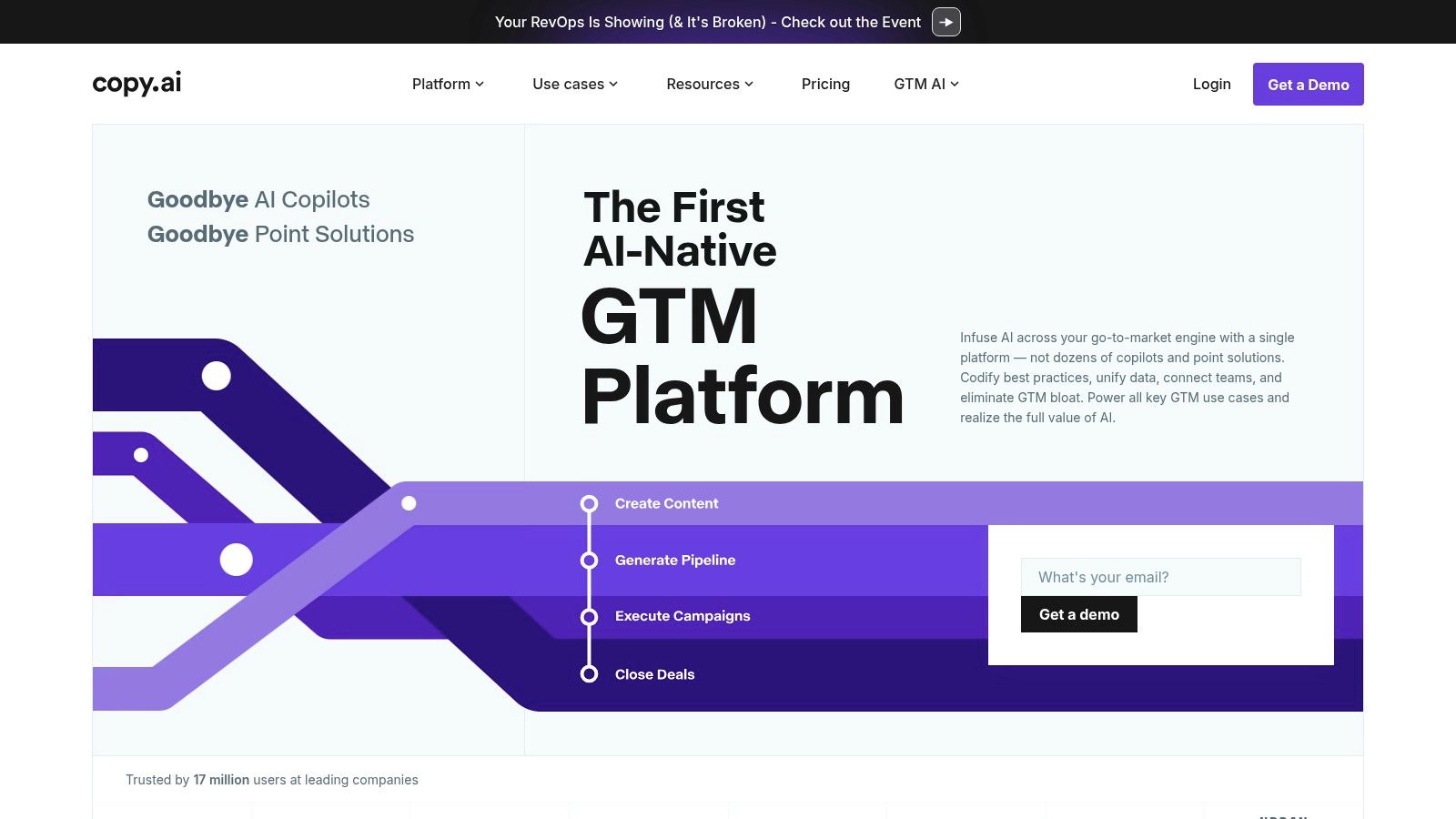
The platform’s core strength is its adaptability. Users can access various large language models (from OpenAI, Anthropic, and Google) and train custom AI Agents on their specific brand voice and business data. This makes it one of the more versatile ai content creation tools for producing highly relevant and on-brand copy. Its Workflow feature enables teams to automate repetitive content tasks, like creating sales outreach sequences or generating product descriptions at scale, directly integrating into their existing tech stack.
Key Features and Use Cases
- Content Agent Studio: Train custom AI agents with your brand voice, product information, and marketing materials. Ideal for marketing teams needing consistent messaging across all channels.
- Workflow Automation: Build and automate multi-step content processes. A sales team could use this to automatically generate personalized outreach emails for new leads from a CRM.
- Multi-Model Access: Flexibly switch between different LLMs to find the best fit for a specific task, from creative brainstorming to analytical writing.
- Unlimited Chat: The platform offers unlimited words in its Chat and project organization features, allowing teams to experiment and iterate without usage anxiety.
| Pros | Cons |
|---|---|
| Simple entry point for small teams with good scalability | Workflow credit system requires monitoring under heavy use |
| Scales to powerful automations and custom agents | The best automation features are on higher-tier plans |
| Flexibility to use different AI models | Can have a steeper learning curve than simpler writing tools |
Website: https://www.copy.ai
6. Writesonic
Writesonic positions itself as an all-in-one platform for creating SEO-optimized content, extending beyond simple text generation into a full suite of tools for enhancing search visibility. It’s designed for marketers, SEO professionals, and businesses that need to scale their content operations with a focus on ranking. The platform combines an AI writer, the Photosonic image generator, and integrations that connect content creation directly to performance metrics.
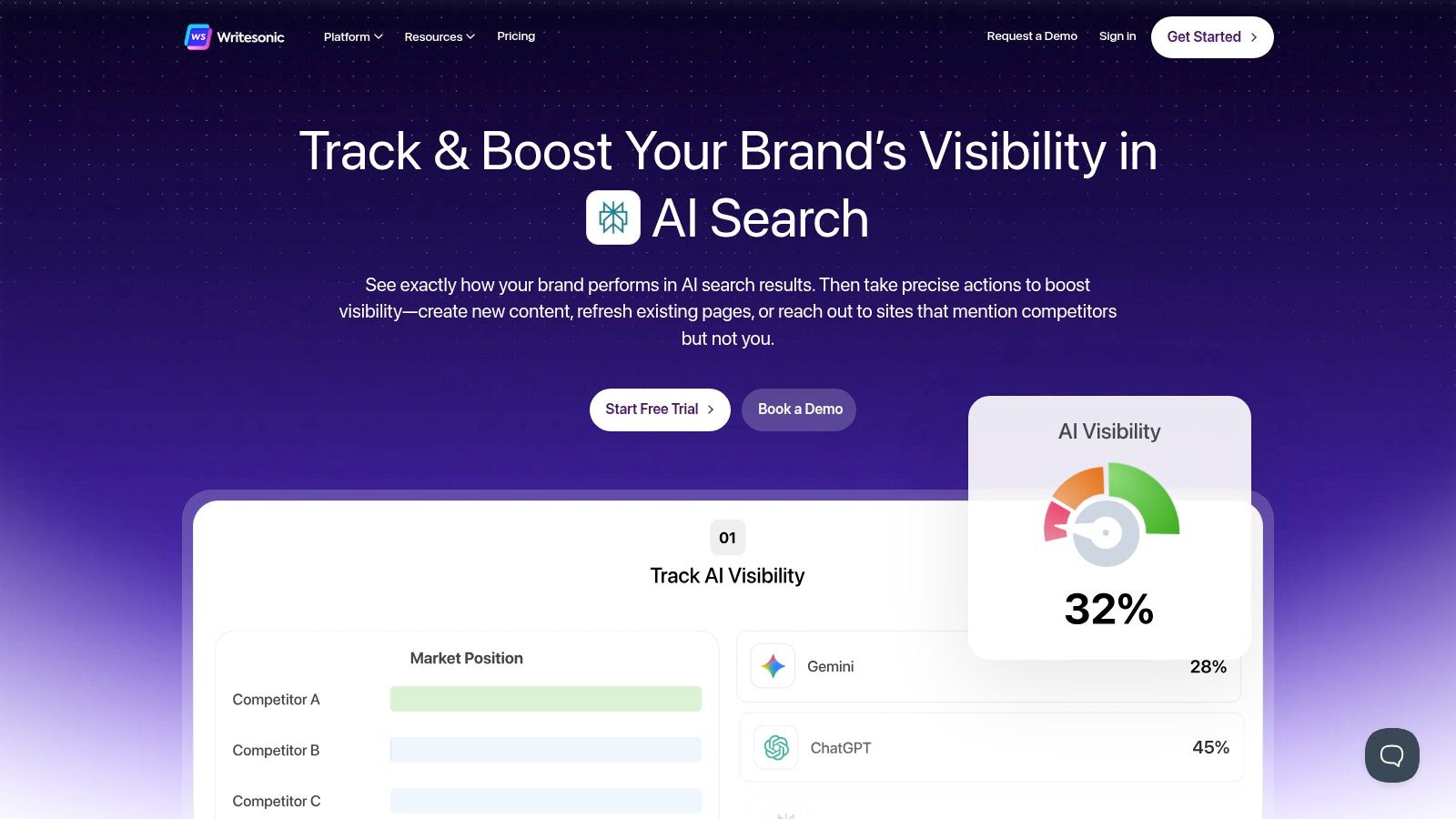
The platform’s key differentiator is its emphasis on the entire SEO workflow. Unlike tools focused purely on writing, Writesonic provides features like content audits, AI prompt tracking, and direct integrations with Google Analytics and Search Console on its higher-tier plans. This makes it one of the more data-driven ai content creation tools, allowing teams not only to produce articles and social copy but also to monitor their impact and refine their strategy within the same ecosystem.
Key Features and Use Cases
- Article & Blog Writer: Generate long-form, fact-checked, and SEO-friendly articles. Ideal for content teams needing to quickly produce high-quality blog posts to support their SEO strategy.
- Photosonic AI Image Generator: Create custom images and art from text descriptions, providing a convenient way to produce original visuals for articles and social media without leaving the platform.
- SEO & Analytics Integrations: Connect with Google Search Console to analyze performance, identify content gaps, and optimize existing pages, making it a powerful tool for in-house SEO managers.
- AI Search Visibility Add-Ons: Specialized features designed to improve rankings and adapt content for emerging AI-driven search engines, helping businesses stay ahead of search trends.
| Pros | Cons |
|---|---|
| Clear plan differentiation for SEO/content operations | Pricing and plan names evolve-buyers should verify current inclusions |
| Useful analytics and monitoring options beyond simple writing | Interface breadth can be a learning curve for newcomers |
| Integrated image generation streamlines content creation | The sheer number of features might be overwhelming for basic users |
Website: https://writesonic.com
7. Notion AI
Notion AI integrates artificial intelligence directly into the popular Notion content operating system, transforming it into a powerful hub for unified content operations. Rather than switching between tools, teams can now draft, summarize, translate, and ideate within the same environment where they manage projects, wikis, and databases. This native integration makes it a standout choice for teams whose entire content lifecycle, from briefing to approval, already lives inside Notion.
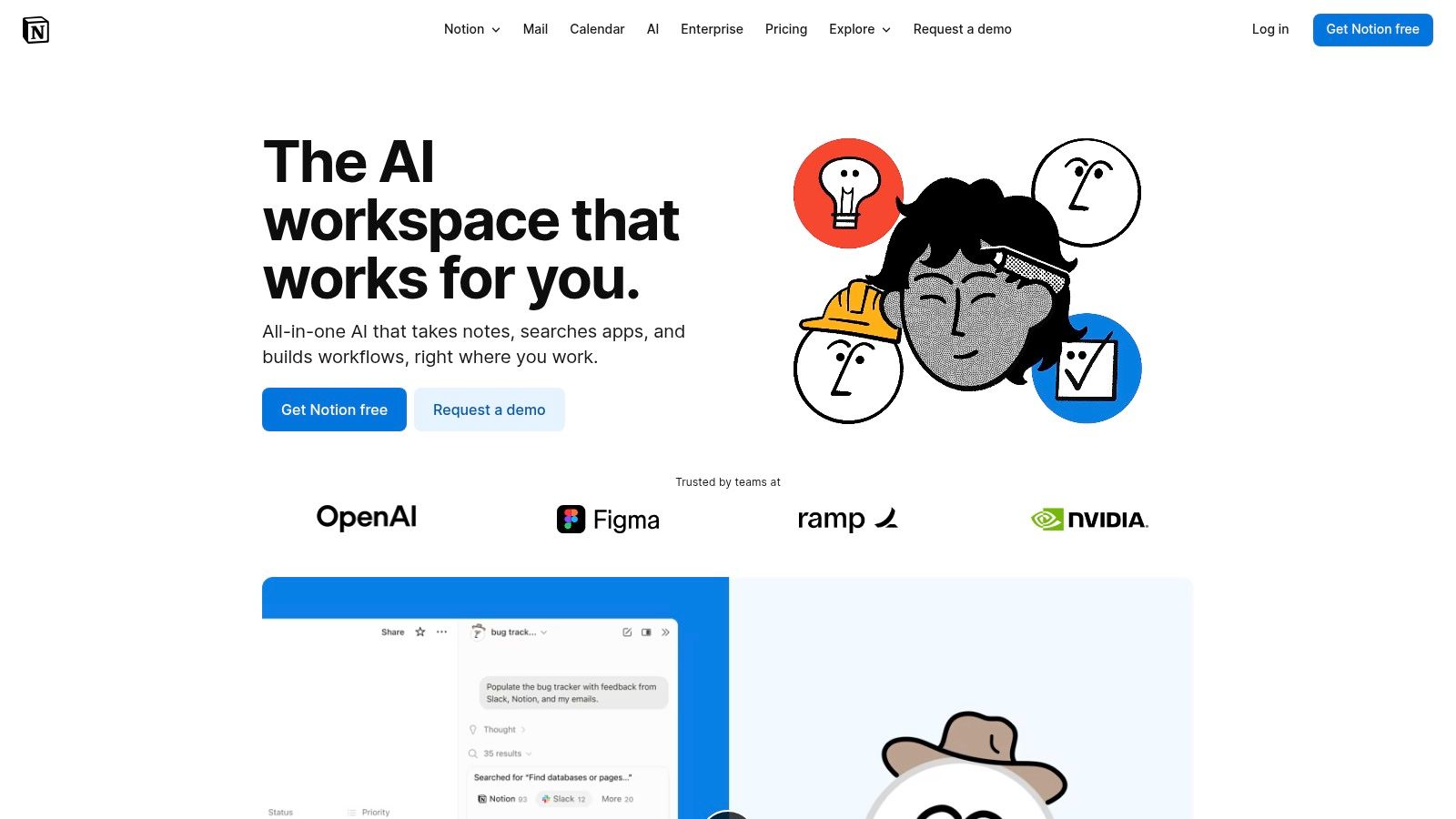
The platform's key advantage is context. Because the AI lives within your workspace, it can pull information from meeting notes, project briefs, and research pages to generate more relevant and informed content. This suite of ai content creation tools is designed to streamline workflows like generating meeting summaries, creating first drafts from outlines, or autofilling database properties based on page content. It effectively centralizes the creative and organizational processes into a single, cohesive system.
Key Features and Use Cases
- Integrated Writing & Editing: Generate first drafts, summarize long documents, or rewrite content in a different tone directly within any Notion page. This is ideal for content teams creating blog posts or knowledge base articles.
- Database Autofill & Automation: Use AI to automatically populate properties in a Notion database. For example, it can extract key takeaways from meeting notes and add them to a task list, saving significant manual data entry time.
- Q&A and Enterprise Search: Ask questions and get answers sourced directly from your workspace content. This feature is powerful for large teams needing to quickly find information buried in project docs or internal wikis.
| Pros | Cons |
|---|---|
| Native to a popular content OS, reducing the need to switch tools | Full AI feature set is now primarily included with Business/Enterprise plans |
| Excellent for teams running briefs, calendars, and approvals in Notion | Admins must review 2025 plan changes for impacts on legacy workspace features |
| AI has context from your entire workspace for more relevant outputs | Can be less specialized than standalone AI writing or design tools |
Website: https://www.notion.so/product/ai
8. Descript
Descript revolutionizes video and audio editing by making it as simple as editing a text document. Its AI-powered, transcription-based workflow allows creators to edit recordings by simply deleting words or sentences from the auto-generated transcript. This approach removes the steep learning curve associated with traditional timeline-based video editors, making it perfect for podcasters, marketers, and course creators who need to quickly repurpose long-form content.
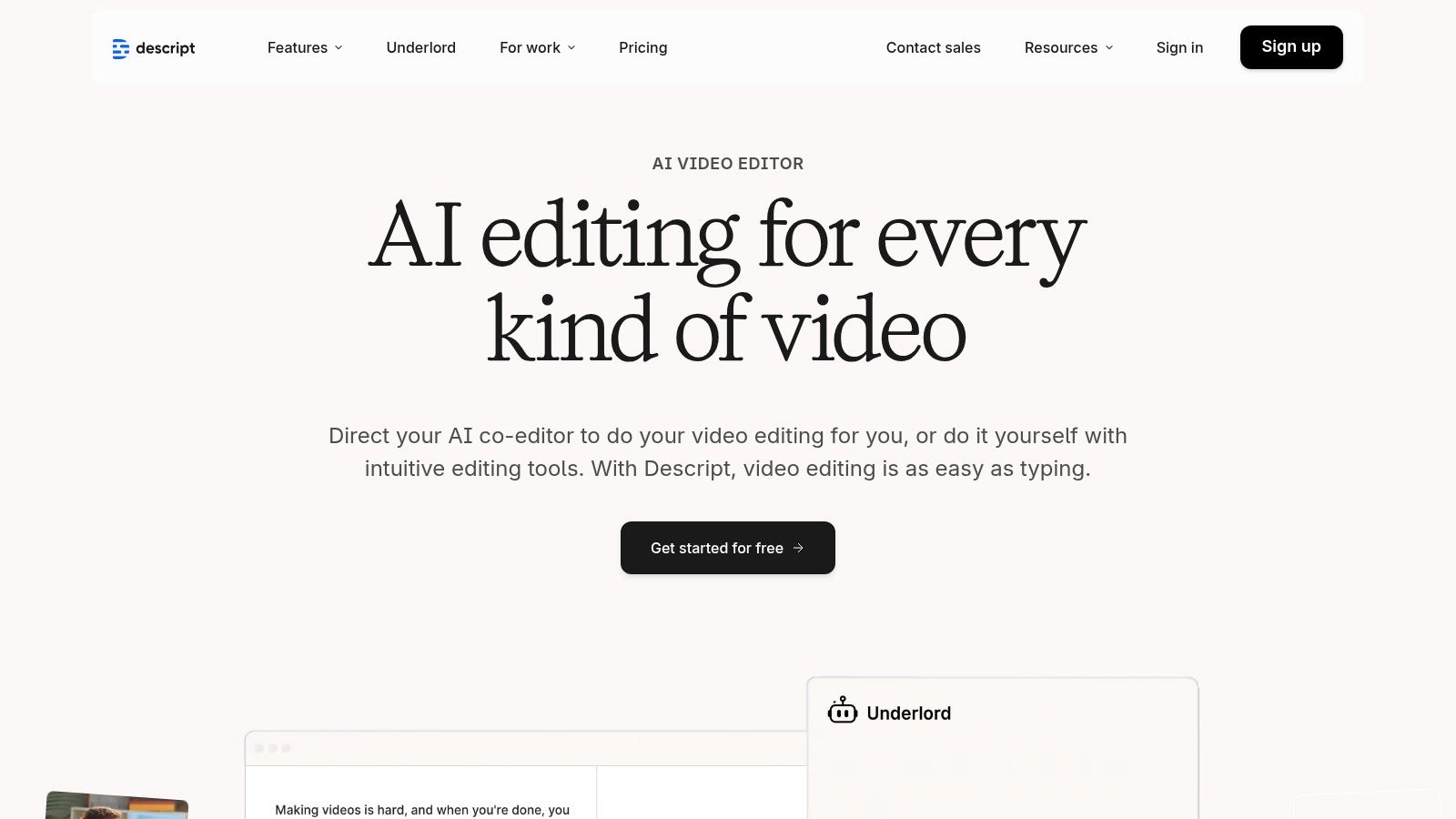
The platform is a powerhouse for turning a single recording into dozens of social media clips, webinars, or podcast episodes. Features like automatic filler-word removal (“ums,” “uhs”), Studio Sound for audio enhancement, and AI-powered eye contact correction streamline the post-production process significantly. For teams needing to produce polished video content without hiring a dedicated editor, Descript stands out as one of the most accessible and efficient ai content creation tools available.
Key Features and Use Cases
- Transcription-Based Editing: Edit complex video and audio files by manipulating the text transcript. Ideal for content creators repurposing webinars or interviews into shareable social media shorts.
- AI Overdub and Voice Cloning: Correct audio mistakes by typing new words, or clone your voice to generate new audio content without re-recording. This is invaluable for last-minute script changes.
- Studio Sound & Eye Contact: Enhance audio quality to a professional, studio-level standard with a single click and automatically correct wandering eyes to maintain audience engagement.
- AI Clip Generation: Automatically finds the most compelling highlights from long recordings and generates short, shareable clips, saving hours of manual review.
| Pros | Cons |
|---|---|
| Extremely rapid learning curve for non-video professionals | AI speech/dubbing and media hours have monthly limits |
| Excellent for repurposing long recordings into shorts and clips | Team collaboration features are dependent on the subscription tier |
| Powerful AI features like filler-word removal save time | High-resolution exports like 4K are limited to higher-priced plans |
Website: https://www.descript.com
9. Kapwing
Kapwing is a browser-based AI video editor designed to dramatically accelerate the creation and repurposing of social video content. It serves as a comprehensive toolkit for creators and marketers who need to quickly transform long-form content like podcasts or webinars into engaging, shareable shorts. Its strength lies in combining powerful AI-driven features with an intuitive, collaborative editing interface that requires no software installation.
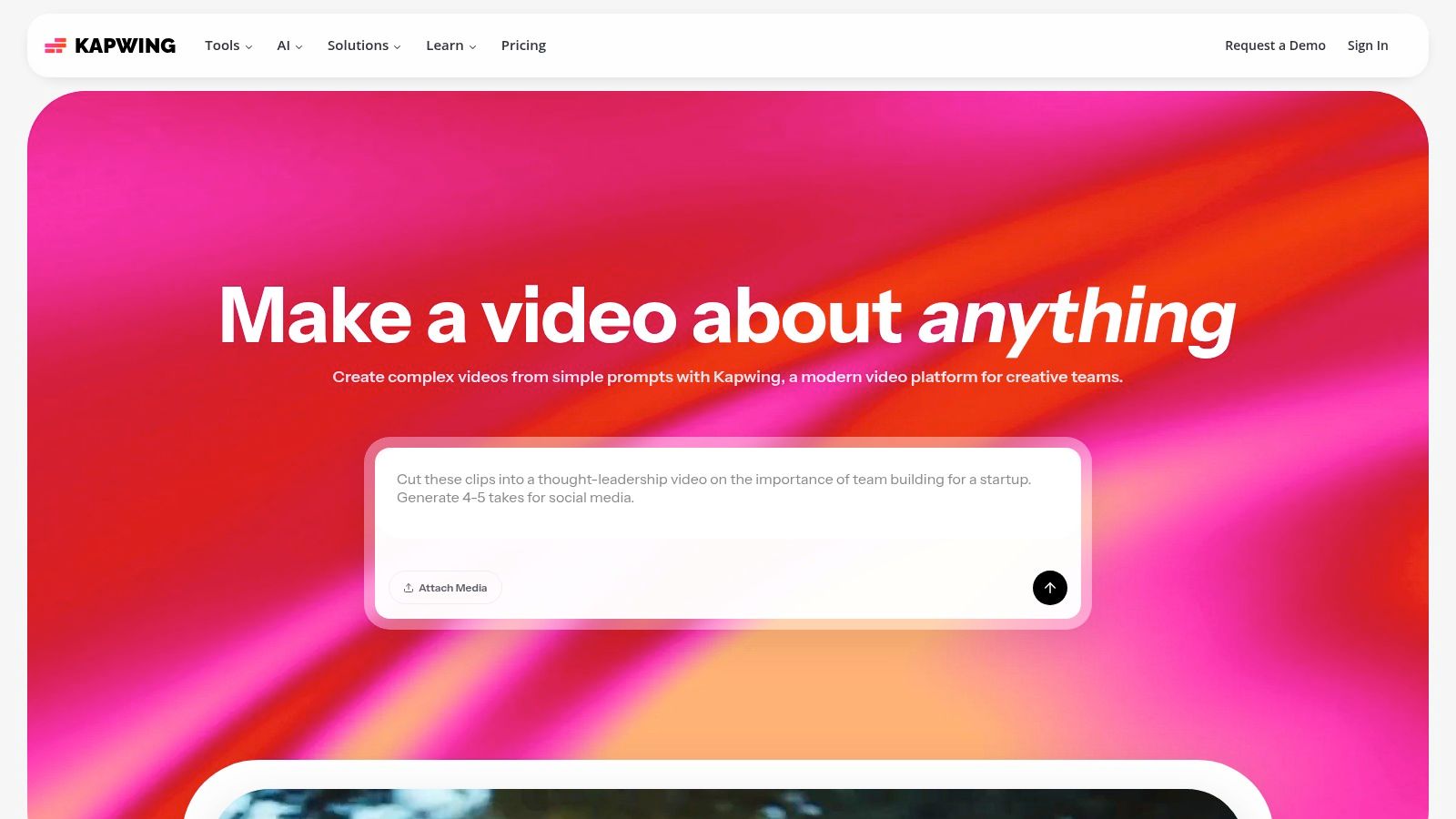
The platform stands out by making complex video editing tasks accessible to everyone. Features like AI-powered script-to-video generation, automatic subtitle creation, and AI-generated B-roll simplify what are traditionally time-consuming processes. With Kapwing, you can edit video by simply editing a text transcript, automatically dub content into different languages, and even correct a speaker’s eye contact. This suite of ai content creation tools is built for speed, making it perfect for teams focused on high-volume video output for social media.
Key Features and Use Cases
- Transcript-Based Editing: Upload a video and edit it by simply deleting words or sentences from the auto-generated transcript. Ideal for podcasters turning interviews into short clips.
- AI Repurposing & Subtitling: Automatically find the best clips from long videos, reformat them for vertical platforms, and add animated subtitles in seconds. A huge time-saver for social media managers.
- Script-to-Video & AI B-roll: Generate a complete video from a text script or prompt, complete with relevant stock footage, subtitles, and AI voiceovers. Great for marketers creating explainer videos.
| Pros | Cons |
|---|---|
| Fast social-video output with minimal setup | Free plan exports include a watermark and limited credits |
| Good balance of generation and hands-on editing controls | Heavier AI features consume monthly credits quickly |
| Fully browser-based with collaborative workspaces | Can experience lag with very large, high-resolution files |
Website: https://www.kapwing.com
10. Runway
Runway is a pioneering platform in generative video, offering a suite of advanced models like Gen-3 for text-to-video and image-to-video creation. It positions itself as a premier tool for creative professionals, marketers, and filmmakers looking to produce high-fidelity brand spots, explainer videos, and experimental social content. The platform moves beyond simple generation, providing a browser-based editor to refine and direct AI-created footage.

The platform’s core strength lies in its cutting-edge video models and a flexible, credits-based system. This approach allows users to balance quick, low-cost concept tests with high-resolution final productions. As one of the most sophisticated ai content creation tools for motion, Runway empowers creators to achieve cinematic quality that was previously unattainable without extensive animation or VFX teams. This makes it ideal for producing unique, attention-grabbing video assets for high-impact social media campaigns or brand storytelling.
Key Features and Use Cases
- Advanced Video Generation: Use text prompts or still images to create detailed video clips with models like Gen-3. Perfect for marketers creating short, dynamic product ads or surreal, artistic visuals for social media feeds.
- Browser-Based Video Editor: A comprehensive in-browser suite allows for editing, adding effects, and composing shots without needing external software. This is useful for teams needing a streamlined workflow from generation to final cut.
- Flexible Credits System: The credits-based model supports a versatile workflow. Users can generate many low-resolution drafts to perfect a concept before committing more credits to a high-quality, final render.
| Pros | Cons |
|---|---|
| Among the most capable consumer-accessible generative video tools | Learning curve to get consistently on-brand motion output |
| Flexible credits support both concept testing and production needs | Credits can be consumed quickly for high-resolution or longer generations |
| All-in-one platform for generation, editing, and refinement | Video results can still have occasional AI artifacts or inconsistencies |
Website: https://runwayml.com
11. G2 (AI Writing Assistants category)
While not a creation tool itself, G2’s AI Writing Assistant category is an essential research hub for anyone serious about finding the right software. It aggregates hundreds of user reviews, satisfaction scores, and feature comparisons for dozens of platforms. This makes it an invaluable resource for shortlisting candidates and validating marketing claims with real-world user feedback before committing to a subscription.
The platform’s strength lies in its structured data and peer-review system. You can filter tools based on company size, specific features, or user satisfaction ratings to quickly narrow the field. The side-by-side comparison feature is particularly useful for evaluating the pros and cons of top contenders. For buyers navigating the rapidly expanding market of ai content creation tools, G2 provides the social proof and detailed data needed to make an informed purchasing decision and discover emerging leaders in the space.
Key Features and Use Cases
- Category Rankings & Grids: Quickly identify market leaders, high performers, and niche solutions based on verified user satisfaction and market presence. This is perfect for initial discovery and building a list of tools to investigate further.
- Side-by-Side Comparisons: Directly compare features, pricing snapshots, and user ratings for up to four different tools at once, helping you make a final decision between your top choices.
- Verified User Reviews: Access a large volume of detailed reviews from real users, offering insights into practical application, customer support quality, and potential drawbacks that vendor websites might not mention.
| Pros | Cons |
|---|---|
| Unbiased reviews at scale help validate shortlists | Pricing fields can lag behind vendor pages; always click through to the vendor |
| Useful for seeing fast-moving entrants and market trends | The quality and usefulness of individual reviews can vary |
| Granular filtering helps find tools for specific needs | Some newer or niche tools may have limited review data |
Website: https://www.g2.com/categories/ai-writing-assistant
12. AppSumo
AppSumo isn't a single tool but a curated marketplace known for offering significant discounts and lifetime deals on emerging software. For creators and marketers on a budget, it’s a treasure trove for discovering and testing new ai content creation tools without committing to expensive monthly subscriptions. It allows you to find specialized AI writers, SEO assistants, and content repurposing platforms that might not be on the mainstream radar.
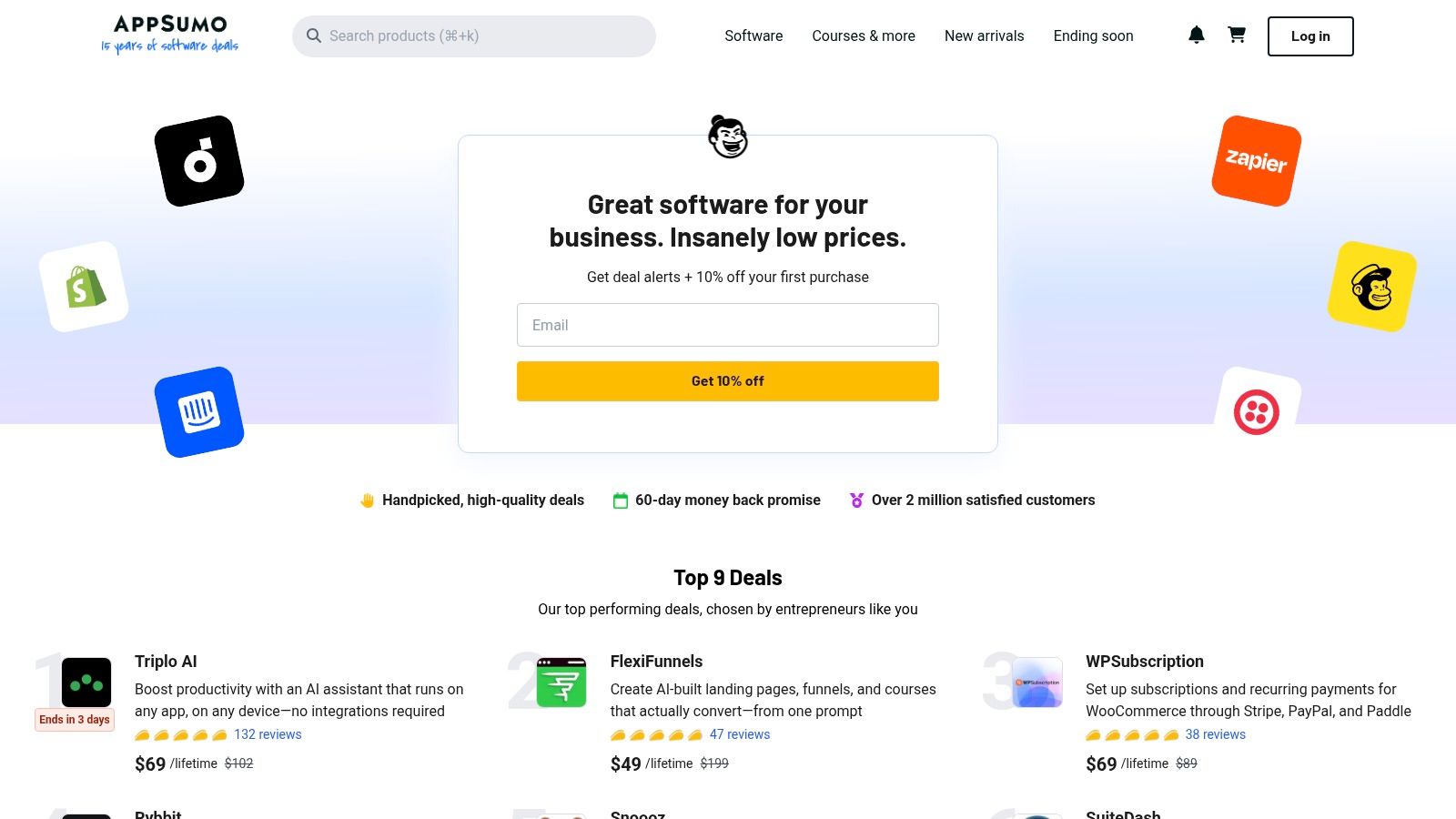
The platform’s core value lies in providing low-cost entry points to build a versatile marketing and content stack. By browsing its curated deals, you can experiment with various AI solutions to see what fits your workflow before investing long-term. However, due to the nature of lifetime deals (LTDs) on new software, it's crucial to read user reviews and verify vendor stability, as some tools may change their terms or cease operations over time.
Key Features and Use Cases
- Occasional Lifetime Licenses: Pay once and use the software forever. This is ideal for solopreneurs or small teams looking to minimize recurring expenses on their core toolset.
- Discovery of Niche Tools: Find specialized AI applications for very specific tasks, such as creating AI-driven quizzes, generating niche blog topics, or repurposing audio into social media clips.
- Curated Deal Pages: Each listing clearly outlines plan inclusions, user reviews, and a refund window, helping buyers make informed decisions before purchasing.
| Pros | Cons |
|---|---|
| Low-cost entry to test various AI tools | Lifetime AI deals can be risky; some tools may shut down |
| Discovery of specialized tools not on larger marketplaces | Buyers should read reviews carefully due to reported LTD attrition |
| Generous refund periods on most deals | The best deals are often for a limited time and sell out |
Website: https://appsumo.com
Top 12 AI Content Creation Tools Comparison
| Product | Key features ✨ | Quality ★ | Target 👥 | Price / Value 💰 |
|---|---|---|---|---|
| Postbae 🏆 | ✨ Autonomous AI agent for visual content, no prompts needed; carousels, infographics | ★★★★☆ (Authentic) | 👥 SMBs, social managers, agencies, creators | 💰 From $30/month; high time-savings value |
| Canva | ✨ Magic Studio, huge template + stock library, brand kits & repurpose tools | ★★★★☆ | 👥 Creators, small teams, marketers | 💰 Free + Pro/Business subscriptions |
| Adobe Express + Firefly | ✨ Firefly generative tools (text→image/video), templates, brand kits, credits | ★★★★☆ | 👥 Marketers, designers, Adobe users | 💰 Free tier + subscription + generative credits |
| Jasper | ✨ Brand Voice, canvas workflows, agents for scaled content ops | ★★★★☆ | 👥 Marketing teams, agencies | 💰 Paid — team & enterprise plans |
| Copy.ai | ✨ Chat + Agent Studio, multi‑model access, workflow automations | ★★★★☆ | 👥 Small teams, startups | 💰 Paid tiers; workflow credits on higher plans |
| Writesonic | ✨ SEO-focused writing, Photosonic image gen, article quotas & audits | ★★★☆☆ | 👥 Solo marketers to enterprises | 💰 Tiered paid plans with quotas |
| Notion AI | ✨ In‑workspace drafting, summaries, research mode, enterprise search | ★★★★☆ | 👥 Teams using Notion for docs & ops | 💰 Included on Business/Enterprise plans |
| Descript | ✨ Text-based video/audio editing, overdub, Studio Sound, clip repurposing | ★★★★☆ | 👥 Podcasters, video creators, repurposers | 💰 Free tier; paid for advanced features/credits |
| Kapwing | ✨ Browser video editor, auto-subtitles/translation/dubbing, script→video | ★★★★☆ | 👥 Social video creators, teams | 💰 Free w/ watermark; paid credits/subscriptions |
| Runway | ✨ Advanced text→video/image models (Gen‑3/4), browser editor, credits | ★★★★☆ | 👥 Experimental creators, production teams | 💰 Credits-based paid plans |
| G2 (AI Writing) | ✨ Category rankings, user reviews, side‑by‑side comparisons | ★★★★☆ | 👥 Buyers, researchers | 💰 Free (vendor links may vary) |
| AppSumo | ✨ Curated discounted deals & occasional lifetime offers on tools | ★★★☆☆ | 👥 Budget buyers, founders, early adopters | 💰 Deals & one‑time purchases (varies) |
Choosing the Right Tool for Your Content Strategy
The world of AI content creation tools has expanded at an incredible pace, offering solutions for nearly every bottleneck a modern marketer, creator, or business owner might face. From generating long-form blog posts and video scripts to editing audio and designing complex graphics, the right tool can fundamentally change your workflow, freeing up valuable time and unlocking new creative potential. As we've explored, the key isn't finding a single "best" tool, but identifying the best tool for your specific job.
Your decision hinges on a clear understanding of your primary content needs. Are you struggling to produce SEO-optimized articles at scale? A dedicated AI writing assistant like Jasper or Writesonic will be an invaluable partner. Is your team drowning in video and audio files that need to be transcribed, edited, and repurposed? A platform like Descript offers a text-based editing paradigm that can save countless hours.
For those who need a hands-on design environment with AI-powered assistance, industry leaders like Canva and Adobe Express provide robust, versatile platforms. They empower you to create everything from social media posts to presentations, with AI features that streamline the manual design process. However, these tools still require your direct input, your ideas, and your time to guide the creation process from a blank canvas to a finished product.
Identifying Your Biggest Content Bottleneck
The most effective way to choose from the diverse landscape of ai content creation tools is to pinpoint your most significant challenge.
- For Text-Heavy Content: If your primary goal is producing written content such as blogs, articles, and ad copy, focus on tools with strong language models and SEO integrations like Copy.ai or Jasper.
- For Video and Audio Production: If your workflow revolves around multimedia, platforms like Kapwing and Runway provide powerful AI-driven editing and generation capabilities that can drastically reduce production time.
- For Manual, Multi-Format Design: If you need a flexible, all-in-one design suite for various marketing assets and enjoy the creative process, Canva and Adobe Express are the go-to choices.
- For Automated Visual Social Content: If your biggest struggle is consistently creating high-quality, professional visual content for social media, and you lack the time or design skills to do it yourself, a different approach is needed.
This last point is a critical differentiator. While many tools can generate text or assist in design, few can automate the entire multidisciplinary process of creating authority-building social media graphics. This is where the concept of an AI agent, rather than just a tool, becomes powerful.
If your core challenge is filling your Instagram, Facebook, and LinkedIn feeds with engaging, educational carousels, infographics, and visual posts without spending hours writing prompts and adjusting layouts, your ideal solution will be one that handles this entire workflow autonomously. This is the specific problem Postbae was built to solve. It moves beyond being a simple assistant and acts as an automated content creator, handling the research, writing, and professional design of visual social posts so you can focus on strategy and community engagement. By aligning the tool directly with your most pressing content gap, you ensure the investment delivers the greatest return for your business.
Ready to put your visual social media content on autopilot? If you're tired of the endless cycle of ideation, copywriting, and design, let an AI agent handle it for you. See how Postbae can automatically generate a month's worth of professional, authority-building graphics for your brand, no prompts required. Try Postbae today and reclaim your time.