The 12 Best Instagram Content Creation Tools for 2026

Discover the top 12 Instagram content creation tools to streamline your workflow. Explore AI agents, design platforms, and video editors to grow your brand.
Keeping up with Instagram's demands for fresh, high-quality content is a major challenge for businesses and creators. Juggling ideation, design, and consistency can quickly become overwhelming, draining valuable time and resources. The right instagram content creation tools can transform this struggle into a streamlined, effective process, acting as your partner in building a powerful online presence.
This guide is designed to help you navigate the best options available. We will explore the top platforms for 2026, from automated AI agents that handle the entire creative workflow for you to powerful manual design suites that give you granular control. Whether you need to produce educational carousels, engaging Reels, or polished static graphics, this curated list will help you find the perfect solution.
Each tool review includes key features, ideal users, pros, cons, and direct links so you can get started immediately. Our goal is to help you select the platform that best fits your specific needs, allowing you to save time, elevate your brand, and connect more effectively with your audience. While various platforms offer creative features, sometimes starting with a fresh concept is the hardest part. Consider leveraging a dedicated Instagram Reels Idea Generator to spark your creativity before diving into design.
1. Postbae
Postbae stands out among Instagram content creation tools by offering a truly autonomous AI agent that eliminates the most time-consuming part of social media management: producing high-quality visual content. Unlike tools that require constant prompts and manual design work, Postbae operates in the background, researching, writing, and designing professional graphics tailored to your specific industry. This approach is ideal for small business owners, marketers, and creators who need a consistent stream of expert-level content without dedicating hours to the creative process.
The platform specializes in generating authority-building visuals such as multi-slide carousels, educational infographics, and insightful listicles. This focus on high-value content helps users establish credibility and engage their audience on a deeper level. Because the AI handles everything from ideation to the final design, you receive ready-to-post graphics that feel authentic to your brand, bypassing the creative bottleneck entirely.
Key Features and Strengths
Postbae's core strength is its "set it and forget it" functionality. The AI agent doesn't just generate ideas or text; it delivers complete, polished visual assets. Every graphic produced is fully editable, giving you total creative control to tweak colors, text, or layouts to perfectly match your brand aesthetic. This unique combination of full automation and customization is what makes it such a powerful tool in any content workflow. For those focused on growth, leveraging this type of high-value content is essential.
Fully Autonomous AI Agent: Requires no prompts to generate content.
Visual Content Generation: Creates multi-slide carousels, listicles, and infographics.
Authority-Building Focus: Specializes in educational, industry-specific content that establishes expertise.
Complete Creative Control: All generated posts are 100% editable and customizable.
Ideal User and Pricing
Best For: Small business owners, social media managers, and marketing agencies seeking to automate visual content production while maintaining high quality.
Pricing: A single, accessible plan at $30 per month delivers a cost-effective solution compared to hiring a freelance designer or dedicating internal resources.
Website: postbae.com
2. Canva
Canva has established itself as an indispensable all-in-one design platform, making it one of the most popular Instagram content creation tools available. It's particularly powerful for solo creators, small businesses, and marketing teams who need to produce high-quality, on-brand graphics quickly without a steep learning curve. Its drag-and-drop interface simplifies the creation of everything from single-image posts and multi-slide carousels to intricate Instagram Stories and Reel covers.
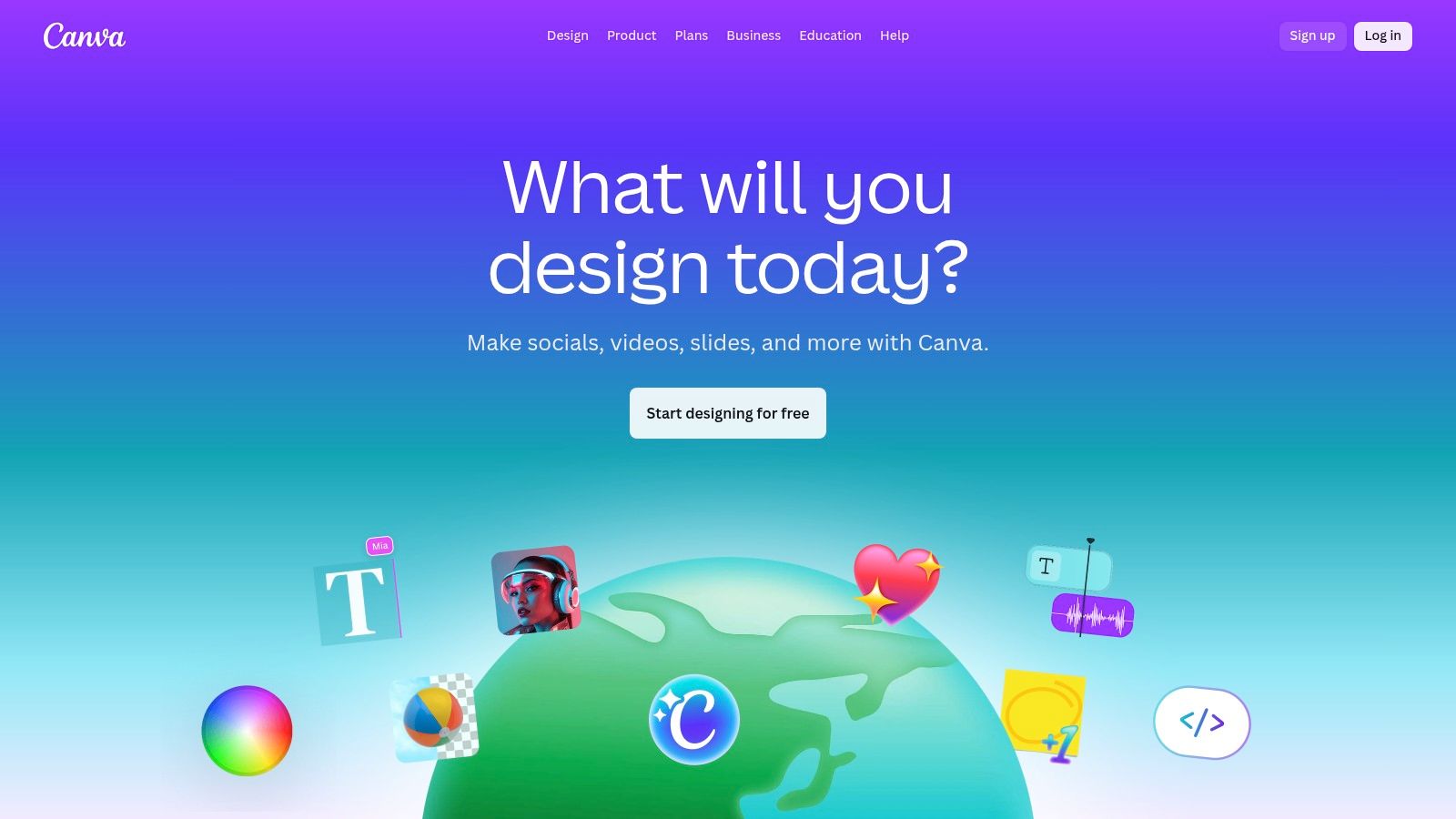
The platform’s strength lies in its vast ecosystem of templates and assets. The Brand Kit feature is a standout, allowing users to pre-set logos, color palettes, and fonts to ensure every design remains consistent. More advanced AI-powered tools within its "Magic Studio" can remove backgrounds, resize designs for different platforms with one click, and even generate design ideas. This combination of robust features and ease of use makes it a go-to for crafting a polished Instagram presence and creating engaging content efficiently.
Key Features:
Extensive library of Instagram post, Story, and Reel templates
Brand Kit for maintaining brand consistency
AI-powered tools like background remover and Magic Resize
Integrated library of stock photos, videos, and audio tracks
Real-time collaboration features for teams
Pros & Cons:
Pro: Extremely intuitive, enabling rapid production of professional graphics.
Pro: Massive ecosystem of templates and stock assets.
Con: Advanced features and team plans can be costly for individuals.
Con: The sheer number of options can sometimes feel overwhelming for simple tasks.
Pricing: Offers a robust free plan. Canva Pro starts at $14.99/month for one person, with team plans available.
3. Adobe Express
Adobe Express positions itself as a powerful, yet approachable, member of the Adobe creative ecosystem, designed specifically for rapid social media content creation. It strikes an impressive balance between the simplicity of drag-and-drop tools and the robust technology of its professional counterparts. This makes it one of the best Instagram content creation tools for creators who want Adobe's trusted AI and asset libraries without needing to master complex software like Photoshop or Premiere Pro.
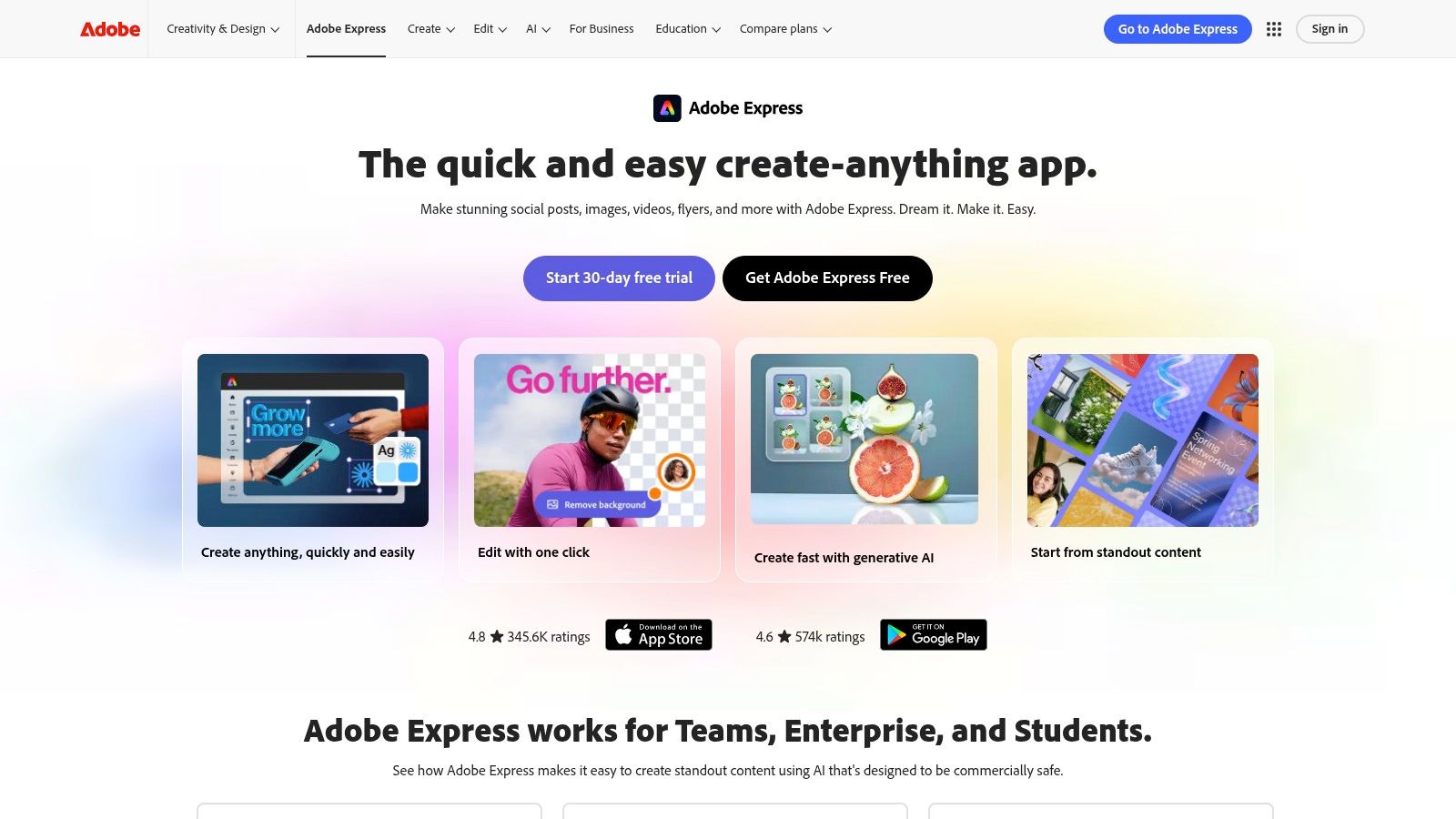
The platform’s major advantage is its integration of Adobe Firefly, the company's commercially safe generative AI, allowing users to create unique images and text effects from simple prompts. Combined with one-click background removal, animation tools, and a built-in content scheduler, Adobe Express serves as a comprehensive hub for producing and planning. Its vast template library is particularly useful for those who want to create Instagram carousels and other multi-asset posts with a consistent, professional look.
Key Features:
Access to 100K+ templates and millions of Adobe Stock photos, videos, and music
Adobe Firefly generative AI for text-to-image and text effects
One-click resizing for different social media formats
Brand Kit to maintain visual identity across all designs
Integrated content planner and scheduler for social media posts
Pros & Cons:
Pro: Backed by the trusted Adobe ecosystem with commercially safe generative AI.
Pro: Strong free plan and includes social scheduling, a feature often sold separately.
Con: Premium templates and advanced assets are locked behind a paid subscription.
Con: The web application can feel resource-intensive on older or less powerful computers.
Pricing: A comprehensive free plan is available. The Premium plan starts at $9.99/month.
4. CapCut
CapCut has rapidly become the go-to video editor for creators focused on Instagram Reels and other short-form vertical video formats. Its immense popularity stems from a mobile-first design that makes sophisticated video editing accessible and fast. The platform simplifies the process of creating trend-driven content, offering a massive library of templates, effects, and audio that users can quickly adapt to their own footage. This makes it one of the most efficient Instagram content creation tools for producing engaging Reels.
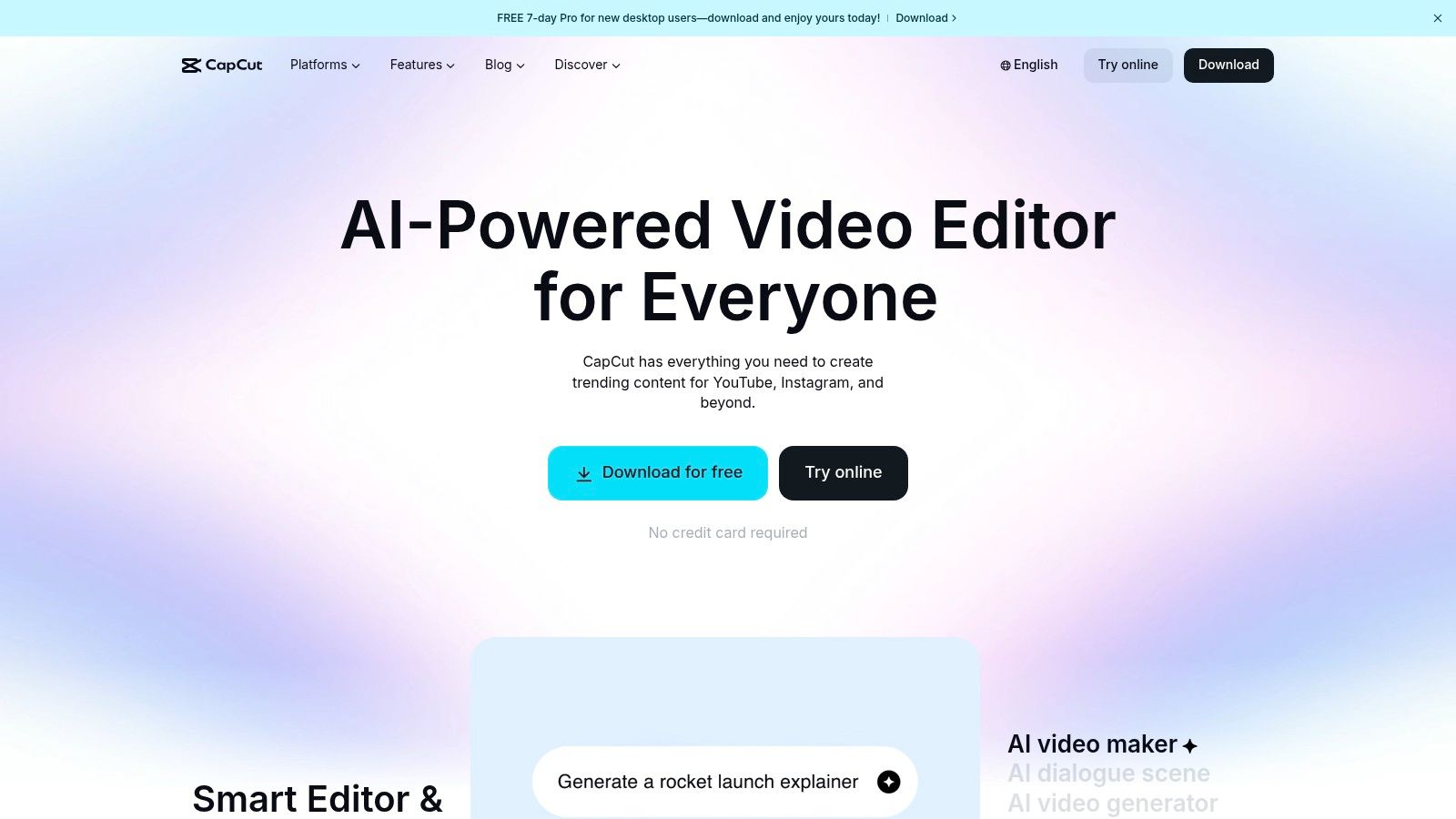
The editor's true strength is its blend of simplicity and power. Features like auto-captions generate synchronized subtitles with a single tap, a crucial element for accessibility and viewer retention. More advanced functions such as background removal, keyframing, and speed ramps are available without a steep learning curve. With seamless cloud-based project syncing across its mobile, desktop, and web apps, creators can start a project on their phone and finish it on their computer, offering a flexible and powerful workflow for modern content production.
Key Features:
Reel-first editor with trending templates and effects
Auto-captions for generating synchronized subtitles
Advanced tools like background removal, keyframing, and speed ramps
Cloud-synced projects across phone, desktop, and web platforms
Integrated library of commercially licensed music and sounds
Pros & Cons:
Pro: Extremely fast for creating trend-based Reels due to its strong template community.
Pro: A very capable free tier and convenient multi-device workflow.
Con: Pricing and feature availability can vary by region and app store.
Con: The interface can occasionally feel cluttered with its vast number of features.
Pricing: Offers a powerful free version. CapCut Pro pricing varies by region but is typically around $7.99/month.
5. Mojo (Mojo: AI Video & Reels Editor)
Mojo is a mobile-first application designed for creating dynamic, animated Instagram Stories and Reels. It excels at transforming static photos and product shots into engaging video content with professional text effects, subtitles, and motion graphics. For creators and businesses focused on producing quick, visually striking social videos directly from their phones, Mojo stands out as one of the most efficient Instagram content creation tools available.
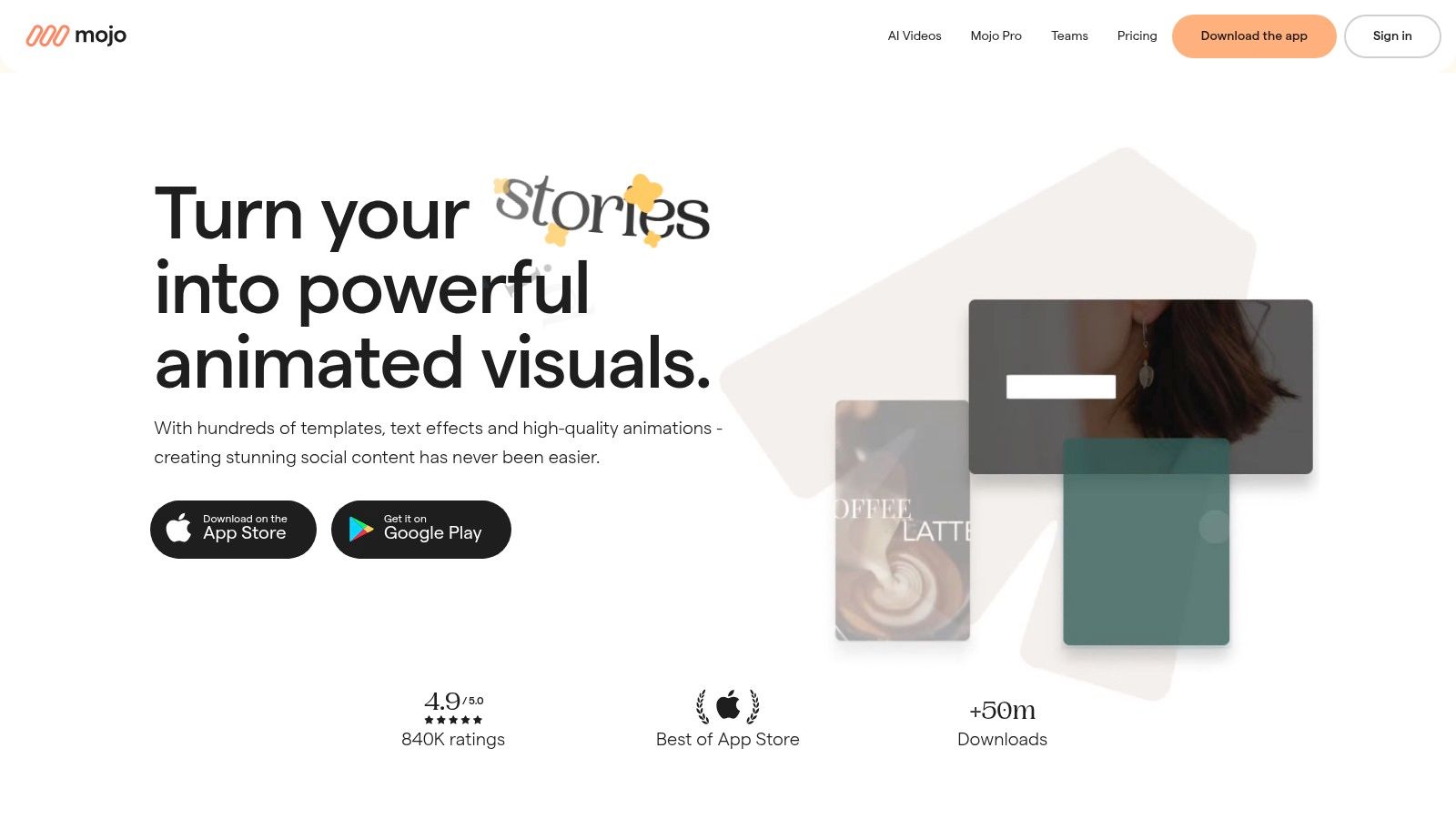
The app's core strength is its vast library of animated templates and powerful typographic presets, which make creating on-brand content incredibly simple. Users can apply their Brand Kit to maintain consistency with logos, fonts, and colors across all creations. The platform also includes AI-powered features for generating product videos and a built-in feed planner. Once you've created your content, understanding the best time to post Reels is the next critical step to maximize its impact and reach your target audience effectively.
Key Features:
Hundreds of animated templates for Instagram Stories and Reels
Advanced text and subtitle effects for dynamic videos
Brand Kit support for logos, custom fonts, and color palettes
AI features for generating product videos
Integrated feed planner and post scheduler
Pros & Cons:
Pro: Excellent for rapidly creating high-quality animated videos on mobile.
Pro: Strong focus on typography and motion graphics presets.
Con: The best experience is on iOS, with some AI features being iOS-exclusive.
Con: Heavy users may need to purchase add-on credits for AI features.
Pricing: Offers a free plan with basic features. Mojo Pro starts at $9.99/month, with team plans also available.
6. Unfold (by Squarespace)
Unfold, a tool from the Squarespace ecosystem, is a mobile-first designer specializing in minimalist, editorial-style content for Instagram. It excels at creating clean, magazine-like Stories, Reels, and posts, making it one of the go-to Instagram content creation tools for brands and creators aiming for a sophisticated aesthetic. The platform is built around a powerful template engine that allows users to craft visually cohesive narratives with ease, directly from their phone.
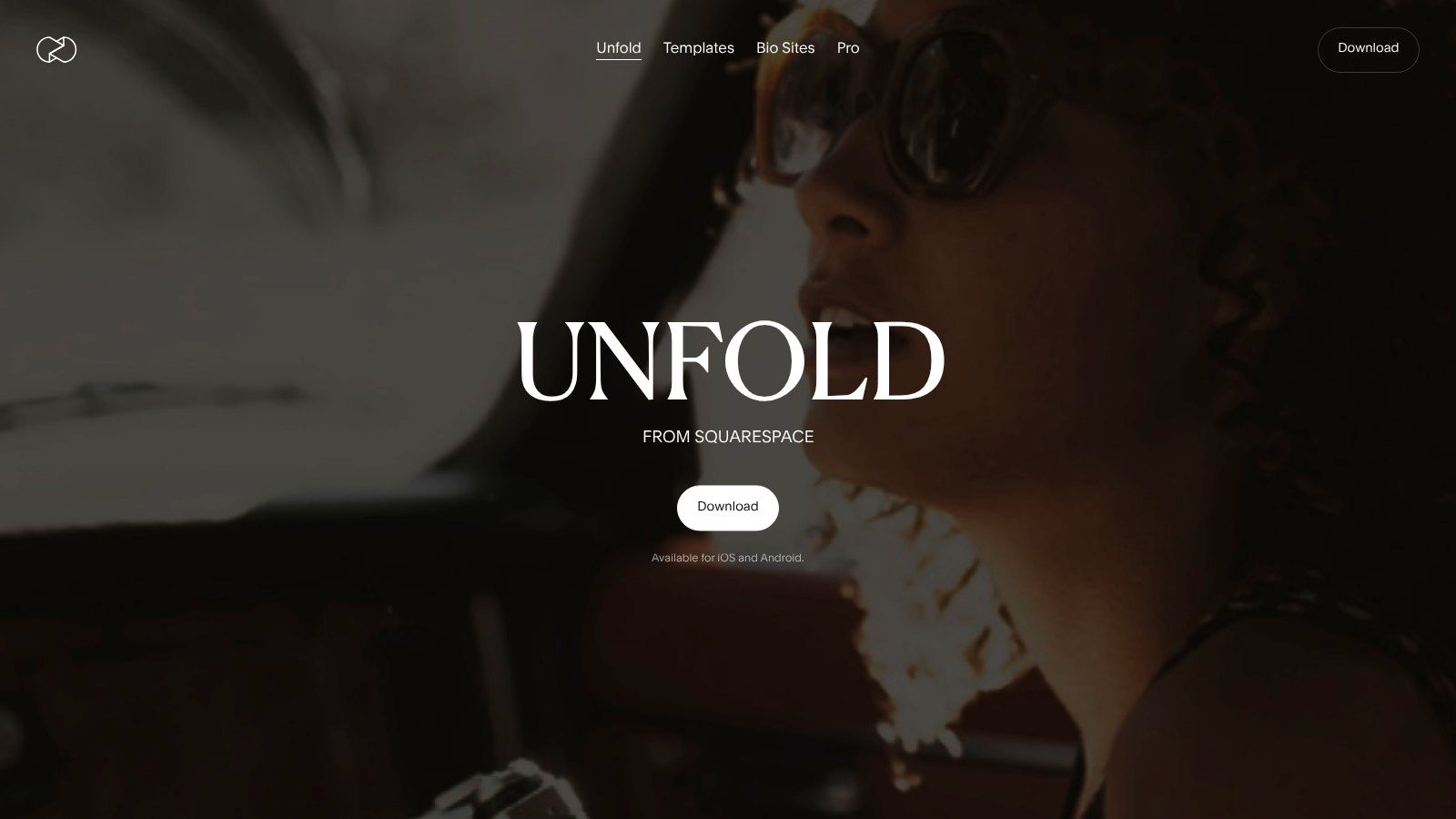
Beyond its design capabilities, Unfold integrates practical features that streamline a creator's workflow. Its built-in feed planner helps visualize how new posts will look alongside existing content, ensuring a consistent grid appearance. A standout feature is the integrated "Bio Site," a link-in-bio solution that lets users create a stylish landing page for their most important links. This combination of curated design templates and essential creator utilities makes it a strong choice for achieving a polished, high-end brand presentation on Instagram.
Key Features:
Over 400 premium templates for Stories, Reels, and posts
Advanced text tools with curated fonts and styles
Integrated feed planner to preview your Instagram grid
Built-in "Bio Site" link-in-bio page builder
Filters, effects, and photo editing capabilities
Pros & Cons:
Pro: Elegant, magazine-style templates perfect for a clean brand aesthetic.
Pro: The integrated Bio Site builder is a valuable and convenient addition.
Con: More powerful features are concentrated in the mobile app, with limited desktop functionality.
Con: Billing is managed through app stores, which can be inconvenient for cross-platform users.
Pricing: Offers a free version with basic templates. Unfold+ starts at $12.99/month, and Unfold Pro is $19.99/month for more advanced features.
7. Picsart
Picsart has carved out a niche as a powerful, all-in-one photo and video editor that excels in creating stylized, eye-catching Instagram content. It is particularly valuable for creators and brands who want to add artistic flair to their posts, stories, and reels using a rich library of effects, stickers, and fonts. With robust mobile and web apps, it bridges the gap between quick, on-the-go edits and more detailed desktop-based design work, making it a versatile tool in any content creator's arsenal.
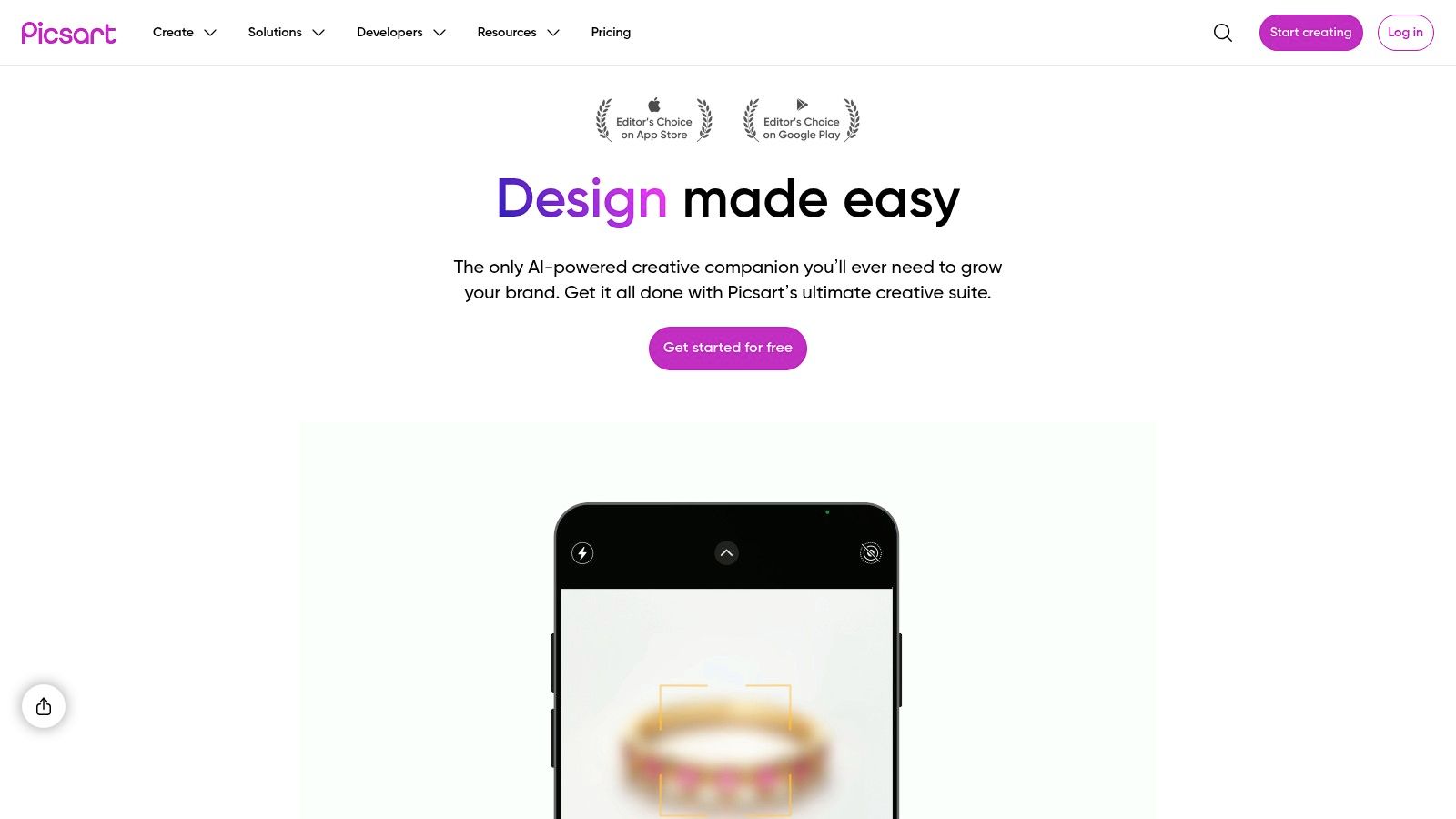
The platform stands out with its comprehensive suite of AI-powered tools, including sophisticated background and object removal, image generation, and enhancement features. For businesses, higher-tier plans offer practical tools like batch editing and brand kits, streamlining the creation of on-brand assets. Picsart's extensive library, which includes everything from unique templates to Getty video clips, empowers users to produce highly customized and dynamic visuals that capture attention in a crowded feed, solidifying its place among essential instagram content creation tools.
Key Features:
Large library of Instagram templates for posts, stories, and reels
AI tools for image generation, background/object removal, and enhancement
Brand Kit available in higher-tier plans for brand consistency
Integrated library of stock photos, Getty video clips, stickers, and fonts
Batch editing capabilities to streamline workflows
Pros & Cons:
Pro: Versatile mobile and web apps are great for quick, stylized edits.
Pro: Broad asset library including unique fonts, stickers, and stock media.
Con: The AI tools operate on a credit system, so heavy usage can exhaust quotas.
Con: The interface can feel busy and overwhelming for new users.
Pricing: A free plan with basic tools is available. Picsart Plus is $5/month, and Picsart Pro is $7/month (billed annually), with custom pricing for enterprise plans.
8. VistaCreate (formerly Crello)
VistaCreate, formerly known as Crello, is a strong contender in the online design space, offering a robust suite of tools that make it a compelling alternative to more established platforms. It excels for small businesses, teams, and creators who need a feature-rich design environment at a competitive price point. The platform's user-friendly interface supports the creation of a wide array of Instagram content, from static posts and Stories to animated graphics, all without requiring advanced design skills.
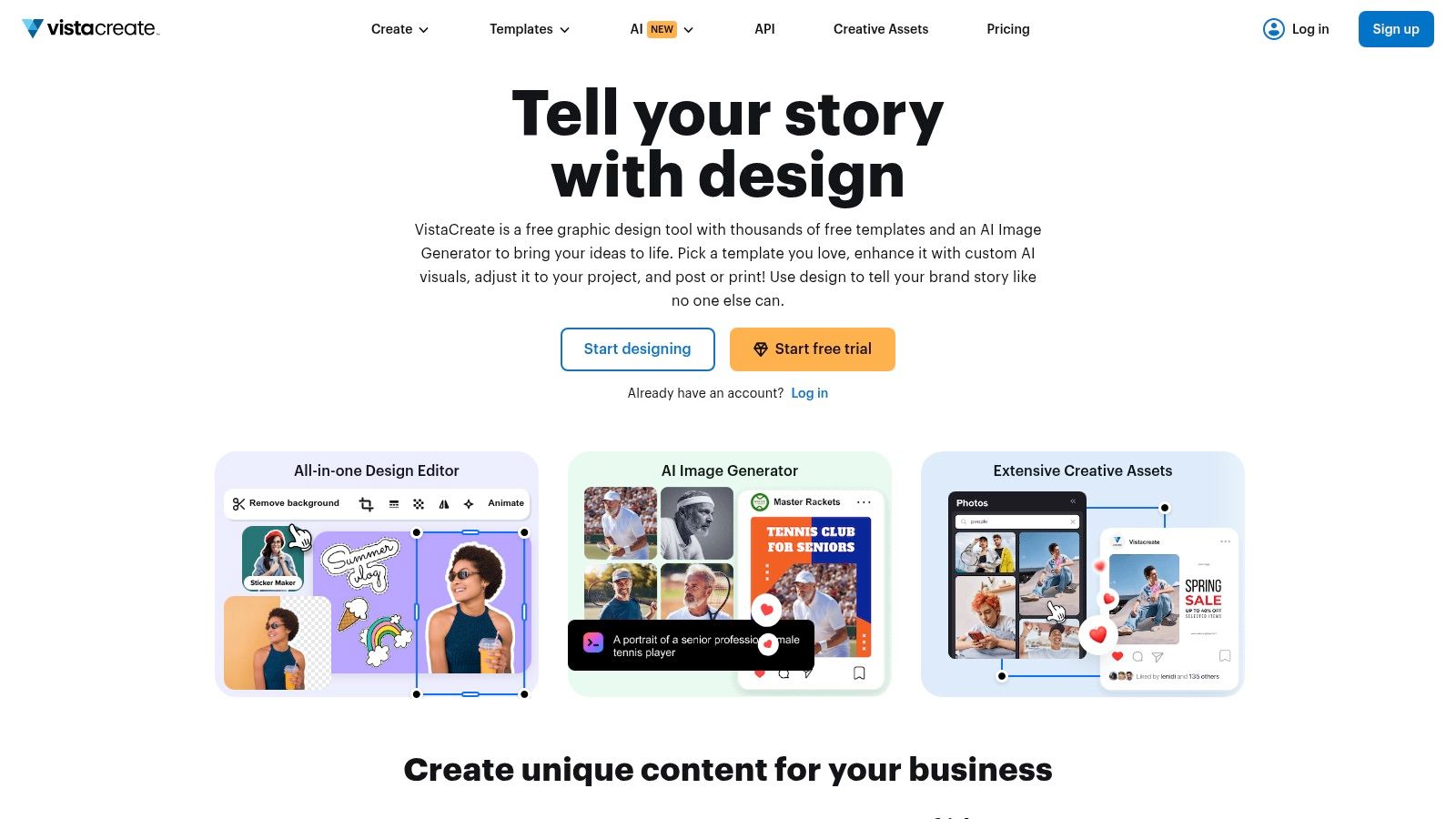
What sets VistaCreate apart is its value-packed Pro plan, which bundles team collaboration features, unlimited Brand Kits, and extensive storage without per-user upcharges. This makes it an especially economical choice for growing teams. Its library of over 200,000 premium templates and 170 million stock assets provides a vast creative playground. AI tools like the background remover and image generator further streamline the workflow, positioning VistaCreate as an excellent Instagram content creation tool for producing professional visuals efficiently.
Key Features:
Large library of Instagram templates and animated graphics
AI-powered background remover and image generator
Unlimited Brand Kits and storage on the Pro plan
Team collaboration features included in the standard Pro subscription
Smart resize tool for adapting designs to different formats
Pros & Cons:
Pro: Very competitive pricing, especially for teams.
Pro: Huge library of stock assets and premium templates.
Con: The mobile web version can be less functional than the desktop experience.
Con: Pricing information is sometimes found within help documents, which can be confusing.
Pricing: Offers a free Starter plan. The Pro plan is $13/month, which includes team features.
9. Kapwing
Kapwing has carved out a niche as an essential online video editor designed specifically for social media teams and creators. It excels at the tasks that are often most time-consuming: adding subtitles, repurposing content for different formats, and enabling fast-paced, collaborative workflows. Its browser-based interface makes it one of the most accessible Instagram content creation tools for turning longer videos into engaging, vertical Reels without needing powerful hardware or complex software.
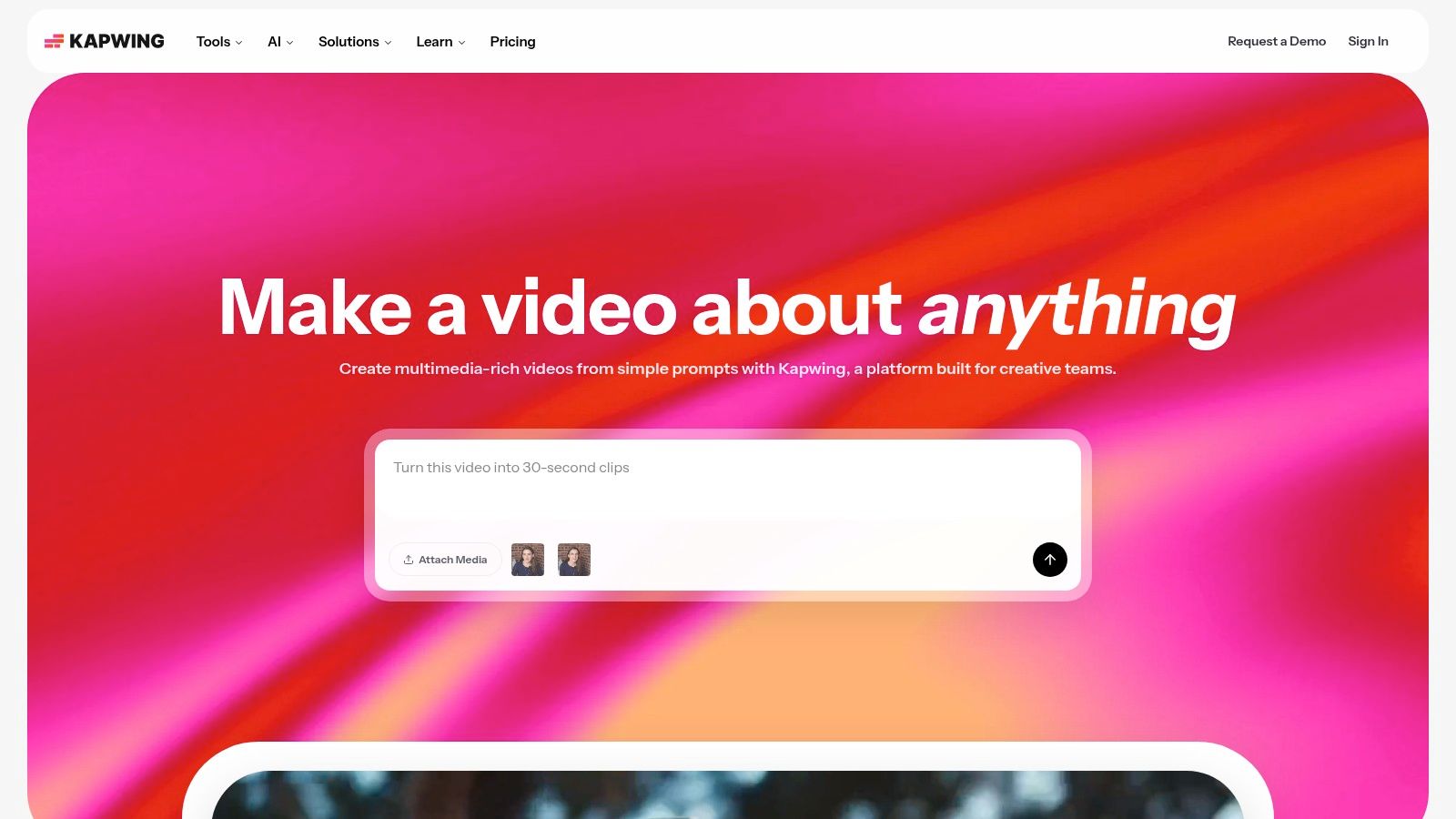
The platform’s real power lies in its AI-driven features and collaborative focus. Tools like auto-subtitling, one-click resizing for vertical video, and AI-powered clipping simplify the process of making content accessible and mobile-friendly. For teams, the ability to create shared brand workspaces and comment directly on projects in the browser streamlines the review process. This combination of smart editing tools and team-oriented features makes Kapwing a go-to for efficiently creating and repurposing video for Instagram.
Key Features:
AI-powered auto-subtitles and video transcription
Smart tools for repurposing and resizing video for Reels
Extensive library of meme and Reel templates
Browser-based real-time collaboration and brand workspaces
Integrated tools for trimming, clipping, and merging video
Pros & Cons:
Pro: Extremely fast browser-based workflow with no software to install.
Pro: Excellent for distributed teams and client collaboration.
Pro: Great balance of robust editing tools and social media-specific formats.
Con: Processing heavy video projects can strain lower-powered laptops.
Con: The free plan includes watermarks on exports and has usage limits.
Pricing: Offers a free plan with limitations. The Pro plan starts at $24/month per user.
10. VEED
VEED is a powerful, browser-based video editor that has carved out a niche as an essential tool for creating social media clips, especially for Instagram Reels. Its primary strength lies in making video content more accessible and engaging through a suite of intuitive, AI-powered features. For creators and businesses targeting diverse audiences, VEED simplifies the often tedious process of adding subtitles, translating content, and cleaning up audio and video for a professional finish.
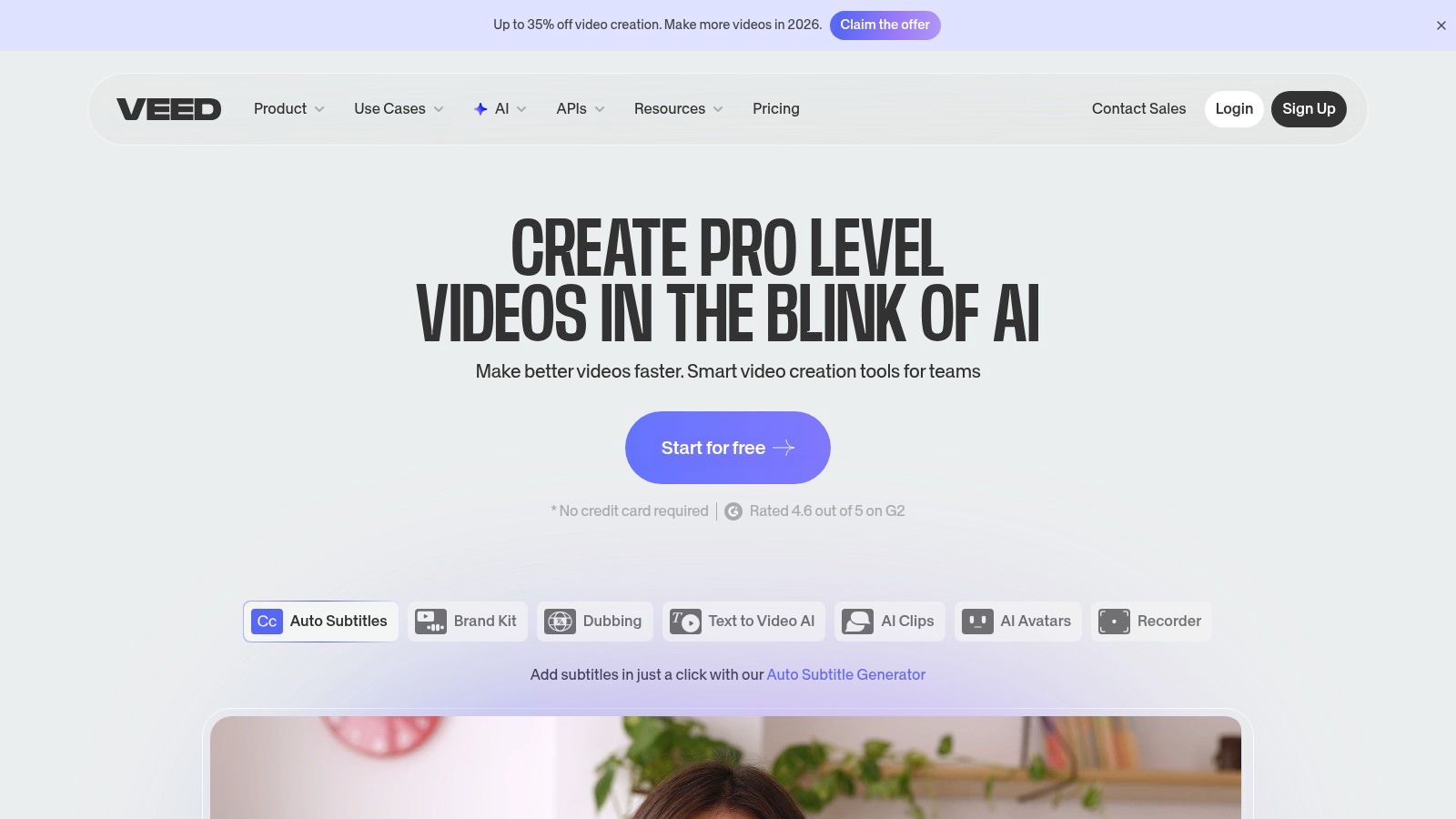
The platform’s one-click auto-captioning and translation tools are standout features, enabling users to quickly make their Reels and video posts understandable to a global audience and those watching without sound. Beyond captions, its AI toolkit includes eye contact correction to maintain audience engagement, background noise removal for crisp audio, and video background removal. This makes VEED one of the most practical Instagram content creation tools for anyone prioritizing polished, accessible video without needing complex desktop software.
Key Features:
Automatic one-click subtitles and translations for Reels
AI tools for audio cleanup, eye contact correction, and background removal
Integrated library of stock video, audio, and elements
Brand Kit support for consistent branding on videos
Collaboration tools for teams to review and edit projects
Pros & Cons:
Pro: Excellent and fast captioning workflow, ideal for Instagram's sound-off viewing habits.
Pro: Simple, web-based interface that is accessible for beginners and teams.
Con: The free plan includes a VEED watermark on all exported videos.
Con: Higher-tier plans are required for 4K exports and longer video projects.
Pricing: Offers a free plan with watermarks. Paid plans start at the Basic tier for $25/month per user, billed annually.
11. Envato Elements
Envato Elements is a subscription service that functions like an all-you-can-eat buffet for creative assets. Instead of being a standalone editor, it provides an enormous library of downloadable resources that can be plugged into other Instagram content creation tools. For agencies, freelancers, and high-volume creators, it offers incredible value by providing unlimited access to millions of stock videos, photos, music tracks, and professionally designed templates for Instagram posts, Stories, and Reels.
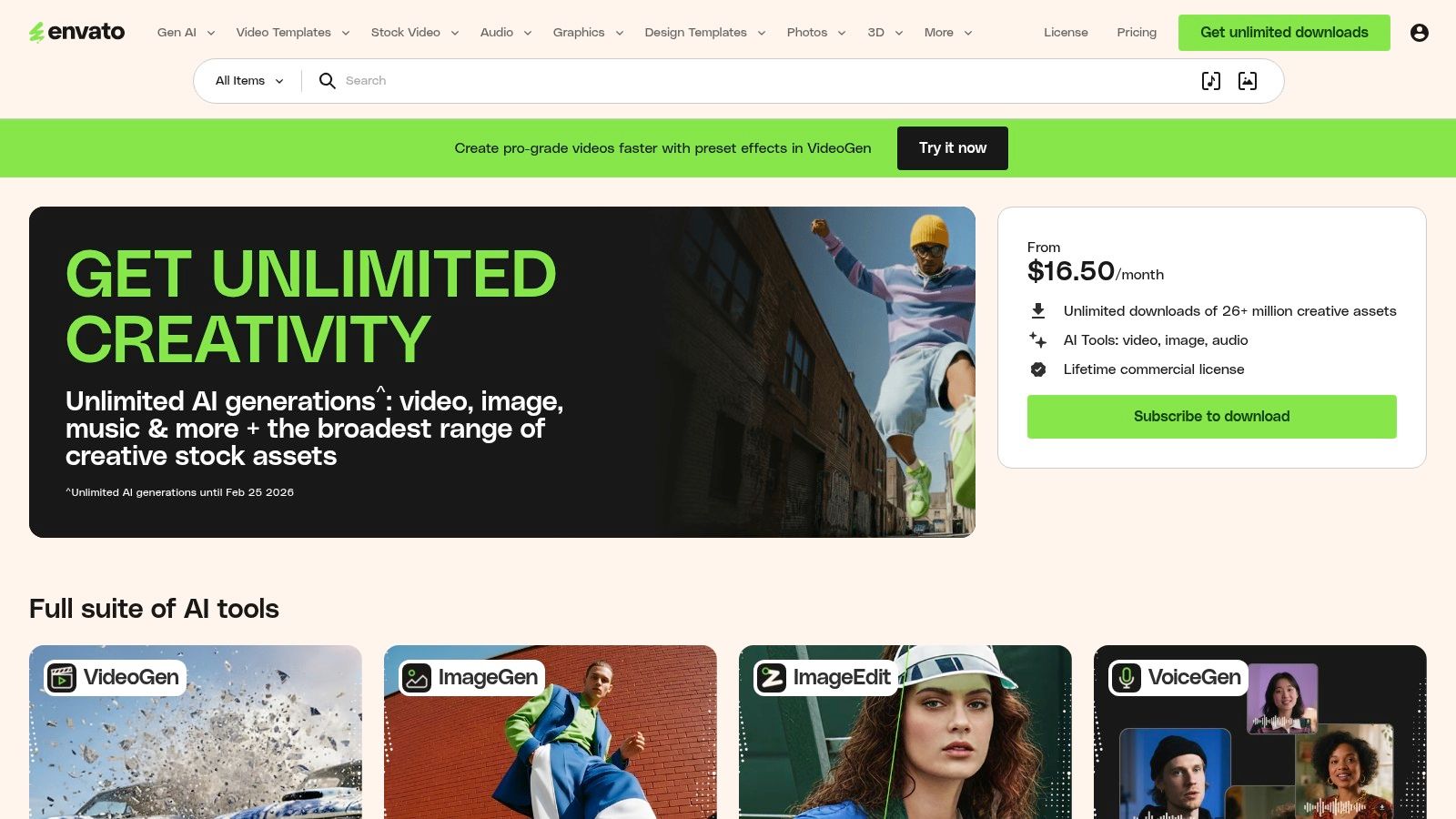
The platform’s key advantage is its simple, broad commercial license, which covers the majority of social media use cases without complex restrictions. This makes it an efficient source for sourcing high-quality, ready-made assets like Instagram carousel kits or font pairings to elevate your brand’s visual identity. While it requires another design tool to customize the assets, it saves significant time and money compared to purchasing individual licenses for stock content, making it an essential resource for boosting production quality.
Key Features:
Unlimited downloads from a library of over 26 million creative assets
Extensive collection of Instagram post, Story, and carousel templates
Vast selection of stock video, royalty-free music, and sound effects
Simple, comprehensive commercial licensing for peace of mind
Thousands of unique fonts, graphics, and 3D assets
Pros & Cons:
Pro: Exceptional value for creators who frequently need a wide variety of assets.
Pro: A single subscription covers everything from video templates to music.
Con: Requires a separate design application (like Photoshop or Canva) to edit templates.
Con: The sheer volume of assets means quality can vary, requiring some curation.
Pricing: Individual plans start at $16.50/month. Team and Enterprise plans are also available.
12. Creative Market
For creators seeking unique, high-quality assets without committing to a broad subscription, Creative Market serves as an essential digital marketplace. Instead of offering an all-in-one design tool, it provides an à-la-carte platform where you can purchase specific Instagram templates, font packs, photo filters (LUTs), and complete brand kits created by independent designers. This makes it one of the best Instagram content creation tools for those who want to buy exactly what they need for a specific project or aesthetic.
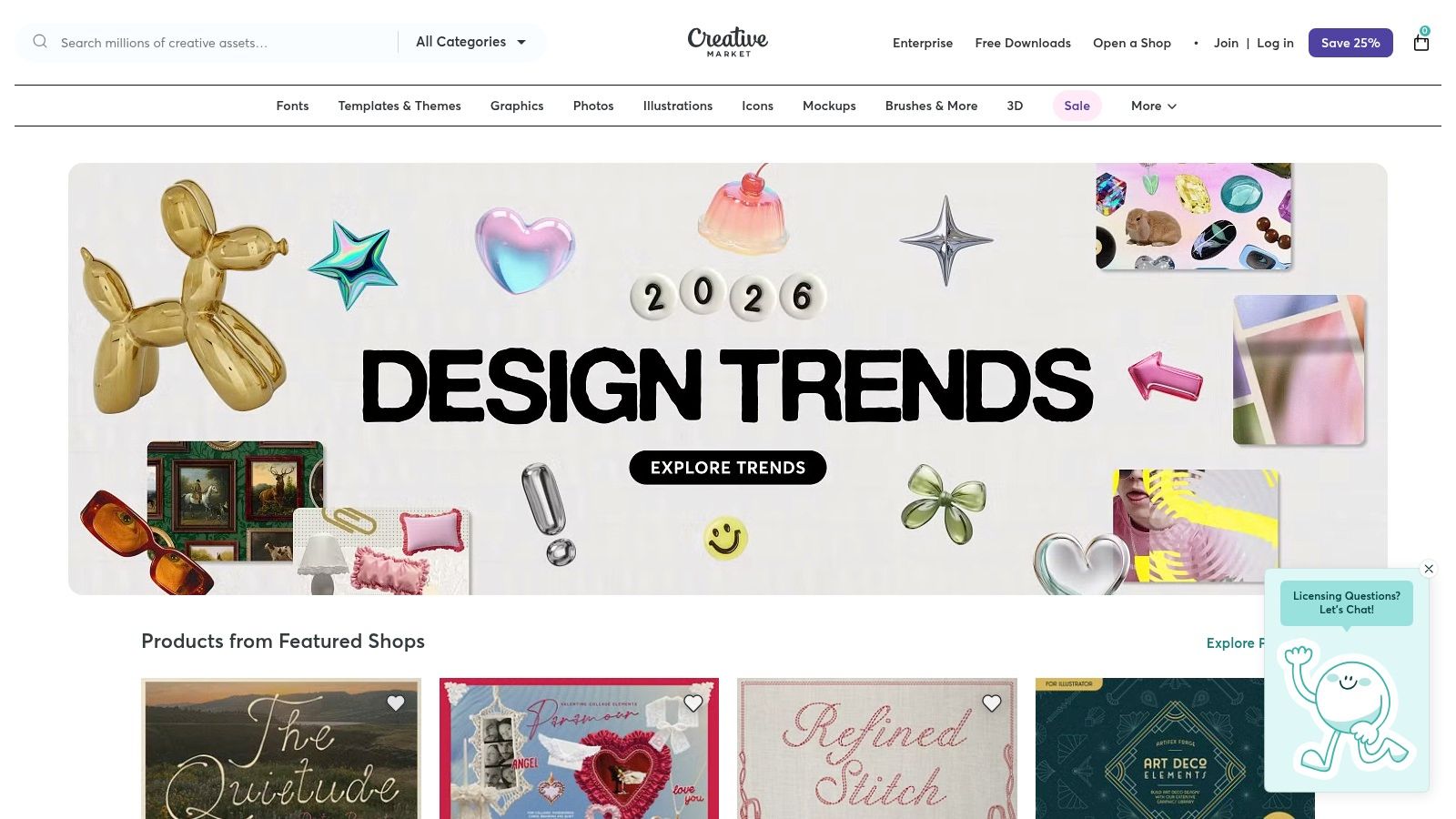
The platform is perfect for sourcing assets that work with other software like Canva, Photoshop, or Illustrator. Its strength lies in its vast and diverse selection, allowing social media managers and small businesses to find niche templates and graphics that stand out from the more mainstream options. While individual purchases can add up, an optional membership offers discounts and monthly credits, providing a cost-effective solution for frequent buyers who value quality and originality in their content creation workflow.
Key Features:
Millions of design assets, including Instagram-specific template packs
Assets compatible with major design software (Canva, Photoshop, etc.)
Optional membership with monthly credits and sitewide discounts
Curated monthly "Drops" highlighting new and trending creator assets
Pros & Cons:
Pro: Buy exactly what you need without a long-term subscription.
Pro: Strong creator community and high-quality, niche design bundles.
Con: Asset quality and licensing terms can vary between different sellers.
Con: Costs can accumulate for multiple purchases compared to an all-access service.
Pricing: Assets are priced individually. An optional membership starts at $19.95/month.
Top 12 Instagram Content Tools — Comparison
| Product | Core features (✨) | Quality / UX (★) | Price / Value (💰) | Target audience (👥) | Standout (🏆) |
|---|---|---|---|---|---|
| Postbae 🏆 | ✨ Autonomous AI agent → carousels, infographics; fully editable visual posts | ★★★★☆ — authentic, professional designs | 💰 $30/mo — high value | 👥 SMBs, social managers, agencies | 🏆 ✨ End-to-end automation of visual content; no prompts needed |
| Canva | ✨ Thousands of templates, Brand Kit, Magic Studio AI | ★★★★★ — fast, polished UI | 💰 Freemium → Pro / Teams (seat costs) | 👥 Solo creators → teams, marketers | ✨ Massive template & asset ecosystem |
| Adobe Express | ✨ IG templates, Firefly AI, brand kit, scheduling | ★★★★☆ — Adobe quality; schedule included | 💰 Free + premium assets / plans | 👥 Creators wanting Adobe ecosystem & scheduling | ✨ Trusted Adobe tools + social planning |
| CapCut | ✨ Reel‑first editor, trend templates, auto‑captions | ★★★★☆ — very fast for short video | 💰 Freemium; regionally varied plans | 👥 Short‑form video creators & influencers | ✨ Speedy reel creation & template community |
| Mojo | ✨ Mobile‑first animated stories/reels, text effects | ★★★★☆ — excellent mobile motion UX | 💰 Freemium → Pro/Teams; credits for AI packs | 👥 Mobile creators (iOS focus), social storytellers | ✨ Strong typography + motion presets |
| Unfold (Squarespace) | ✨ Editorial templates, feed planner, bio site | ★★★★☆ — clean, minimalist UX | 💰 Freemium; in‑app billing for pro packs | 👥 Creators seeking magazine‑style aesthetics | ✨ Clean editorial templates + built‑in bio site |
| Picsart | ✨ AI image tools, templates, stickers, batch edits | ★★★★☆ — versatile but busy UI | 💰 Freemium + credits / Pro tiers | 👥 Stylized creators, quick edits, social teams | ✨ Robust AI edits & large asset library |
| VistaCreate | ✨ Canva‑style templates, AI image gen, team Pro | ★★★★☆ — familiar design flow | 💰 💰 Competitive Pro with team seats included | 👥 Teams & budget‑conscious creators | ✨ Unlimited Brand Kits & storage on Pro |
| Kapwing | ✨ Browser video/image editor, auto‑subtitles, repurpose | ★★★★☆ — smooth web collaboration | 💰 Freemium → paid removes watermark | 👥 Distributed teams, agencies, remote clients | ✨ Browser‑first repurposing + collaboration |
| VEED | ✨ Auto subtitles/translations, cleanup, 4K exports | ★★★★☆ — strong caption/localization tools | 💰 Freemium; paid for 4K/longer exports | 👥 Creators needing localization & captions | ✨ One‑click translations & AI cleanup |
| Envato Elements | ✨ Unlimited downloads: templates, video, music, fonts | ★★★★☆ — vast asset depth | 💰 Subscription — high value for heavy users | 👥 Agencies, frequent creators, freelancers | ✨ Unlimited assets + simple commercial license |
| Creative Market | ✨ À‑la‑carte templates, fonts, LUTs, brand kits | ★★★★☆ — curated, high‑quality packs | 💰 Pay‑per‑item; membership for discounts | 👥 Creators seeking specific, premium assets | ✨ High‑quality niche bundles & one‑off purchases |
Choosing the Right Tool to Build Your Brand
Navigating the landscape of Instagram content creation tools can feel overwhelming, but this extensive list demonstrates one clear truth: there is no single "best" tool, only the right tool for your specific workflow, budget, and strategic goals. We've explored everything from robust video editors like CapCut and VEED to comprehensive manual design platforms like Canva and Adobe Express, and even asset libraries such as Envato Elements. Each serves a distinct purpose in the content creation ecosystem.
Your ultimate choice hinges on identifying your biggest bottleneck. Are you a creator who excels at video but needs a faster way to add captions and effects? A dedicated video editor is your answer. Are you a social media manager with a clear vision but in need of templates and stock assets to bring it to life? A platform like Canva or VistaCreate provides the perfect canvas. The key is to honestly assess where you spend the most time and which tasks are preventing you from focusing on high-impact activities like strategy and community engagement.
Aligning Tools with Your Content Strategy
The most effective approach involves building a streamlined "stack" of instagram content creation tools that complement each other. For instance, you might use a video editor for your Reels, a manual design tool for one-off promotional graphics, and an automated agent for your consistent, educational content. The goal isn't to master a dozen different platforms but to select two or three that solve your most pressing challenges.
Consider these factors when making your decision:
Time Commitment: How much time can you realistically dedicate to content creation each week? If your hours are limited, automation should be a top priority.
Skill Level: Do you have a background in design, or do you need a tool that handles the creative heavy lifting for you?
Content Focus: Is your strategy centered on video-first content like Reels, or do you prioritize authority-building educational carousels and infographics?
Budget: Determine your monthly budget and look for tools that offer the best return on investment for your specific needs, whether that’s a free plan or a premium subscription.
For many small businesses, startups, and marketing agencies, the primary challenge isn't just one part of the process; it's the entire multidisciplinary effort of ideation, research, copywriting, and design. If this resonates with you, and your goal is to establish brand authority with professional, educational visuals, then an autonomous solution is the most logical path forward. This is where Postbae stands apart. It's not another manual editor but an AI agent that completely automates the production of high-quality, industry-specific carousels and infographics. By handling the entire creative workflow without even needing prompts, it frees you to concentrate on growing your business.
Ultimately, the right tools will empower you to execute your Instagram strategy with consistency and quality, turning content creation from a daily chore into a powerful engine for brand growth.
Ready to eliminate the time-consuming process of manual design? See how Postbae can autonomously generate a month's worth of professional, authority-building visual content for your brand. Stop designing and start growing by exploring what our AI agent can create for you at Postbae.