Automate Social Media Posts and Save 10+ Hours Weekly

Learn how to automate social media posts with our guide to smart workflows. Build a powerful brand online by streamlining content creation and scheduling.
Automating your social media is the most effective way to reclaim your time. It allows you to maintain brand consistency and concentrate on the big picture—growth—instead of the daily grind of content creation. It's about leveraging the right tools to manage the repetitive parts of social media, such as designing visual graphics and scheduling posts.
Building an Intelligent Social Media Workflow
We’ve all been there, staring at a blank content calendar, wondering what to post. The purpose of automating your social media isn't about cutting corners; it’s about building a smart, efficient engine that runs your brand’s online presence. This frees you up to think strategically and engage with your community.
A modern automation setup is much more than a simple scheduler.
The core of a truly intelligent workflow is its ability to create on-brand visual content automatically. This is what consumes most of the time—hours spent in design tools creating multi-slide carousels, listicles, or "myth vs. fact" infographic posts for Instagram and LinkedIn. This is precisely the kind of bottleneck that new autonomous AI agents are designed to eliminate.
The Shift from Manual Effort to Automated Growth
A smart system transforms your social media from a daily chore into a scalable operation. When set up correctly, you can truly automate social media posts and save hours weekly, allowing you to reinvest that time into other areas of your business.
This diagram perfectly illustrates the journey from manual burnout to automated growth.
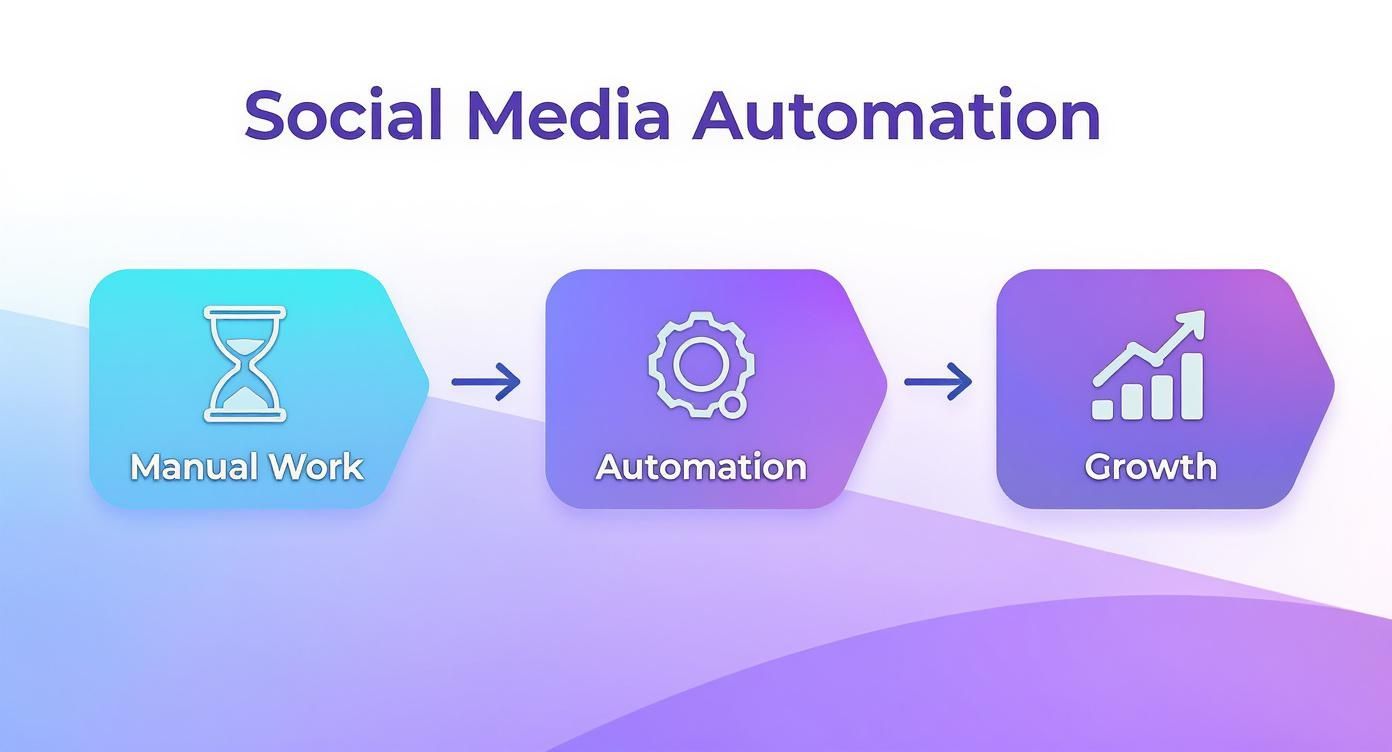
The key takeaway here is that automation is the bridge. It converts the hours once spent on repetitive tasks directly into opportunities for growth and building a genuine connection with your audience.
Tools like Postbae are central to this new approach. It functions as an AI-powered content creation agent that autonomously generates professional visual social media graphics—no prompts required. This completely automates the production of the visual content itself, delivering ready-to-post assets like educational infographics and multi-slide carousels directly to you.
The best part? You retain complete creative control. While Postbae handles the heavy lifting of visual creation, you can fully edit and customize every generated post. This setup keeps your content pipeline filled with high-quality, authority-building visual content without the manual design work.
Laying the Groundwork: Your Content Strategy Comes First
Let's clarify one thing. Using an automation tool without a solid strategy is like trying to build a house without a blueprint. You might have powerful tools, but you're operating without direction. The result is often chaos.
Before you can effectively automate social media posts, you need a plan. A clear strategy that defines what you say, who you're speaking to, and how often you engage.
Great automation doesn’t create your strategy for you; it executes it with exceptional efficiency. You must start by asking the most important question: what is the primary goal? Are you aiming to become the go-to authority in your industry? Are you looking to generate qualified leads for your sales team? Or is the plan to build trust by educating your audience?
That single goal informs everything. It dictates whether you create an in-depth carousel on "5 Common Industry Myths" or a promotional graphic.
Nailing Down Your Core Content Pillars
Once you know your "why," it’s time to define your content pillars. These are the 2-4 core themes your brand will consistently address. Think of them as the main categories for your content.
For a small business, your pillars might look something like this:
- How-To & Tips: Practical advice your audience can use immediately.
- Industry Deep Dives: Discussing trends, news, and data that establishes your expertise.
- Behind the Curtain: Showcasing your company culture, process, or team to build a human connection.
- Myth-Busting: Addressing common misconceptions in your industry to build credibility.
These pillars provide the structure that keeps your content—and any AI assisting you—focused and on-brand. If you need assistance structuring this, consider building a social media content strategy template.
Finding a Realistic and Consistent Cadence
Next is your posting cadence—how often you'll publish. Consistency is far more important than frequency. It's much better to post three high-quality, authority-building visual graphics every week without fail than to post twice a day for a week and then go silent.
A well-defined strategy is what turns automation from a simple time-saver into a powerful growth engine. It ensures every single post has a purpose and moves you closer to your business goals.
The shift toward efficiency is well underway. By 2025, an estimated 83% of marketing departments are expected to automate their social media posting to streamline workflows and maintain a consistent flow of content.
With a clear strategy in place, your automation tools become precision instruments. An autonomous tool like Postbae, for instance, can take your defined pillars and automatically generate industry-specific educational infographics, tips & tricks visuals, and listicles, ensuring every graphic aligns with your goals—without requiring daily manual effort.
Choosing the Right Tools for Your Automation Stack
A truly automated social media workflow isn't about finding one magical, do-it-all application. The intelligent approach is to build a "stack" of specialized tools, where each one excels at its specific function.
Think of it like an assembly line. One station sources the raw materials, another assembles the product, and a third ships it. Your social media process needs the same level of specialization to operate smoothly without constant oversight.
Your automation stack essentially handles three core functions: creating the visual content, writing the captions, and scheduling the posts. Master these three, and you've built an efficient, hands-off system.
The Three Key Jobs in Your Automation Stack
First, and often the most time-consuming part, is visual content creation. This is where your graphics, multi-slide carousels, infographics, and listicles are produced—the content that actually stops the scroll. Performing this task manually can consume hours, which is why autonomous AI agents are becoming so impactful.
Next is caption and text generation. The visual grabs attention, but the caption provides context and encourages engagement. AI writing assistants can be very helpful here, drafting compelling copy that complements your graphics.
Finally, there's scheduling and publishing. This is the last step on the assembly line, managed by tools like Buffer or Hootsuite. They take your finished content and publish it across your platforms at optimal times.
The goal is to create a system where everything works together. Your visual AI agent generates the assets, a writing tool helps refine the copy, and your scheduler manages the logistics. Each tool performs its specialty, creating a seamless flow from idea to live post.
Why You Can't Just Use One Tool for Everything
It's crucial to understand that these tools are not interchangeable. A scheduler won't design a ten-slide educational carousel, and a manual design tool can't operate in the background to create content autonomously. Recognizing this distinction is key to building a functional stack.
This need for specialized tools is driving market growth. The social media automation tool market reached approximately USD 4.5 billion in 2024 and is projected to reach nearly USD 12.8 billion by 2033. This expansion is fueled by the demand for smarter, more focused automation.
Understanding Your Social Media Automation Tool Stack
To build an effective system, you need to understand the role of each component. Think of it like a mechanic's toolbox—you wouldn't use a hammer to turn a bolt. The same logic applies here; using the right tool for the right job is essential.
This table breaks down the main categories and clarifies why you can't simply substitute one for another.
| Tool Category | Primary Function | Example Task | Key Benefit |
|---|---|---|---|
| Autonomous Visual Agent | Automatically generates complete visual social media graphics. | Creates an industry-specific "5 Tips" carousel without user prompts. | Hands-off visual content production. |
| Manual Design Tool | Provides a canvas for users to manually create graphics. | You drag and drop elements to build a single infographic. | Requires active, manual design work. |
| AI Caption Writer | Generates written text for social media posts. | Writes three caption options for a pre-existing image. | Focuses only on text, not visuals. |
| Social Media Scheduler | Publishes pre-made content at a scheduled time. | Schedules a finished post to go live on Tuesday at 10 AM. | Handles publishing, not creation. |
For small businesses and agencies trying to scale, the biggest bottleneck is almost always the visual production stage.
An AI agent like Postbae is designed to be your autonomous visual creator. It generates professional, authority-building graphics like educational carousels and "did-you-know" fact cards without needing you to provide prompts. Crucially, you retain full editing control to customize anything you want, ensuring every post is perfectly on-brand.
When building out your stack, it pays to look at all your options. For more ideas, check out this review of the best social media content creation tools. You can also take a deeper look at what makes a great social media content creation tool in our own guide.
How AI Can Automate Your Visual Content Creation

The biggest time commitment in social media is the visual content creation process. For most of us—especially small businesses and marketing agencies—it's the main factor holding us back. You have the ideas, but turning them into polished, scroll-stopping graphics daily is a significant challenge.
This is where a new generation of AI tools is making a difference. This isn't about basic AI writers or manual design platforms where you still do all the heavy lifting. This is about autonomous AI agents that handle the entire visual creation process for you. It’s a fundamental shift in how you can automate social media posts.
Moving Beyond Manual Design with Prompt-Less Automation
The significant leap forward is prompt-less automation. Unlike early AI tools that require constant, detailed instructions to produce decent results, an autonomous agent works intelligently in the background.
Imagine an AI that understands your industry, your content pillars, and the types of visuals your audience engages with. You don't have to sit down and type, "Create a five-slide carousel about marketing tips for beginners" every morning. It simply does it. It autonomously generates a steady stream of professional, on-brand visual graphics without you even asking.
This is exactly how an AI agent like Postbae operates. It's built to autonomously produce the kind of visual content that builds authority, such as:
- Multi-slide educational carousels that unpack complex topics.
- Engaging listicles perfect for tips, tricks, and best practices.
- Myth-vs-fact infographic posts to build trust and credibility.
- "Did-you-know" fact cards for sharing quick, valuable industry insights.
This completely removes the design workload from your plate, freeing up hours you’d otherwise spend with a design tool. This shift is happening quickly. Reports show that 56% of marketers already use AI in their strategies, and another 36% are planning to adopt it soon. It’s no longer an experiment; it’s becoming essential.
Combining Automation with Full Creative Control
A common concern is, "If I automate everything, will my content lose its authenticity?" That’s the primary fear with automation—losing control. The best AI agents are designed to address this. They don't just deliver a finished product; they provide fully editable files.
Automation should handle the repetitive work, not your final approval. The goal is to eliminate 90% of the creation process while leaving you with 100% of the final say.
With a tool like Postbae, every single graphic it generates is completely customizable. The text, images, layout, and colors—you can adjust anything and everything. It's the ideal hybrid model.
You get the efficiency of an AI working on autopilot, consistently filling your content calendar with authority-building visual posts. But you still hold the power to make those final adjustments, ensuring every post perfectly reflects your brand's unique voice. This way, even when you automate social media posts, your brand’s personality always shines through.
Building Your Publishing and Scheduling Workflow

So, you have a system generating high-quality visual content. That's a great start. But a folder full of amazing graphics is only useful once it's shared with the world.
This is where your publishing and scheduling workflow is critical. It’s the bridge between having great content and maintaining a consistent, stress-free social media presence. This is how you transform a folder of assets into a fully planned content calendar.
The key is batching. Instead of worrying about what to post each morning, you set aside one block of time each week to handle everything. This approach turns a daily chore into a quick weekly task.
For most, this means setting aside an hour on Monday morning. You review the visual graphics your AI agent created, make any necessary adjustments, and load everything into your scheduler. That simple routine is how you maintain consistency without the daily effort.
From Creation to Calendar
The handoff from your creation tool to your scheduler should be straightforward. You want a repeatable process that anyone on your team can follow.
Here’s what that weekly publishing block might look like:
- Review and Approve: First, review the new visual graphics. Do they align with your current campaigns and content pillars?
- Finalize Captions: This is where you add the human touch. Write or polish the captions, infuse your brand's voice, and include relevant calls-to-action.
- Load into Scheduler: Export the final graphics and upload them directly into a tool like Buffer or Hootsuite.
- Schedule and Confirm: Assign a date and time to each post. Ensure a good mix of content is scheduled throughout the week to maintain variety.
This process is the core of an effective social media automation strategy. By separating content creation from content publishing, you build a focused, low-stress system that largely runs on its own.
Platform-Specific Best Practices
When scheduling, avoid simply copy-pasting the same post across all platforms. Each platform has its own audience and best practices.
That multi-slide educational carousel your AI created? It's perfect for Instagram and LinkedIn, where users are more inclined to consume in-depth content. For Facebook, a single, impactful infographic might perform better in a busy feed.
Don't forget the details. This is your chance to add platform-specific elements that make a difference: tag relevant accounts, use location tags on Instagram, or add a tailored set of hashtags to expand your reach. Spending a few extra minutes customizing each post helps your automated content feel native and perform better.
Still Have Questions About Social Media Automation?
Diving into social media automation for the first time can bring up questions. For most business owners and marketers looking to automate social media posts, the main concerns often revolve around authenticity, the tools involved, and the actual time savings.
Let's address some of the most common questions.
Can I Automate My Social Media Without Sounding Like a Robot?
Absolutely. This is a valid concern and one of the biggest fears people have. The key is to automate the right parts of the process.
Smart automation handles the repetitive, time-consuming tasks, not the human connection. For instance, you can use an AI agent like Postbae to manage the visual content creation, generating professional graphics and carousels that are relevant to your industry. This ensures your visual assets are consistently high-quality.
The human element comes from you. You still write the captions in your unique voice, respond to comments, and engage in direct messages. You have full editing control over every visual graphic Postbae creates. This hybrid approach frees you from hours of design work, allowing you to invest that saved time back into the authentic, one-on-one interactions that build a loyal community.
What's the Difference Between an AI Visual Generator and a Scheduler?
This is a crucial distinction. Think of it in terms of preparing a meal.
An AI visual generator (like Postbae) is your automated content creator. It produces the actual "meal"—the text-on-image graphics you will post. This includes multi-slide carousels, educational infographics, tips & tricks visuals, and single-image posts. It automates the creative production from scratch.
A social media scheduler, on the other hand, is the delivery service. It takes the content you’ve already prepared and publishes it at a specific time. It simply handles the distribution of pre-made content.
For a truly hands-off workflow, you need both working in tandem: an AI agent to produce the visual posts and a scheduler to publish them.
Seriously, How Much Time Can I Save By Automating Posts?
The time savings are significant, especially for those who aren't professional designers.
Manually creating a single, well-designed multi-slide carousel can easily take one to three hours. An autonomous AI visual content agent completely removes that task from your to-do list.
When you combine automated visual content creation with batch scheduling, most small business owners and marketers report saving anywhere from 5 to 15 hours every single week.
That’s not just extra free time. That's time you can reinvest directly into high-impact activities like strategy, customer engagement, and business growth.
Ready to stop wasting hours on manual design and start automating your visual content? Postbae is an AI-powered agent that autonomously generates professional, ready-to-post visual social media graphics for your business—no prompts required. Learn more and get started at postbae.com.