A Practical Guide on How to Automate Social Media Posts

Learn how to automate social media posts with our practical guide. Discover the best tools, workflows, and strategies to save time and scale your content.
Automating your social media isn't about flicking a switch on some software and hoping for the best. The real work starts way before you even think about tools. It's about nailing down your content pillars, sketching out a content calendar, and setting a realistic posting schedule. Get this foundation right, and your automation will feel purposeful, not robotic.
Laying the Groundwork for Smart Automation
Before you can automate anything, you need a blueprint. Many people jump straight into scheduling tools without a plan, which almost always ends in a jumbled mess of inconsistent posts and wasted time. A solid foundation ensures your automated system actually works for you.
This initial planning phase is all about deciding what you’ll talk about and when you’ll talk about it. It’s what turns your social media from a series of random thoughts into a strategic asset that builds trust and connects with your audience.
Define Your Core Content Pillars
Content pillars are the main themes you’ll own. Think of them as three to five core subjects your brand knows inside and out, and that your audience actually finds valuable. These pillars are your north star, making sure every single post reinforces who you are.
For instance, a financial advisor might build their content around these pillars:
- Retirement Planning
- Investment Strategies for Beginners
- Debt Management Tips
- Weekly Market Analysis
Once you have these defined, the challenge of a blank page disappears. You suddenly have a framework to hang all your ideas on, which makes creating content infinitely easier.
Map Out a Content Calendar and Schedule
With your pillars locked in, the next step is building a content calendar. This doesn't have to be an overly complex system; a simple spreadsheet or a calendar app works just fine. The real goal is to plan your content mix and posting frequency ahead of time. A good guide to auto social media posting can offer some solid starting points as you get this set up.
Decide on a posting cadence you can actually stick with for each platform. LinkedIn might only need three quality posts a week, while Instagram could demand five or more to stay relevant. Your calendar should reflect this, mapping out specific content types (like educational carousels, quick tips, or myth-busting posts) to different days. This kind of strategic thinking is a core part of any good small business social media strategy.
Planning ahead ensures you’re delivering a balanced mix of content that educates, engages, and builds real trust over time. It’s the difference between being strategic and just being busy.
This isn’t just a nice-to-have anymore; it's standard practice. A whopping 83% of marketing departments now automate their social media posting in some way. Even 47% of small businesses use automation software to keep their channels running smoothly. The numbers don't lie—a strategic, automated approach is how modern brands stay efficient and consistent.
Automating Visual Content Creation

Even with a killer strategy and a perfectly planned content calendar, the actual making of the content is where most of us get bogged down. This is especially true for visuals. Creating high-quality, on-brand graphics is a notorious time-suck, and it’s often the biggest hurdle in any social media automation setup.
For years, this has been a manual process. But now, AI tools are finally catching up. We're moving beyond manual design and are stepping into a world of fully automated visual production. This is a pivotal development for anyone serious about automating their social media.
The Rise of Autonomous AI Agents
A new breed of AI is showing up that does more than just generate text or offer up templates. These are autonomous AI agents, and they’re built to handle the entire visual creation process from start to finish. Think of them as your in-house designer who never sleeps.
Unlike traditional design software where you’re stuck picking templates, writing copy, and nudging elements around, these agents just work. They generate complete, professional visual posts tailored to your industry without needing you to feed them prompts constantly.
This hands-off approach completely changes content creation. Instead of blocking out hours to design posts, you get a steady flow of ready-to-use visual content delivered to you.
This is a massive unlock for small businesses, marketing agencies, and startups that need to look professional and build authority but don't have a dedicated designer or the hours to spare.
How Automated Visual Creation Works in Practice
Tools like Postbae are a perfect example of this new wave. Postbae is an AI agent that autonomously creates professional visual social media graphics for your business. It identifies relevant topics for your audience and builds authority-building content that is ready to post.
Here’s a taste of the kind of content it can create on autopilot:
- Multi-slide carousels that break down complex ideas into easy-to-digest steps.
- Educational infographics that make data and industry insights look good.
- Myth-vs-fact posts to clear up common confusion in your industry.
- Tips and tricks visual posts that offer quick, valuable wins for your followers.
The AI takes care of everything—from selecting a relevant topic and the right content type to matching it with a proven layout and populating it with industry-specific content. It effectively removes the visual design bottleneck from your workflow, freeing you up to focus on the bigger picture. This shift is a core part of modern AI social media content creation.
The best part is you don't lose control. Even though the visual posts are generated for you, platforms like Postbae provide full editing capabilities. You can jump in and tweak every single element—text, colors, images, layouts—to make sure it’s a perfect match for your brand’s voice and style. It's the ideal mix of powerful automation and total creative oversight.
Building Your Social Media Automation Stack
Alright, you've got your strategy locked down and a system for creating visuals. The next move is to assemble the tools that actually make the magic happen. Building your social media automation stack isn't about finding one miracle app; it's about picking a few specialized tools that play well together. Think of it as creating a smooth pipeline from raw idea to published post.
Most modern automation stacks really only have two key players. First up, you need a visual content generator—something to actually create the graphics for your posts. Then, you have your social media scheduler, which is in charge of pushing that content live based on your calendar. Nail these two, and you’re well on your way to a hands-off system.
Content Generators vs. Schedulers: What's the Difference?
It’s easy to get these two mixed up, but they have very different jobs. I like to think of it like a restaurant kitchen: you have a chef who prepares the food and a server who brings it to the table. Both are critical, but you wouldn't ask the server to cook your steak.
- AI Visual Generators (The Chef): Tools like Postbae are your chefs. They're built for one thing: creating content. Postbae's AI agent, for example, can autonomously generate industry-specific visual posts like educational carousels or myth-busting graphics, all without you having to provide prompts.
- Social Media Schedulers (The Server): Tools like Buffer or Hootsuite are your servers. They handle the delivery. You load up your finished visual posts and captions, tell them when to go live, and they take care of publishing to all your accounts.
This separation of duties is what makes a modern workflow so effective. You let the AI do the heavy lifting on the creative side, which frees you up to focus on the bigger picture—strategy, scheduling, and engaging with your audience.
Choosing the right combination of tools is crucial for a smooth workflow. Each category serves a distinct purpose, from content creation to scheduling and integration.
Here’s a quick breakdown to help you understand where each piece fits.
Social Media Automation Tool Comparison
| Tool Category | Primary Function | Example Tools | Best For |
|---|---|---|---|
| AI Visual Content Generators | Autonomously creates complete visual graphics and posts. | Postbae | Automating the production of authority-building visual content like carousels and infographics. |
| Social Media Schedulers | Publishes content to multiple platforms at scheduled times. | Buffer, Hootsuite, Later | Managing a consistent content calendar across several social media accounts. |
| Integration Platforms | Connects different apps to create custom automated workflows. | Zapier, Make | Building complex, multi-step automations that standard schedulers can't handle. |
| Specialized Generators | Creates niche social content from existing assets. | Whisper Transcribe | Repurposing long-form content like podcasts or videos into social media snippets. |
Understanding these distinctions helps you build a stack that's tailored to your specific needs, rather than trying to find a single tool that does everything poorly.
Native Schedulers vs. Third-Party Tools
When it's time to actually schedule your posts, you’ve got a couple of paths you can take. You can either use the scheduling features built right into platforms like Facebook and Instagram (native schedulers), or you can go with a dedicated third-party app.
The right call really boils down to how complex your needs are. Native schedulers are totally fine for simple, single-platform workflows. But if you're trying to scale, third-party tools offer the cross-platform management and advanced features you'll need.
For anyone juggling multiple accounts or craving deeper analytics, a third-party scheduler is almost always the smarter investment.
And for the really advanced stuff? You might bring in an integration platform like Zapier or Make to act as the glue between apps that don't natively connect. This lets you build completely custom automations tailored to your exact process. For instance, you could use a podcast social media post generator to automatically create clips and graphics from a new episode, then have Zapier send them to your scheduler.
By being picky about each piece of your stack, you build a reliable system that not only saves you a ton of time but also delivers consistent, high-quality results.
Okay, Let's Put This Thing to Work
You've got the strategy, you've picked your tools—now for the fun part. This is where we stop talking and start doing, turning your social media from a daily reactive chore into a streamlined, proactive machine. The absolute core of making this happen is content batching.
This approach is highly effective. Content batching is just a fancy way of saying you’ll dedicate one chunk of time to create and schedule everything for an entire week or even a month. Instead of waking up and thinking, "What do I post today?" you get it all done in one focused session. This is the move that actually saves you time.
Think of it like an assembly line: strategy flows into creation, which flows into scheduling. It’s a clean, simple process.
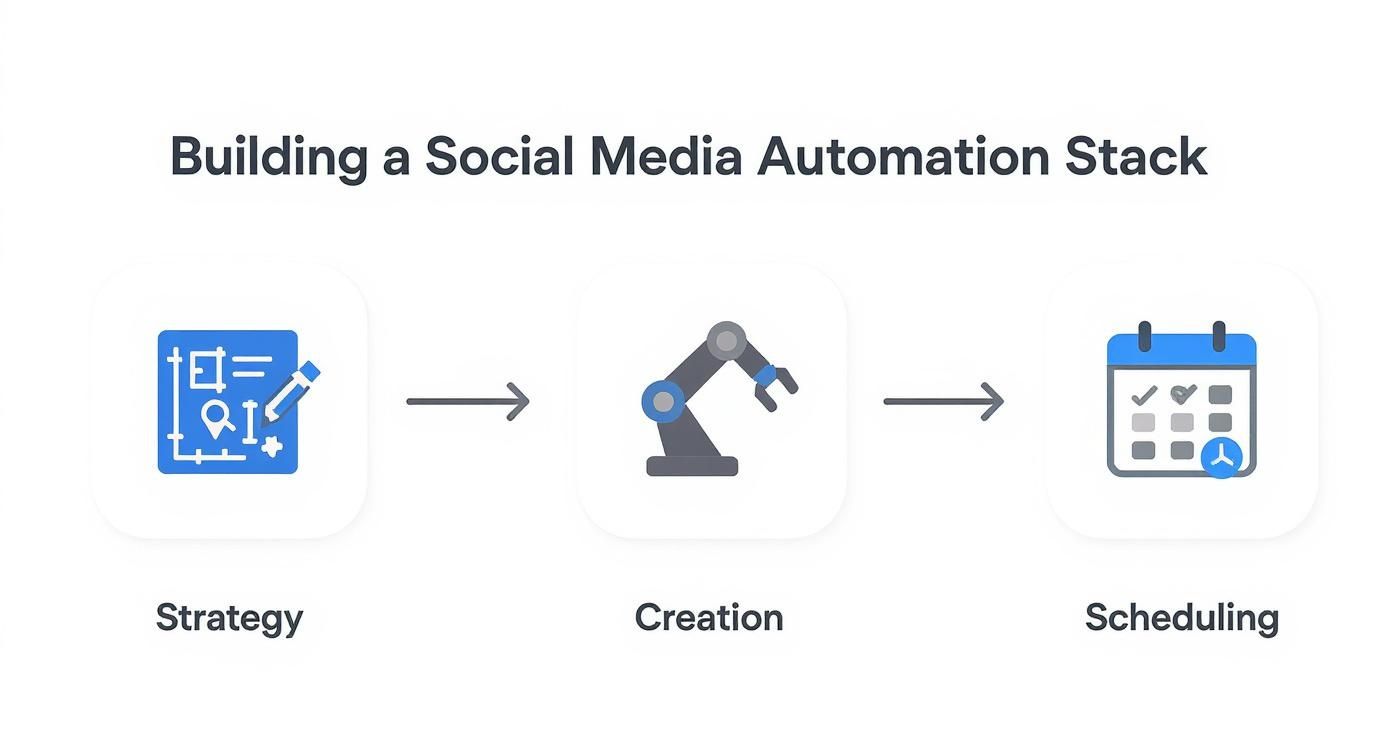
Each piece connects to the next, turning those random ideas on a notepad into a fully loaded queue of posts ready to go live without you lifting a finger.
Here’s What Batching Looks Like in a Real-World Workflow
Let's say you're a small marketing agency with three clients. The goal: knock out one month of content for all of them in a single workday. Here's how it would probably go down.
You fire things up in the morning with your AI visual creator. Using a tool like Postbae, which can work on its own in the background, you can get a whole month of professional, industry-specific visual posts without having to babysit it with prompts. You might get content like:
- Multi-slide carousels breaking down industry jargon.
- Sharp-looking "Did you know?" graphics with key stats.
- Visual posts with quick tips and tricks that offer actual value.
Since the AI is handling the production of visual posts, your role shifts from creator to curator. You just review what it generates, make a few tweaks to match each client's brand vibe using the built-in editor, and approve the posts. By the time you break for lunch, you've got a folder stuffed with a month's worth of professional visuals for all three clients. Done.
This isn't just about moving faster; it's about working smarter. Batching lets you get into a state of deep work, which means the quality of your content is way more cohesive and on-point than what you could ever whip up in scattered 15-minute bursts during the week.
Going From Raw Ideas to a Full Content Queue
With all your visuals locked and loaded, the next phase is writing captions. You can bang this out in one solid afternoon session.
Just open up a spreadsheet, and start writing. Match a caption to every visual you just approved. Because you’re in that "writing zone," your tone will be way more consistent and on-brand across all the posts. No more mood swings in your copy.
Finally, you take all your perfectly paired graphics and captions and load them into your scheduling tool of choice, whether that's Buffer or Hootsuite. A few hours of focused drag-and-drop work, and you've just built a hands-off publishing machine for the entire month.
Your social media is now on autopilot, which means you’re free to actually engage with people, answer DMs, and run the business.
Measuring Performance to Refine Your Strategy
Setting up your social media automation gets the engine running, but it doesn't mean you're actually going anywhere. This last piece of the puzzle is where the magic happens: creating a feedback loop.
This is where you stop guessing and start knowing what works. Without digging into the data, you’re basically just shouting into the void and hoping someone hears you.
Flipping the switch on automation saves you a ton of time, sure. But measuring what that automation actually achieves is what turns that saved time into a real asset. It’s how you go from just being a content machine to a strategic voice people actually listen to.
Focusing on Metrics That Matter
When you're trying to build authority, follower count is a vanity metric. It's like judging a book by its cover—it doesn't tell you if anyone is actually reading the pages. You need to dig deeper into the numbers that signal a real connection.
Here are the key performance indicators (KPIs) you should be obsessed with:
- Engagement Rate: This is your pulse check. It’s the percentage of your audience that actually bothers to interact with your content—likes, comments, shares, saves. A healthy engagement rate means people are actually listening.
- Shares and Saves: These are pure gold. A share means someone found your content so valuable they put their own reputation on the line to pass it on. A save means they see it as a resource to come back to. Both scream "authority."
- Website Clicks: If your goal is to drive people back to your turf (your website), this metric is non-negotiable. It tells you if your content is compelling enough to make someone stop scrolling and take action.
Keeping an eye on these numbers helps you see the real story behind your automated posts. If you want to go deeper, check out our full guide on how to measure social media engagement the right way.
Automation without analytics is like driving with your eyes closed. Data is the roadmap that tells you where to go next, ensuring your content strategy is always moving in the right direction.
Creating a Powerful Feedback Loop
Your scheduling tool and the native analytics on each platform are sitting on a goldmine of data. You need to make a habit of digging into it. Block out time every couple of weeks or at least once a month to do a deep dive.
Look for patterns. What do your top-performing posts have in common?
Maybe you notice your carousels get way more saves than single images. Or perhaps your posts breaking down a complex topic consistently get more comments. These aren't just numbers; they're direct messages from your audience telling you exactly what they want.
For instance, let's say your educational infographics get 3x more shares than your quick-tip posts. That's not a coincidence; it's a signal. The next move is simple: adjust your content plan to create more infographics.
This is the feedback loop in action: publish, measure, refine, repeat. It’s this cycle that transforms a simple automation setup into a smart, powerful growth engine. Your entire system gets a little bit smarter with every piece of data you feed back into it.
Still On the Fence? Let's Tackle Some Common Automation Questions
Jumping into social media automation can feel like a huge leap. It's totally normal to have questions swirling around. Most people worry about engagement, cost, and how complicated it all is.
A smart automation strategy actually boosts your social presence—it doesn't hurt it. Let's clear the air on some of the biggest uncertainties.
"Will Automating Posts Make Me a Robot and Kill My Engagement?"
This is the number one fear, and it's a valid one. But the short answer is no—not if you do it right.
Automation isn't about replacing you. It’s about offloading the soul-crushing, repetitive task of physically hitting "publish." That’s it. This single change frees you up to do more of what actually builds a community.
When you start automating your best, most helpful content, you literally buy back hours every single week. You can then reinvest that time where it actually matters:
- Writing thoughtful replies to comments.
- Answering DMs like a real human.
- Actually engaging with other accounts in your space.
The secret is to automate the publishing, not the personality. Done this way, your overall engagement can actually go up because you're more present and responsive when it counts.
"Okay, But How Much Is This Going to Cost Me?"
The price tag for automating social media can swing from completely free to hundreds of dollars a month, but you can get serious results on a tiny budget.
Native schedulers on platforms like Facebook and LinkedIn? Free. Dedicated scheduling tools usually have solid free plans, with paid tiers starting around $10–$20 per month if you need more power.
Then there's the content creation side. AI visual tools like Postbae can give you the output of a design agency for a very low monthly fee. Honestly, you can build an incredibly effective automation stack for well under $50/month.
"Can I Just Automate the Same Post Everywhere?"
Technically, yes, you can automate posts for most major platforms—Instagram, Facebook, LinkedIn, you name it. But a "one-size-fits-all" approach is a rookie mistake.
It's absolutely critical to tailor your content to each platform's unique format, audience, and unwritten rules.
An educational carousel that crushes it on Instagram and LinkedIn might completely bomb somewhere else. A winning automation strategy respects these differences and adapts the content to fit right in.
"This Sounds Complicated. How Do I Start If I'm a Complete Beginner?"
My best advice? Start small and build momentum. Please don't try to automate everything across five different platforms on day one. You'll just get overwhelmed and quit.
Instead, focus on nailing one simple workflow on a single platform you already know well.
- Plan: Just sketch out one week of content ideas. That's it.
- Create: Use an automated visual creator to generate the graphics for those ideas. This instantly removes the biggest time-suck for most people.
- Schedule: Pop those finished posts into a free scheduling tool's queue for the week.
Once you're comfortable with that basic loop, you can start branching out to other platforms and exploring more advanced tools. This slow-and-steady approach makes learning how to automate social media manageable instead of terrifying.
Ready to eliminate the biggest bottleneck in your social media workflow? Postbae is an AI agent that autonomously creates professional, industry-specific visual posts for you—no prompts required. Get a steady stream of carousels, infographics, and tip graphics that build your authority, all for just $30/month. Start automating your visual content creation today.